Free WEBP To PNG Converter
Easily convert your WebP images to PNG with PIXLR's free online tool. Whether you need transparent backgrounds or high-quality images, our converter makes the process simple and keeps your images looking great.

Popular Conversions
Here we collected the most common file conversions
- JPG to PNG
- JPG to WebP
- JPG to PDF
- PNG to JPG
- PNG to WebP
- PNG to PDF
- WebP to JPG
- WebP to PNG
- WebP to PDF
- PDF to JPG
- PDF to PNG
- PDF to WebP
Why Pixlr WEBP to PNG Converter

Batch Conversion Option
Convert multiple WEBP files to PNG in one go

Cloud-Based Tool
Convert images anywhere, directly from your browser.

Easy-To-Use
Simple and intuitive interface, requiring just a few clicks
How To Convert WEBP To Transparent PNG
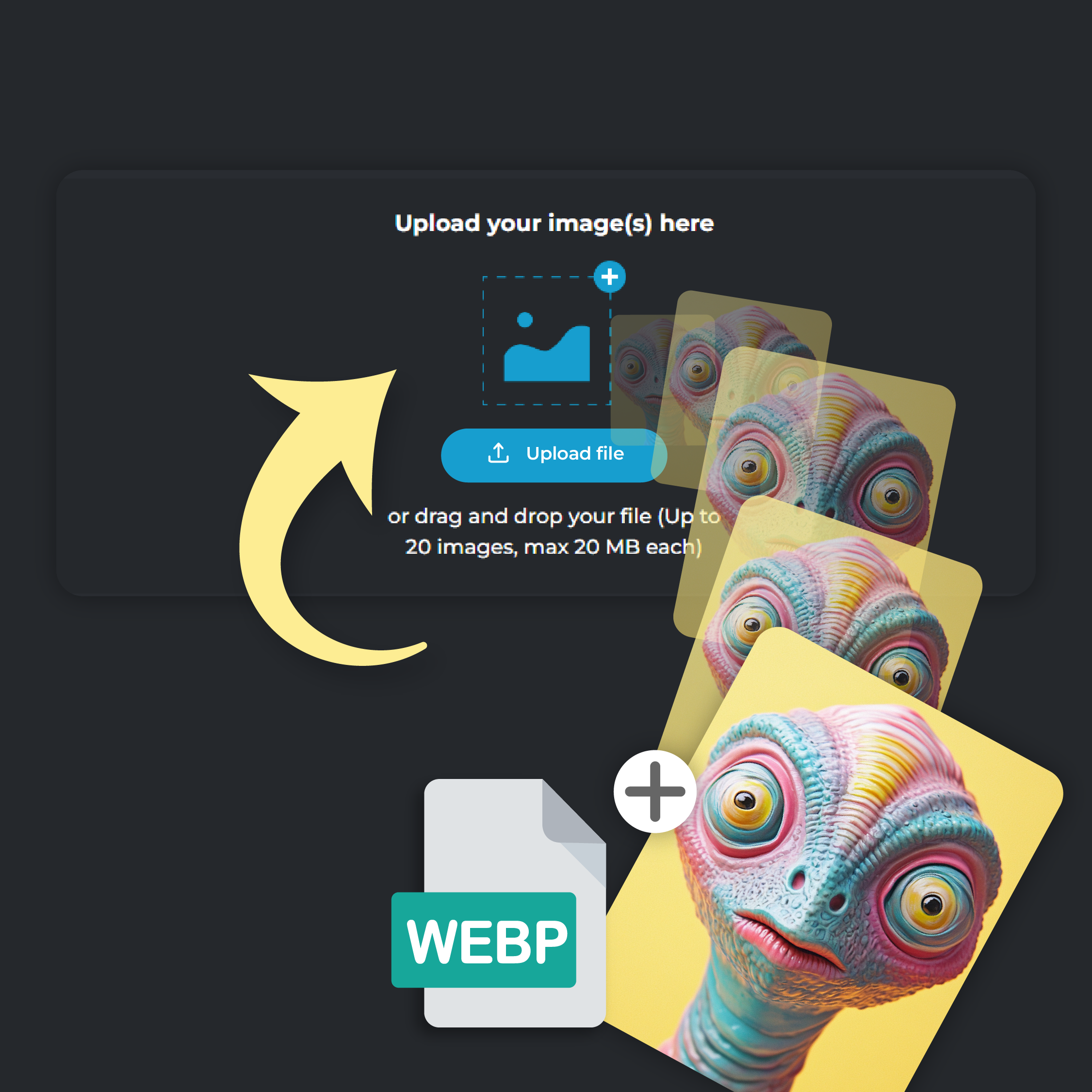
Step 1
Upload Your Photo
Click on ‘Add File’ to upload your WEBP picture. You can upload up to 20 files at a time, each file size capped at 20 MB.
Step 2
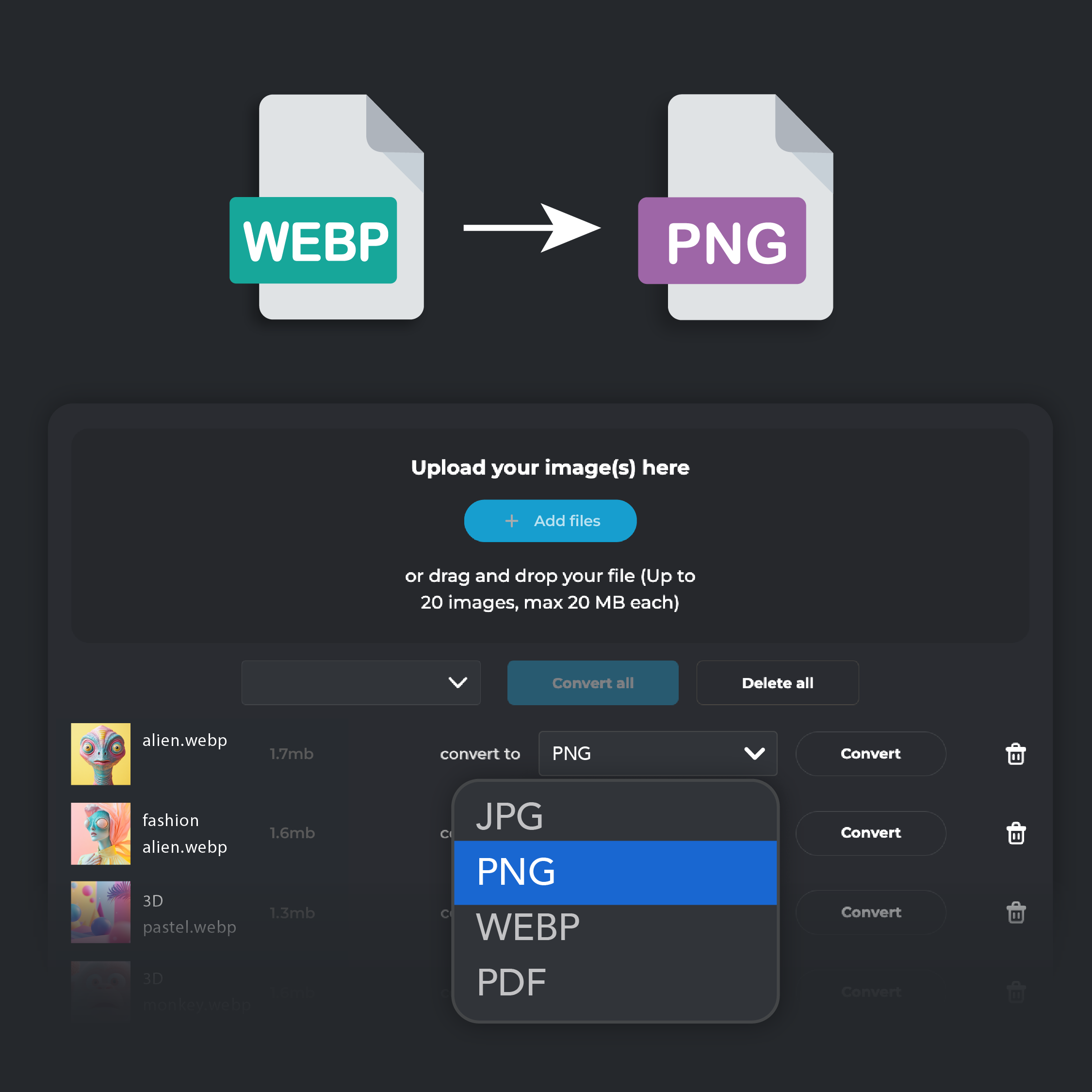
Select PNG Output
From the ‘Convert To’ drop down menu, select PNG format
Step 3
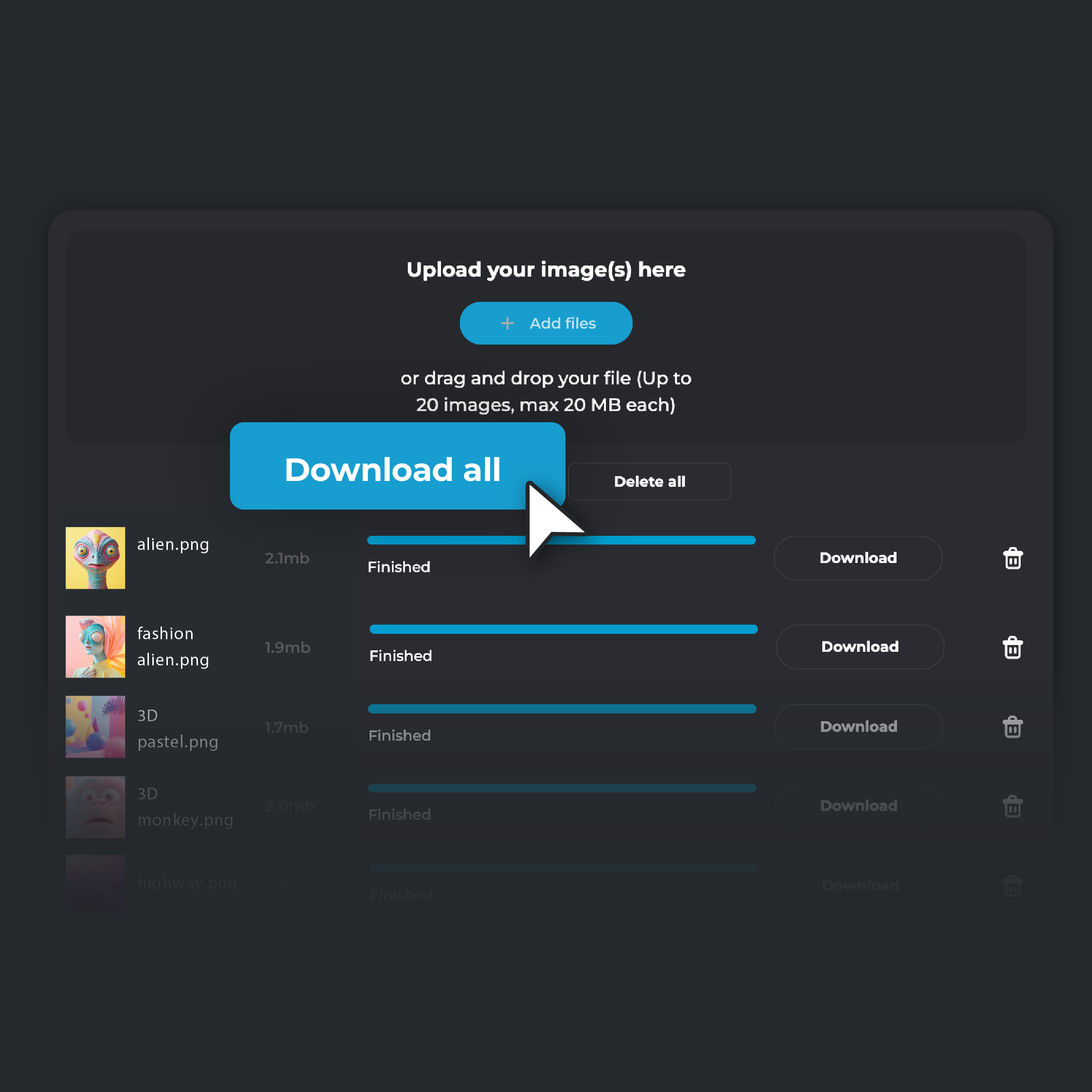
Convert and Download
Hit ‘Convert.’ Once the process is finished, click ‘Download’ to save the converted photo on your device. If you are converting multiple files, click on ‘Download all’. Your converted files will be automatically zipped in a single folder and stored on your device
Preserve Every Detail With Lossless Compression
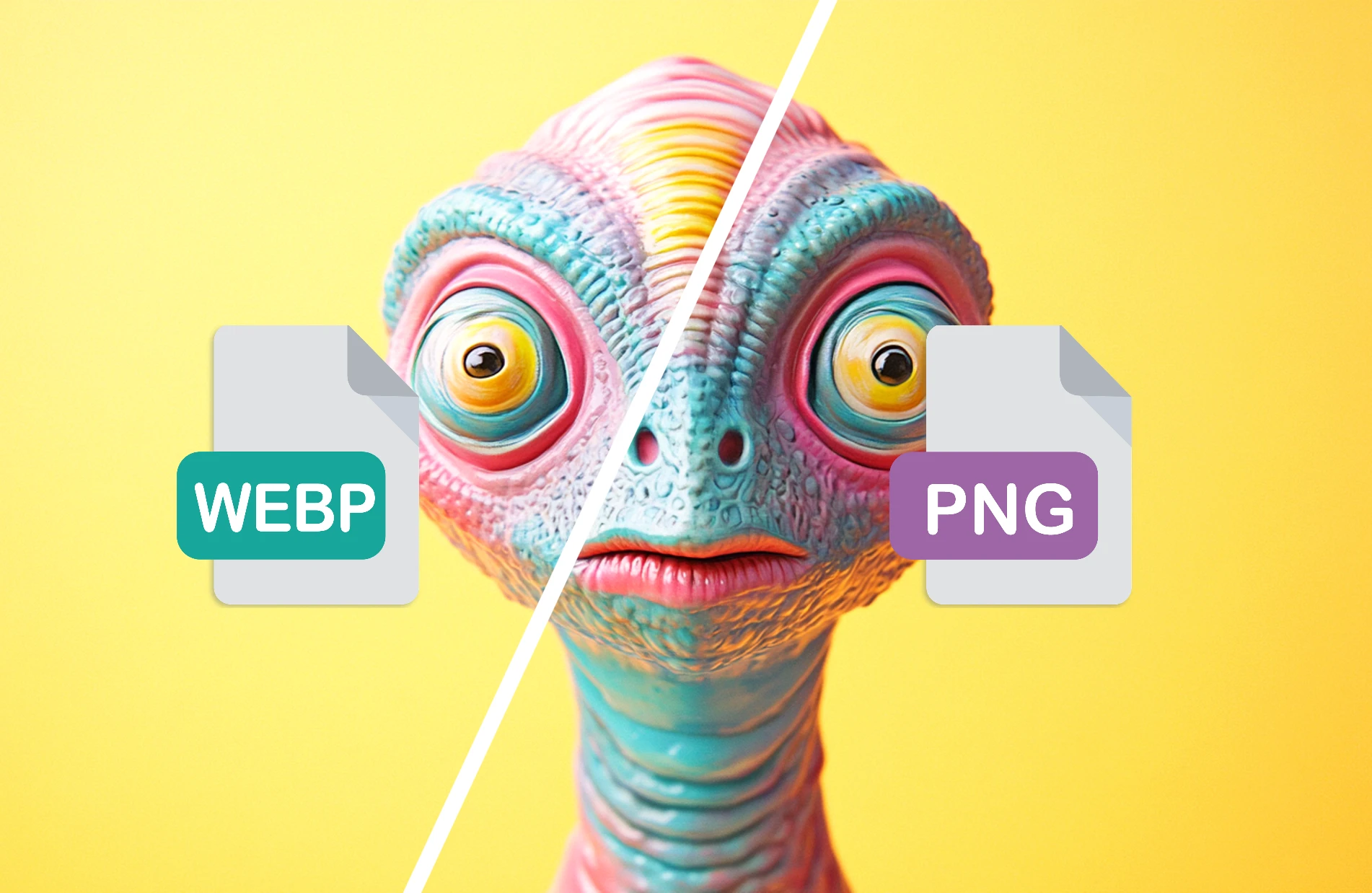
Convert your images to PNG to keep every detail intact with lossless compression. PNG keeps the original quality of your images, making it perfect for projects where precision matters. Designers, photographers, and artists benefit from this format, especially when working on logos, illustrations, or high-resolution artwork. Even after multiple edits and saves, PNG ensures your images maintain their sharpness and clarity, keeping your visuals at their best every time
Ensure Compatibility With Wide Browser And Platform Support
Converting to PNG guarantees compatibility across all browsers and platforms. While WebP might cause issues on older browsers like Safari and Internet Explorer, PNG works flawlessly everywhere. This makes it a dependable choice for web designers and developers who need consistent image display on all devices. By using PNG, you avoid the risk of broken images, ensuring that your website looks great to every visitor, no matter their browser.
Say Goodbye To Resolution Limits With PNG
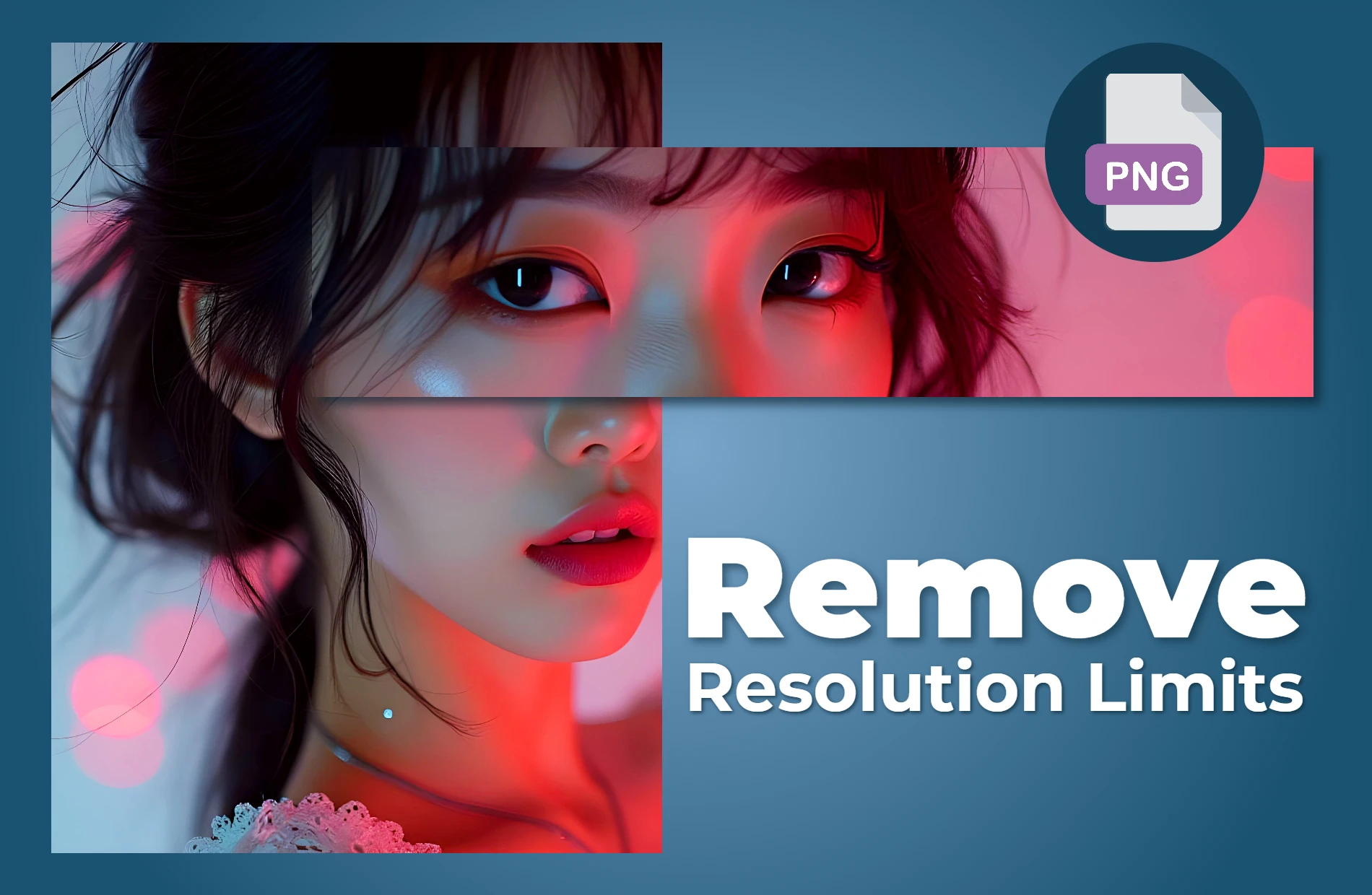
PNG format removes resolution limits, giving you the freedom to use images of any size without losing quality. WebP has restrictions on maximum resolution, but PNG works perfectly for large-scale images like posters, banners, and other high-resolution designs. This flexibility is essential when your visuals need to stay sharp, no matter how big they are. Switching to PNG allows you to create large print media with the same level of detail as your digital designs
Take Your PNG Image To The Next Level With PIXLR Express
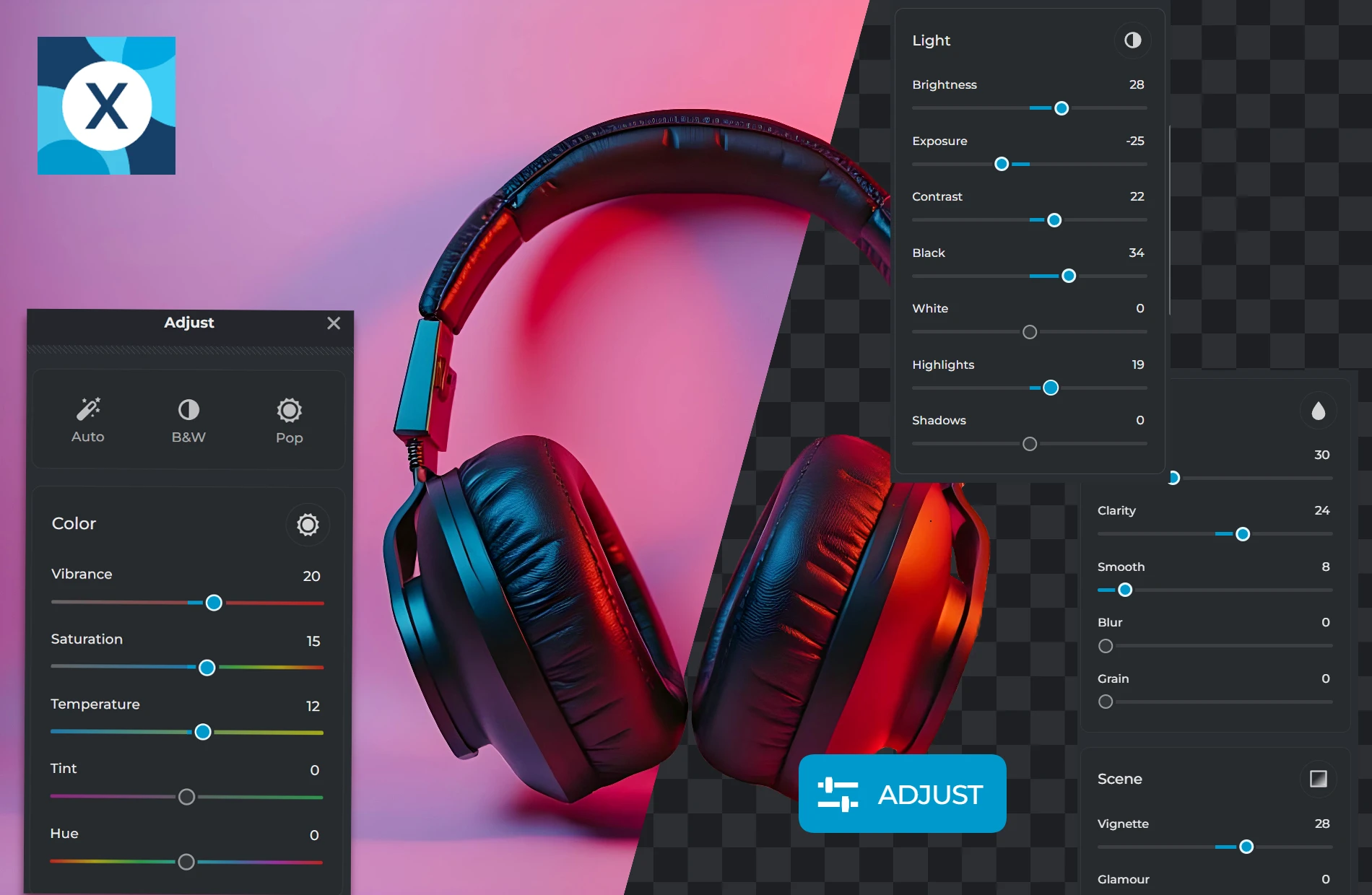
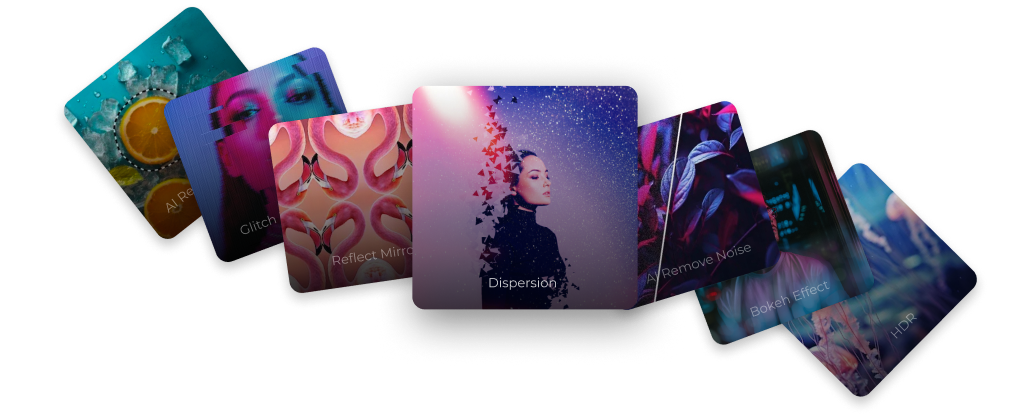
After converting to PNG, you can enhance your images further with PIXLR Express. Adjust the color, lighting, and sharpness to perfect your visuals. Add creative effects, overlays, and filters to give your PNG a unique touch. For advanced edits, use PIXLR’s AI tools like AI Remove Background to make transparent PNGs or AI Super Scale to upscale your image while keeping the details intact. Get full control to transform your PNGs into stunning visuals effortlessly
Do you have a Question?
Is image quality preserved when converting WebP to PNG?
Yes, PIXLR ensures that your image quality is maintained during conversion. PNG is a lossless format, so your image will keep all of its original details.
Can I convert multiple WebP files to PNG at once?
Yes, PIXLR offers a batch conversion option, allowing you to convert multiple WebP files to PNG in one go
Why should I convert WebP to PNG for transparent backgrounds?
PNG supports alpha transparency, which is perfect for images that require transparent backgrounds. Converting WebP to PNG in PIXLR ensures that any transparency in your image is preserved.
Can I convert WebP to PNG on my mobile device?
Yes, PIXLR's converter is cloud-based, so you can convert images directly from your mobile browser without needing to install any software.
Is the WebP to PNG converter free on PIXLR?
Yes, PIXLR offers WebP to PNG conversion completely free. You can convert as many WebP files as you need without any cost.
Is there a file size limit when converting WebP to PNG?
Yes. Each file can be up to 20MB, and you can convert up to 20 images at once.