Free AI Image Generator
Turn text into images with Pixlr's free AI image generator. Describe what you want to see, pick a style, and generate AI photos, pictures, and art in seconds — powered by the latest AI models from Google, Black Forest Labs, ByteDance, and Stability AI.

 Add Image
Mature content is automatically deleted after 30 days.
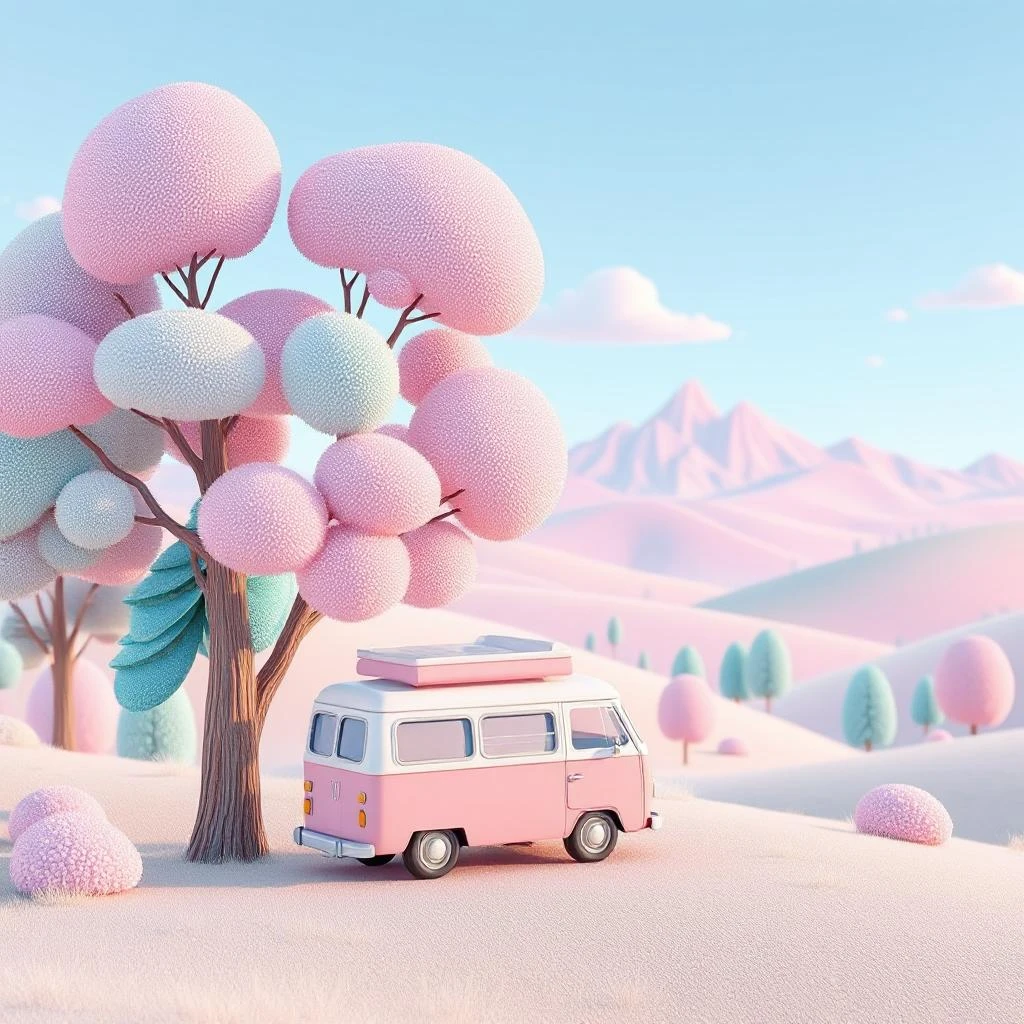
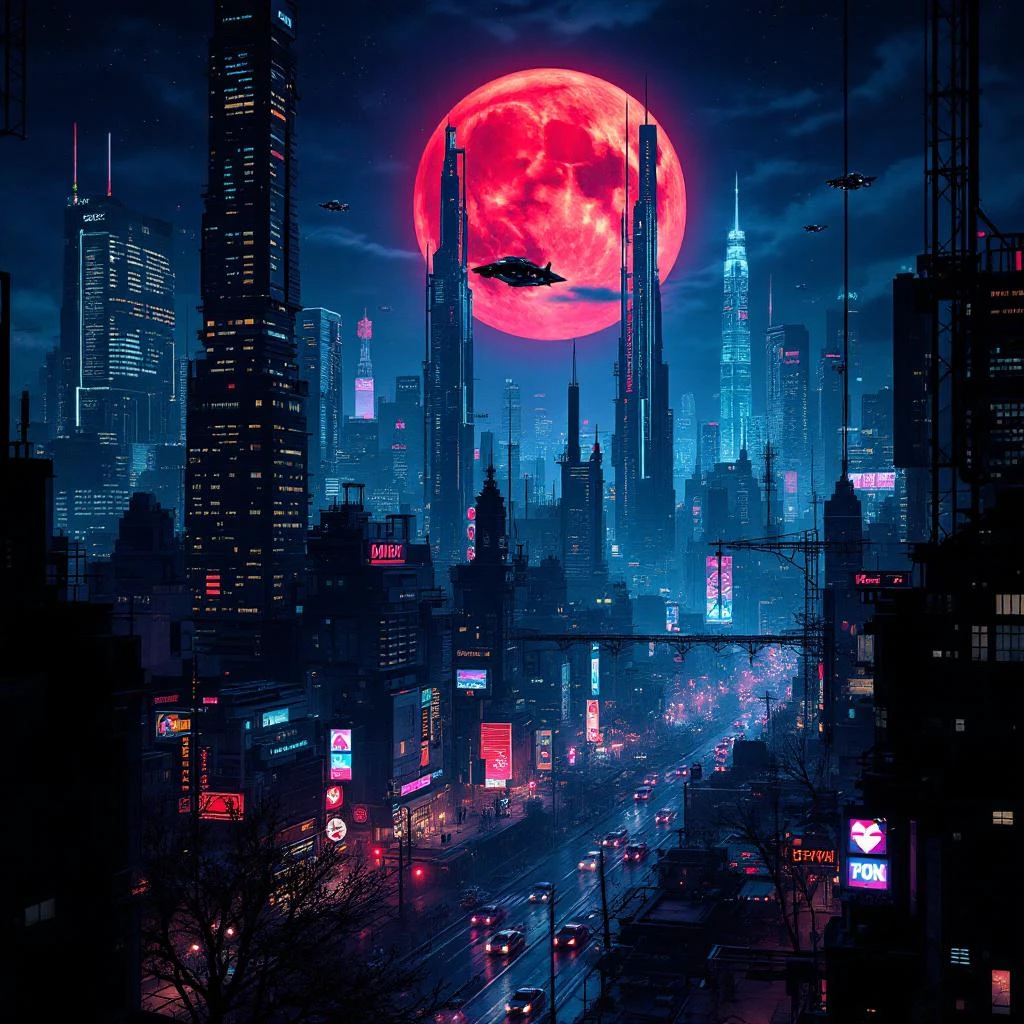
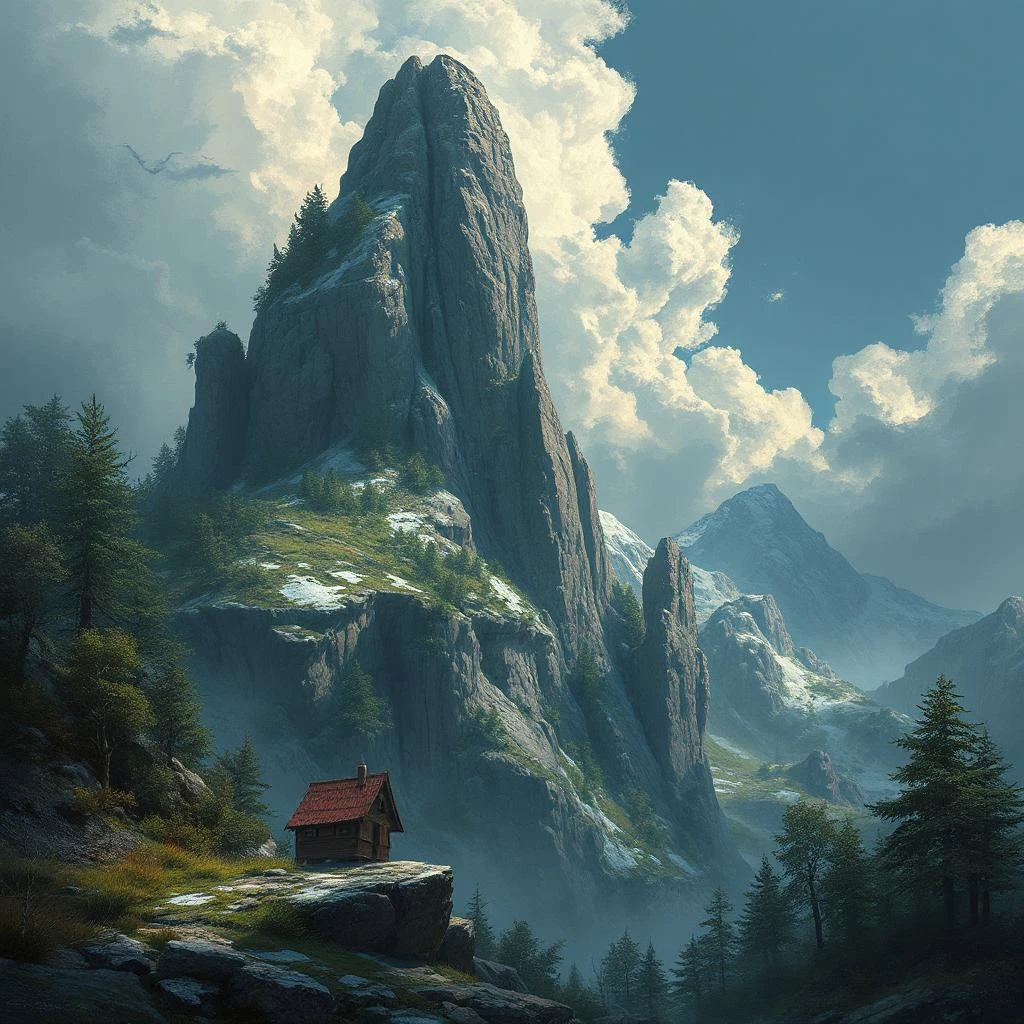
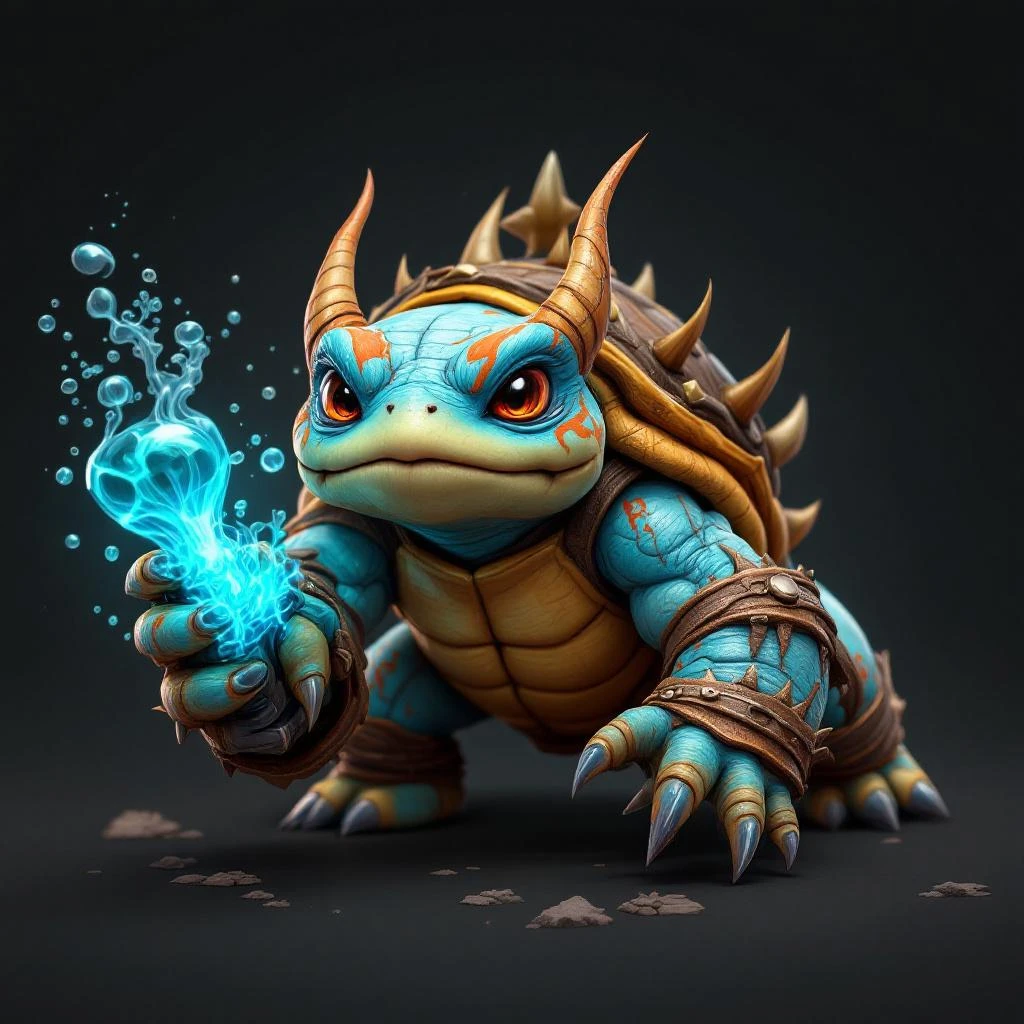
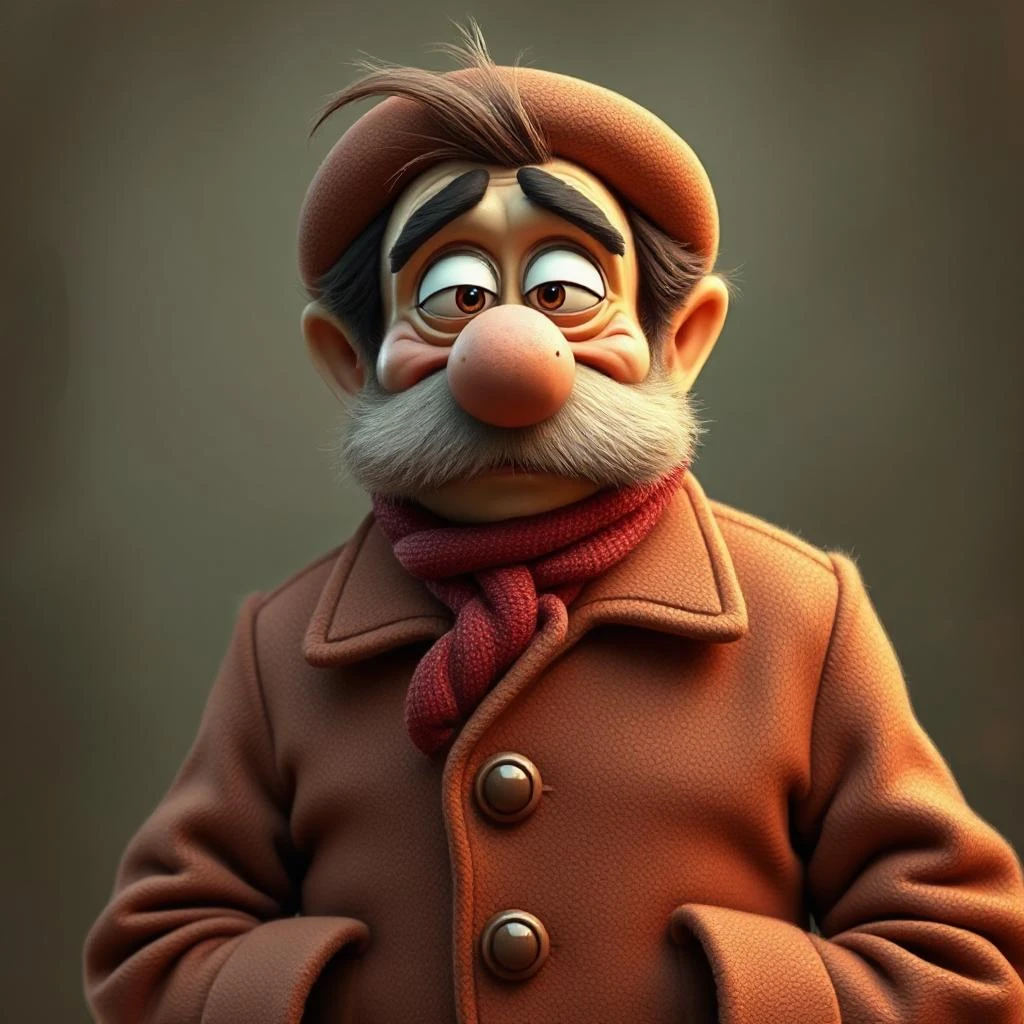
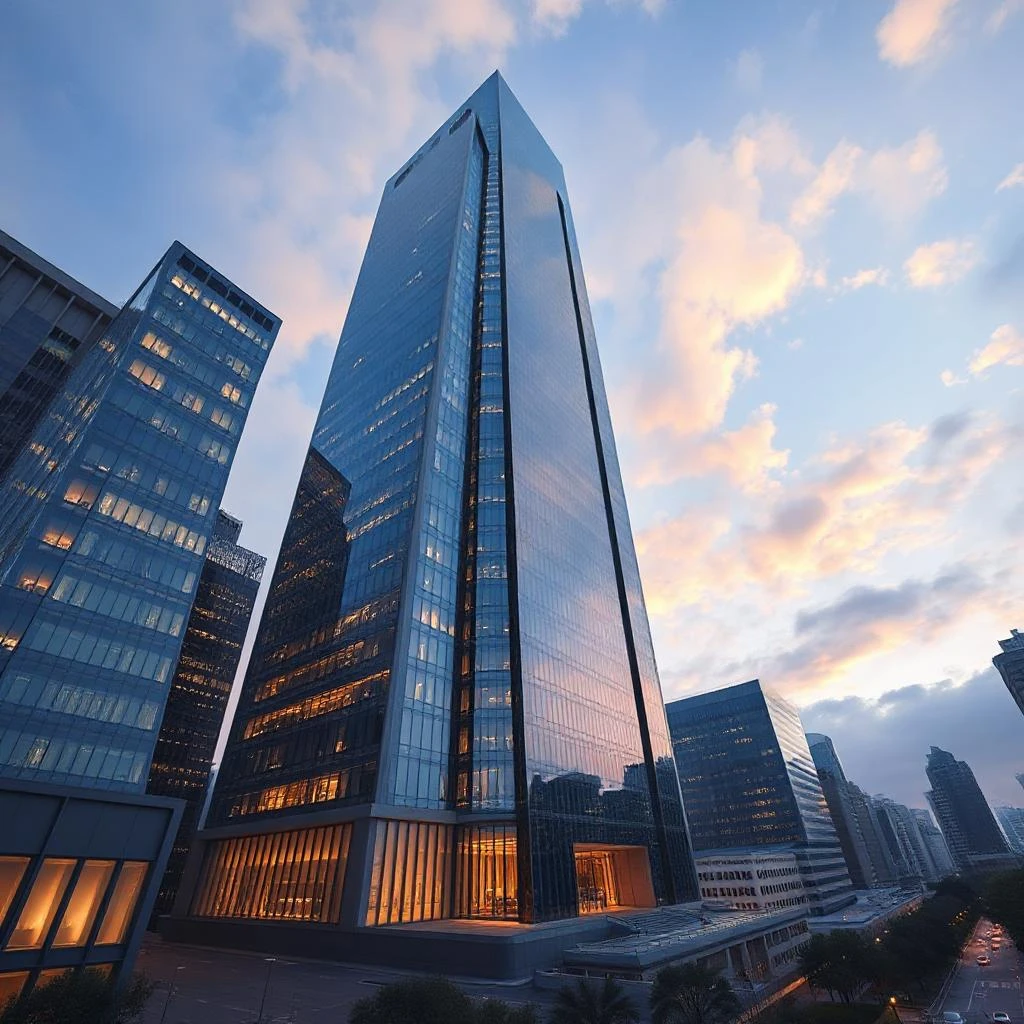
Generate AI Images From Text In Seconds
Turn any idea into a stunning image with Pixlr’s AI image generator. Simply describe what you want to see, choose how many images to generate (up to 8 at once), and watch the AI bring your vision to life. You can also upload a reference photo to guide the generation, giving you precise control over the result. Whether you’re creating concept art, product visuals, social media content, or just exploring ideas — the AI delivers high-quality results in seconds, not hours.
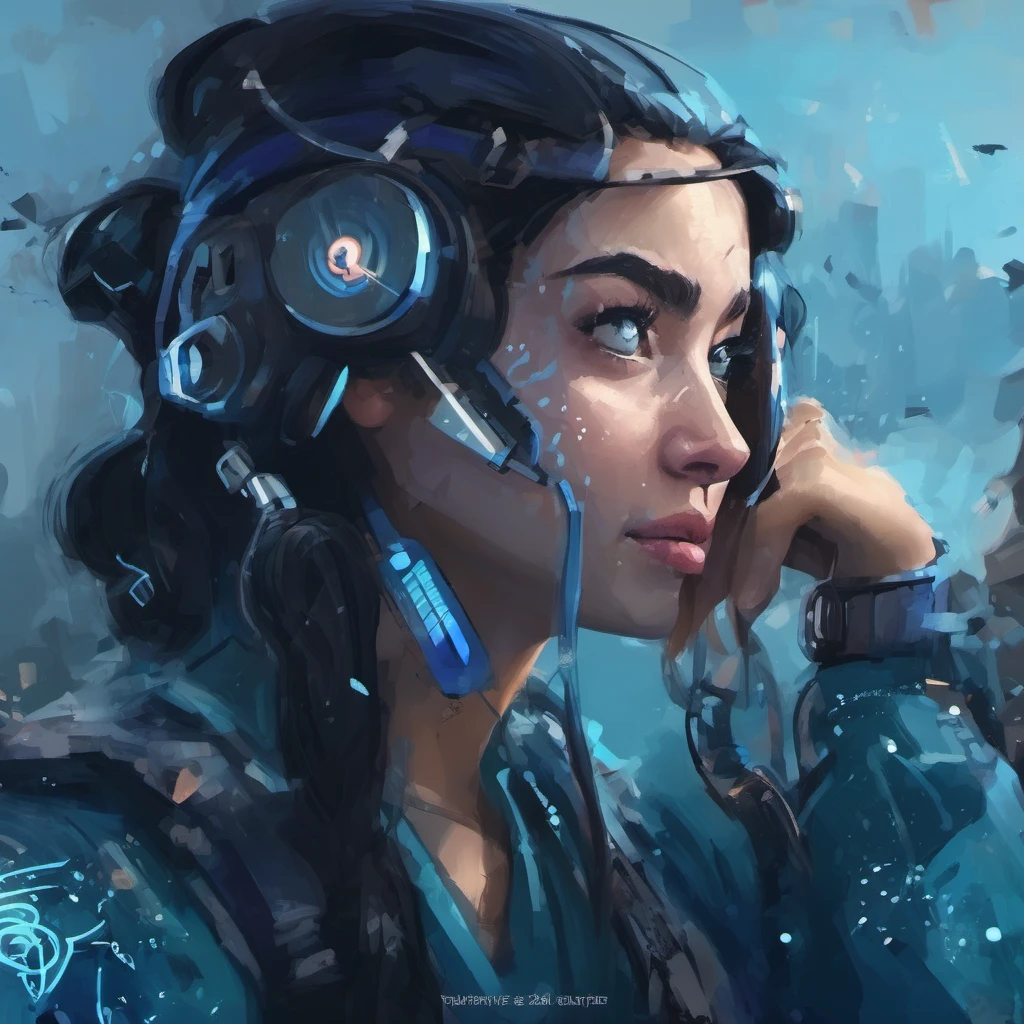
Choose From The Latest AI Models
Pixlr gives you access to multiple cutting-edge AI models so you can pick the right one for your project. Generate with Flux Schnell for fast results, Flux Dev for higher quality, or Flux Dev Ultra for maximum detail and photorealism. Stable Diffusion XL and Nano Banana 2 offer additional styles and capabilities. Each model has different strengths — switch between them freely to find the look that matches your vision, from photographic realism to stylized art.
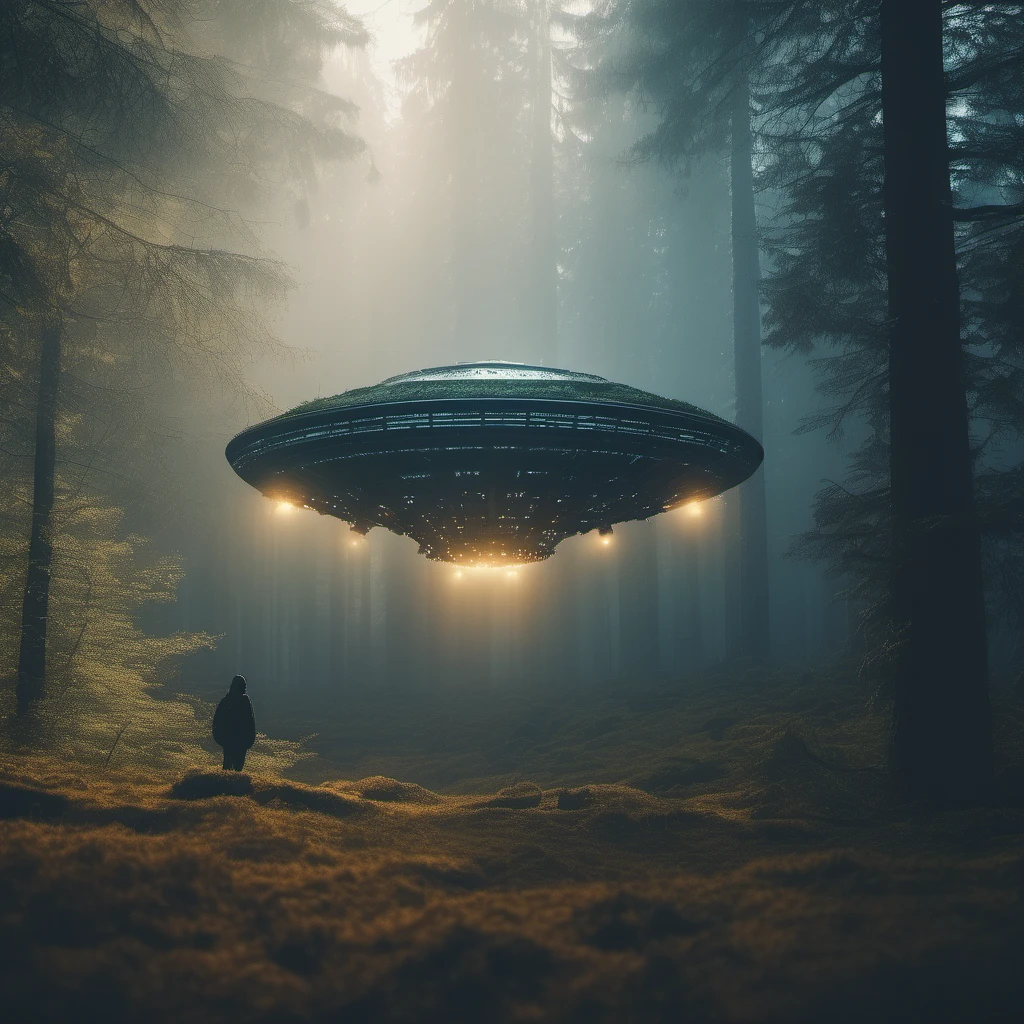
Edit AI Images With Pixlr Express
Your generated image is just the starting point. Click Edit Image to open it directly in Pixlr Express, where you can refine every detail with professional editing tools. Use AI Generative Fill to extend or replace parts of the image, Generative Expand to change the aspect ratio, or apply filters and effects to get the exact look you need. Perfect for turning an AI-generated concept into a polished, production-ready visual.
Full Creative Control With Styles, Lighting, And Color
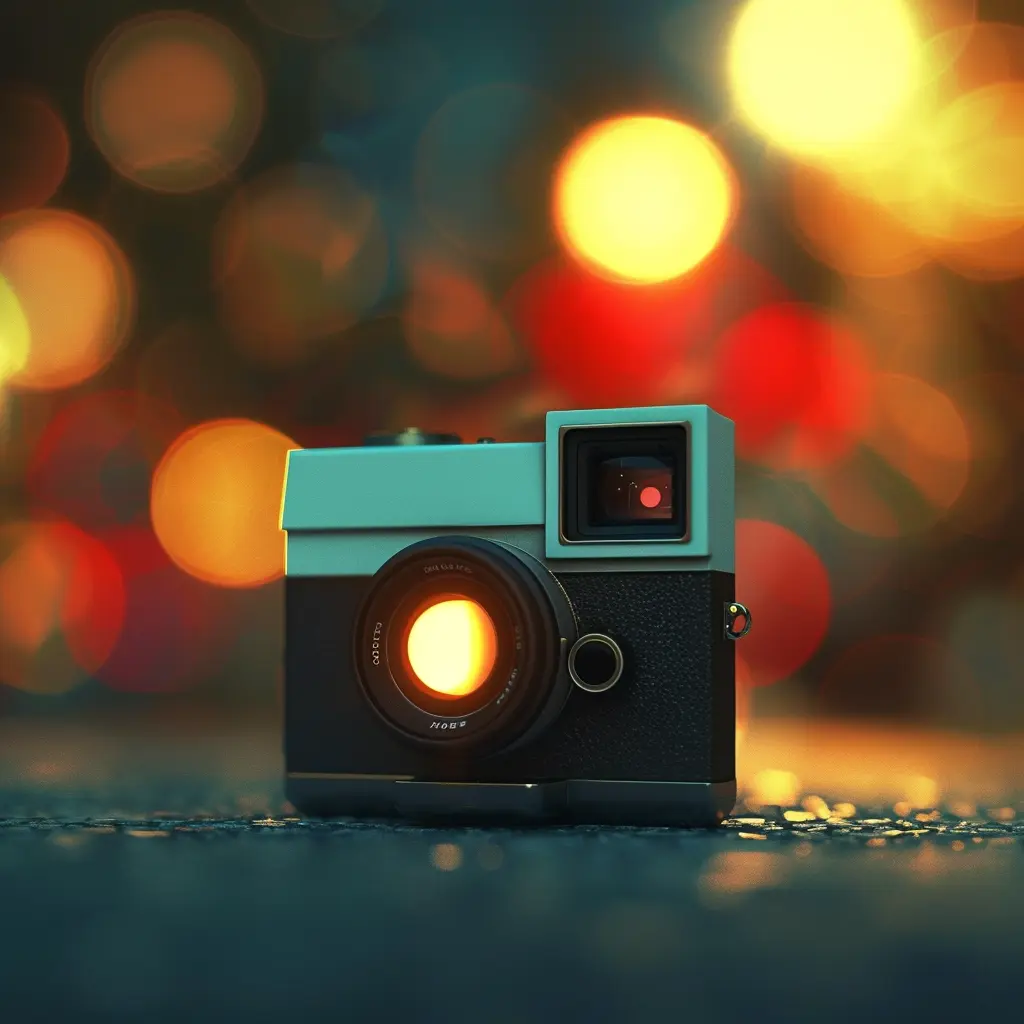
Go beyond a basic text prompt with Pixlr’s advanced customization options. Choose from 16 artistic styles like Anime, Photographic, Cinematic, Digital Art, and Pixel Art. Set the mood with 10 lighting presets from Studio to Golden Hour. Pick color tones — warm, cool, vibrant, pastel, or black and white. Select from 7 composition options including close-up, wide angle, and blurry background. Combine these with 5 aspect ratios (square, landscape, wide, portrait, tall) to create exactly the image you envision.
How To Generate AI Images
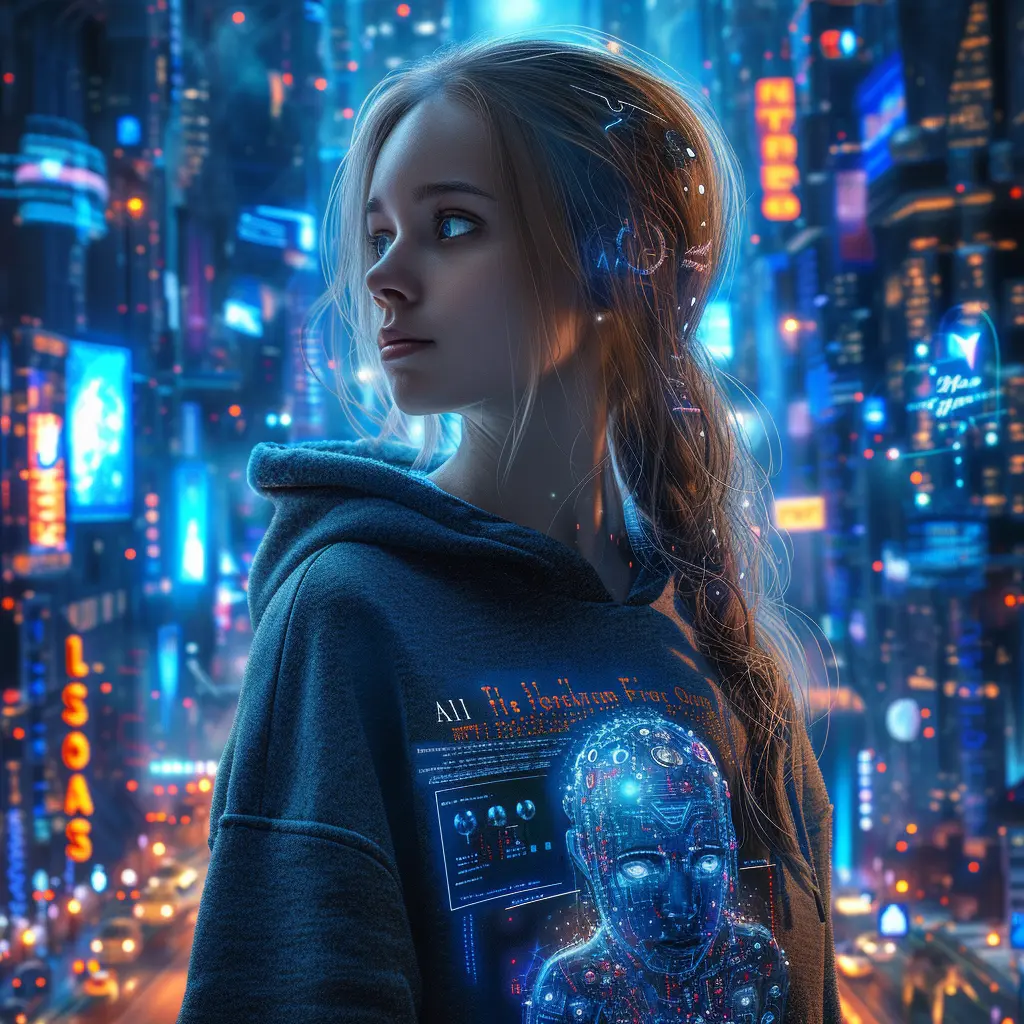
- Write a description of the image you want to create. The more detail you provide — subject, setting, mood, style — the better the result.
- Choose an AI model (Flux Schnell for speed, Flux Dev Ultra for quality), pick a style, and set your preferred aspect ratio, lighting, and color tone.
- Select how many images to generate (1–8) and click Generate. The AI creates multiple variations so you can pick the best one.
- Click any generated image to download it, edit it in Pixlr Express, or use AI Face Swap for further creativity.
AI Image Generator Features
Composition Control
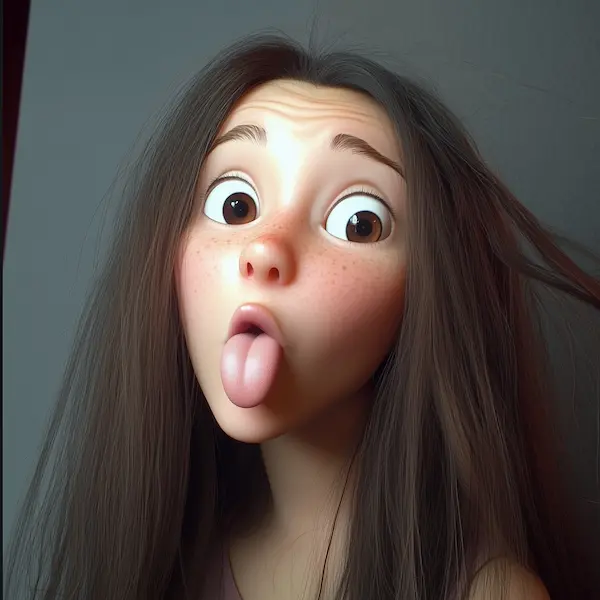
Frame your subject with 7 composition options — Blurry Background, Close Up, Wide Angle, Macro, Shot From Below, Shot From Above, and Narrow Depth of Field. Perfect for portraits, product shots, and cinematic scenes.
Dynamic Lighting
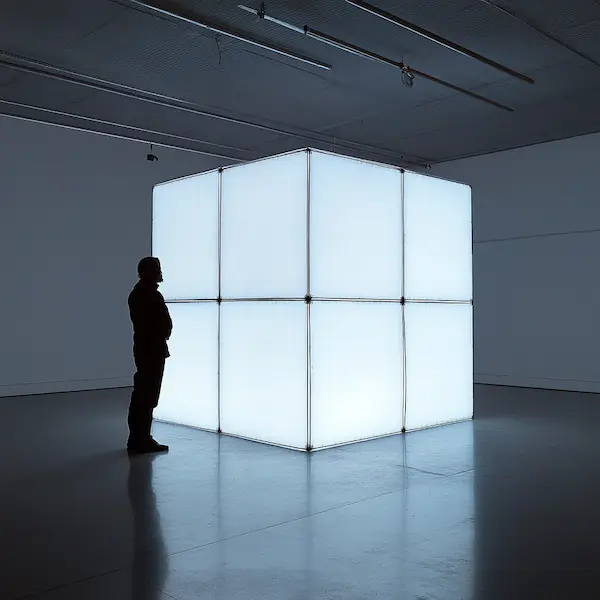
Set the mood with 10 lighting presets including Studio, Dramatic, Golden Hour, Backlight, Sunlight, and Volumetric. Go from moody and dimly lit to bright and airy with a single click.
Color Toning
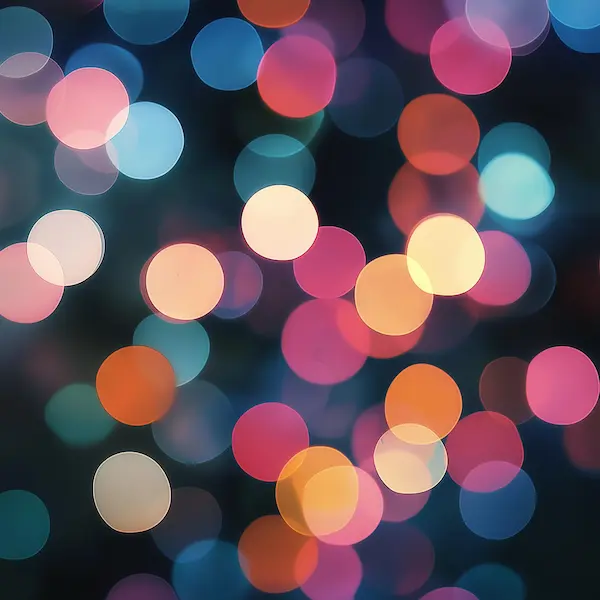
Choose from Warm Tone, Cool Tone, Vibrant Colors, Muted Colors, Pastel Colors, or Black and White. Each option transforms the entire color palette of your generated image to match your creative direction.
16 Artistic Styles
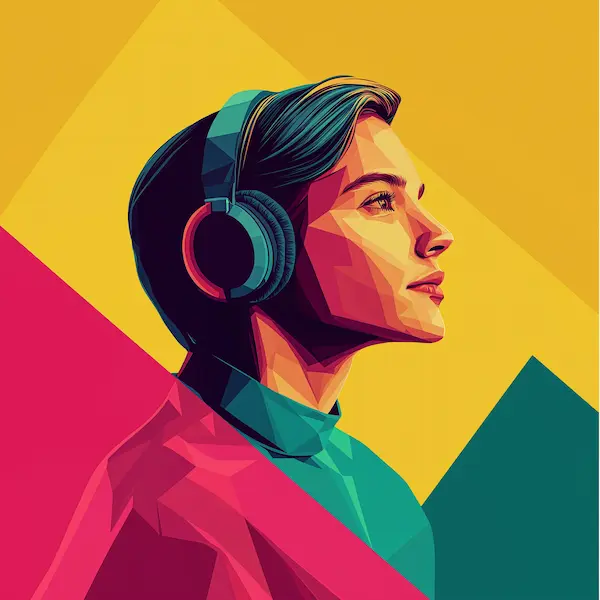
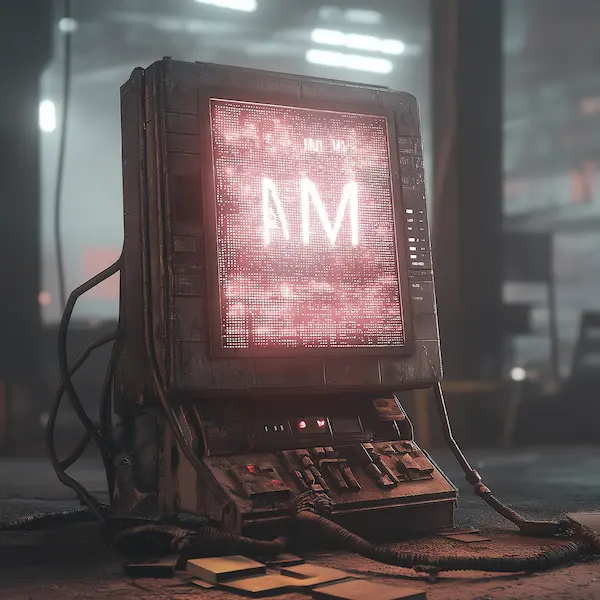
Generate in Anime, Photographic, Digital Art, Cinematic, Comic Book, Fantasy Art, Neon Punk, Pixel Art, Low Poly, Origami, Line Art, Craft Clay, Isometric, 3D Model, Analog Film, or Enhanced mode.
Reference Image Upload
Upload a photo to guide the AI generation. The model uses your image as a reference to match composition, colors, or subject — giving you far more control than text prompts alone.
Multiple AI Models
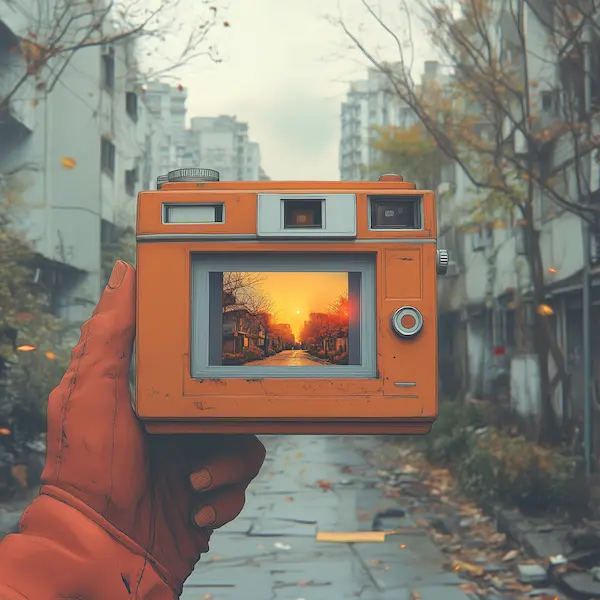
Switch between Flux Schnell (fast), Flux Dev (balanced), Flux Dev Ultra (maximum quality), Stable Diffusion XL, and Nano Banana 2. Each model excels at different styles — try them all to find your favorite.
Do you have a Question?
What is a AI Image Generator
AI Image Generator is an innovative tool using advanced AI techniques to generate image from a text prompt, just write what you want to generate and our AI will create it.
How does AI Generate Images?
AI Image Generator creates images with vibrant colors and high quality right out of the box. Our machine learning model scans millions of internet images and associated text, enabling the AI to predict and create images tailored to your provided text. Experience next-level content creation with our AI Image Generation technology.
Does the Image Generator Create Unique Images?
Absolutely! Each image produced by the AI image generator is one-of-a-kind. Save time by skipping the design process—simply input your description, and witness your vision come to life in vibrant images. The only limit to generating images is your own imagination!
Is the Image Generator Free?
Yes, Pixlr AI image generator provides a complimentary tier for you to explore our exceptional text-to-image tool. As a new user, enjoy the freedom of generating 20 images using 20 credits. Additionally, take advantage of our free trial to experience 250 credits free of charge. Bring your imagination to life swiftly. If you require assistance, simply reach out to us.
Can I use Generated AI images for commercial purposes?
Yes you can, Pixlr do not retain any copyright from the text-to-image generations, but make sure you do follow the T&C and our guidlines
Who owns the copyright of the AI Generated images?
This remains an open question for the global community, with no definitive answer at present. Pixlr currently refrains from asserting any copyright claims over the content generated by users. Moreover, Pixlr lacks the capability to license or grant usage rights for the output content to users. It's important to be aware that this scenario may evolve with the development of copyright laws in different jurisdictions.
Is AI Image Generator legal?
While AI-generated artwork itself cannot be copyrighted or attributed to a specific individual, it's important to note that the artwork used to train the generator algorithms is often copyrighted, owned, or credited to human artists and creators. Consequently, there is a potential for copyright infringements when producing AI-generated art.
What's the best AI Image Generator?
The best AI Image Generator and text-to-image conversion without the use of complicated software is here. Just describe your vision, and watch it instantly transform into stunning AI images for your blog or social media. Unleash your creativity effortlessly with our free Text to Image generator, available on both web and mobile.
Why use a AI Image Generator?
There are plenty of benefits to using an AI Text to Image generator. Bring your ideas to life instantly without having to spend time designing from scratch. No more creative blocks as you start inspired and easily create stunning visuals. Use your AI-generated photos as eye-catching web content, quirky social media posts, or winning design proposals. Convert text to image using an AI generator—it's fun, fast, and free!
Is it safe to us the Image Generator?
Our free AI art generator will kickstart your concepts and let artful inspiration flow. To help you use Text to Image safely and responsibly, we’ve put layers of safety measures in place, including automated reviews of input prompts for terms that might generate inappropriate content. If you do come across unsafe content, let us know: you can report it right in Pixlr.