Free PDF To WEBP Converter
Pixlr’s PDF to WEBP converter easily turns your PDFs into optimized, web-friendly images in just a few clicks. Enjoy faster loading times, reduced file sizes, and enhanced image quality for all your web projects.

Popular Conversions
Here we collected the most common file conversions
- JPG to PNG
- JPG to WebP
- JPG to PDF
- PNG to JPG
- PNG to WebP
- PNG to PDF
- WebP to JPG
- WebP to PNG
- WebP to PDF
- PDF to JPG
- PDF to PNG
- PDF to WebP
Why Pixlr PDF To WEBP Converter

Fast Conversion Speed
Convert PDF to WebP in seconds

Batch Processing
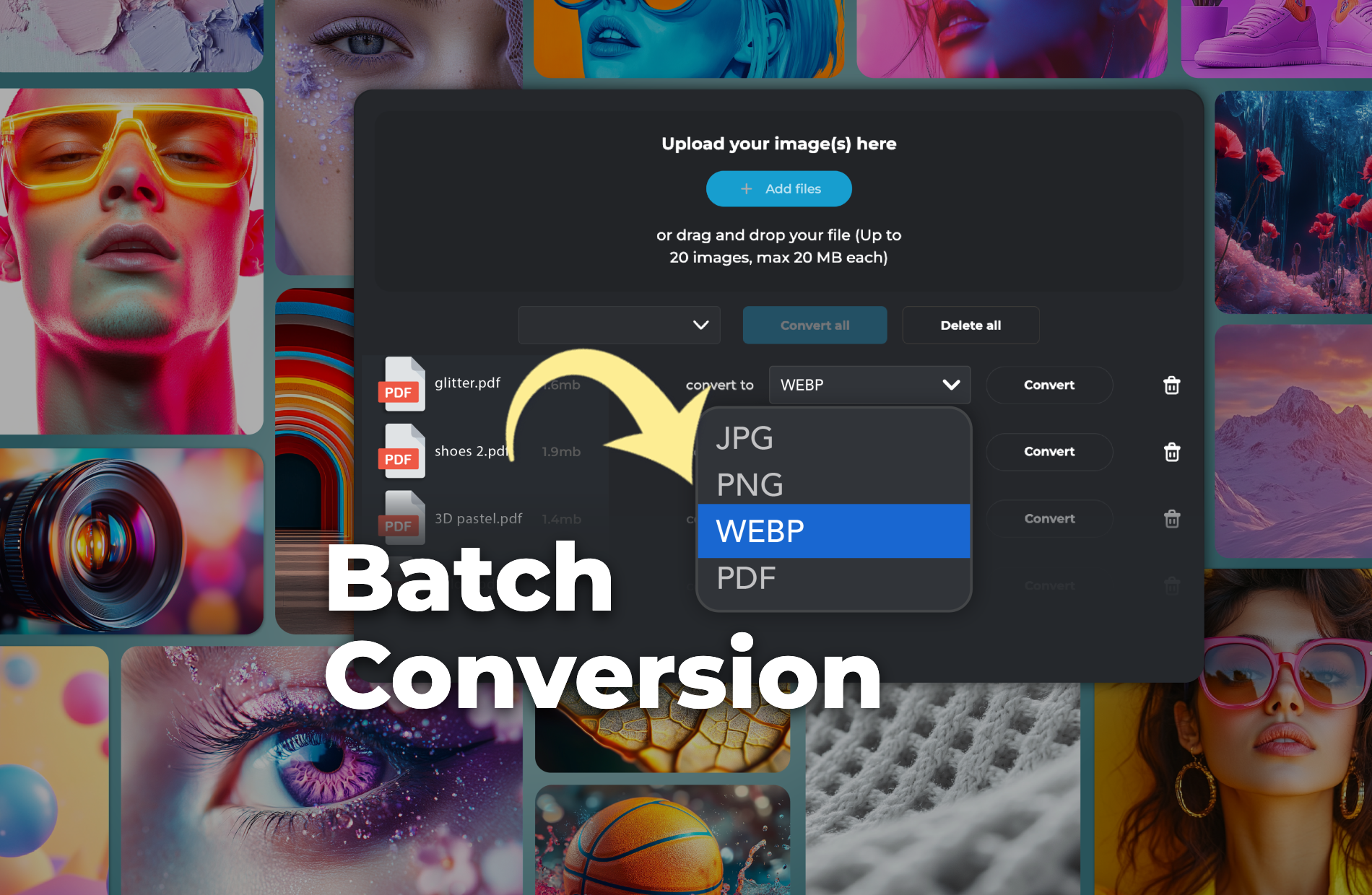
Convert up to 20 PDF files at once.

Free and Accessible
Use it for free, with no downloads needed, anytime.
How To Convert PDF To WEBP Online
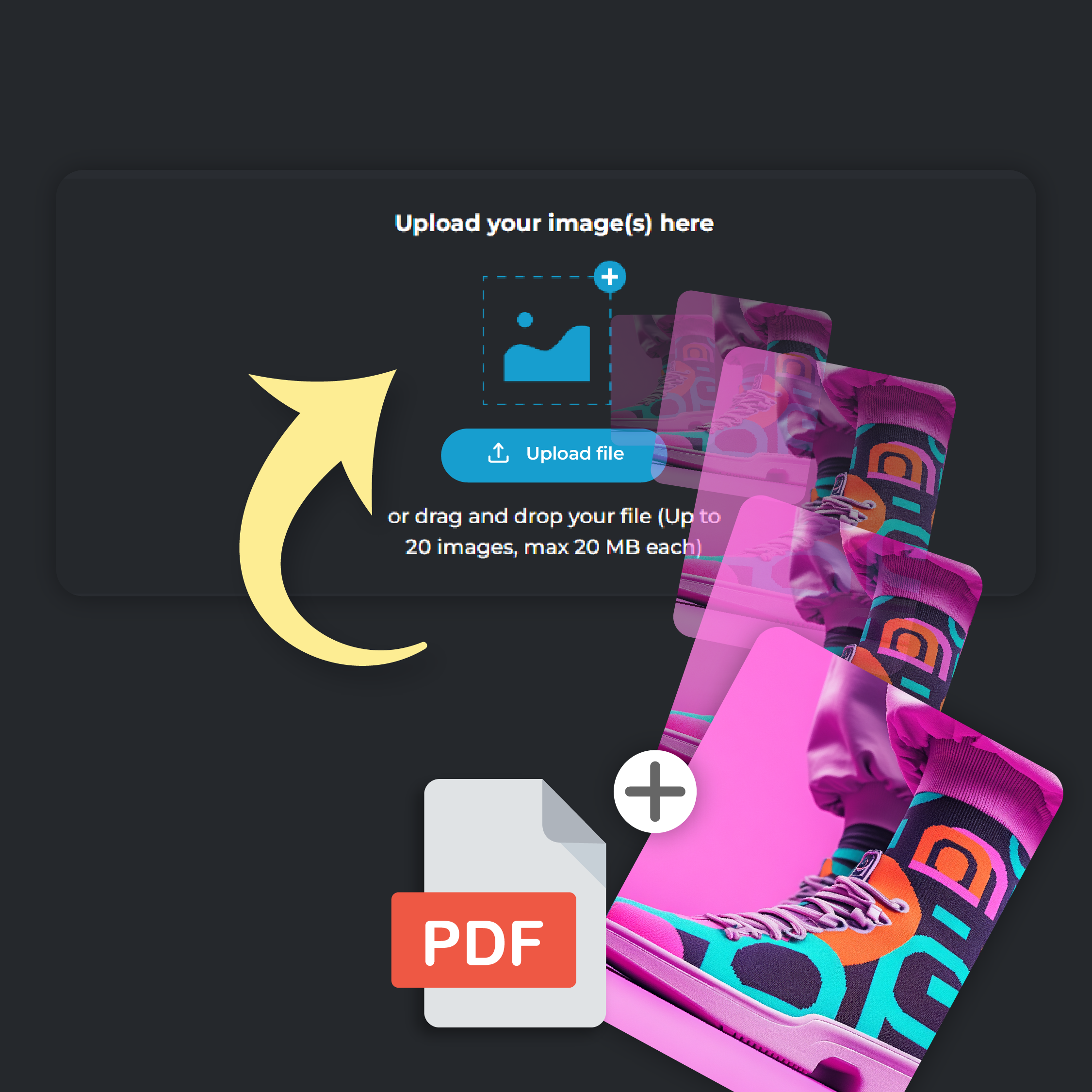
Step 1
Upload Your PDF File
Click on ‘Add File’ to upload your PDF file. You can upload up to 20 files at a time, each file size capped at 20 MB.
Step 2
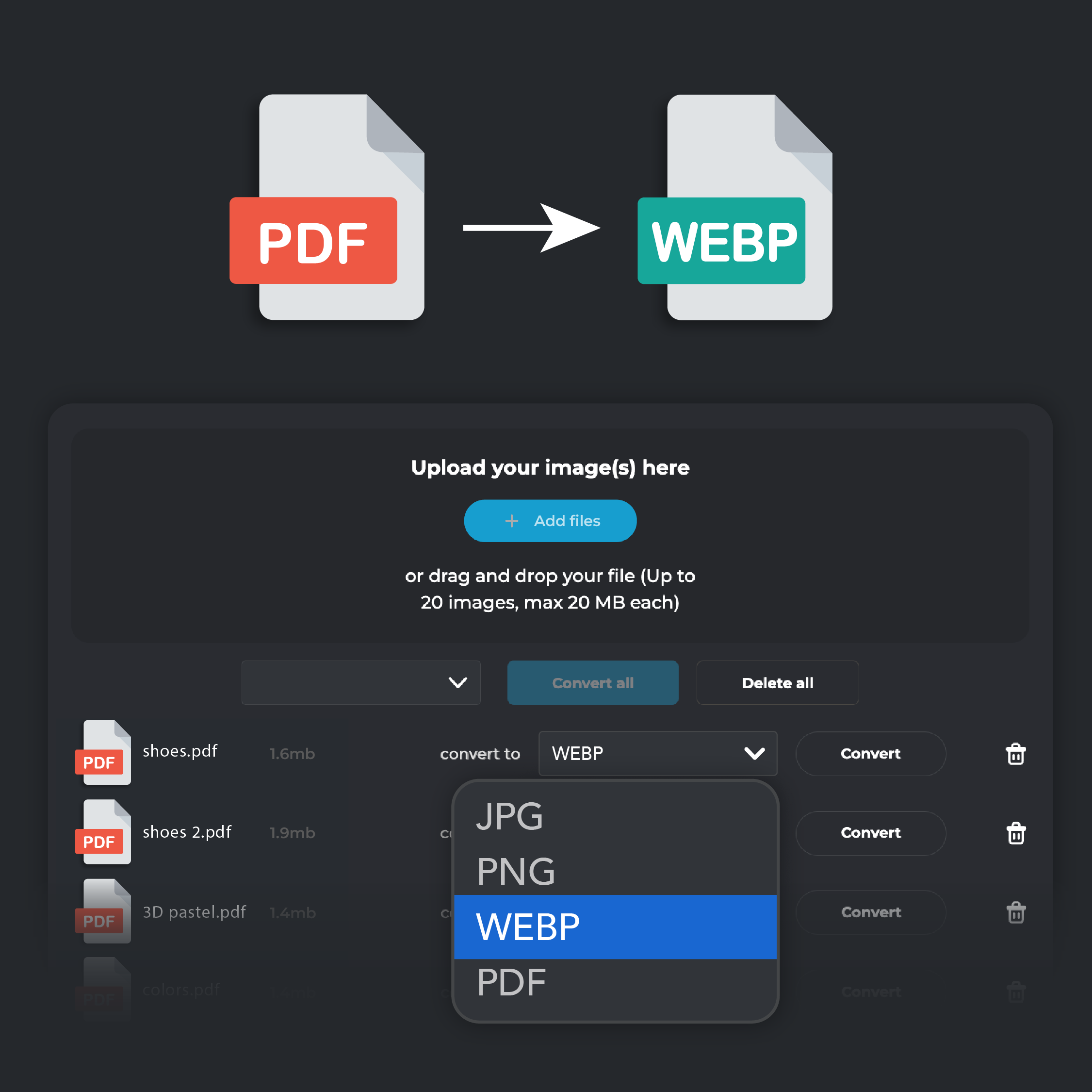
Select WEBP Output
From the ‘Convert To’ drop down menu, select WEBP format.
Step 3
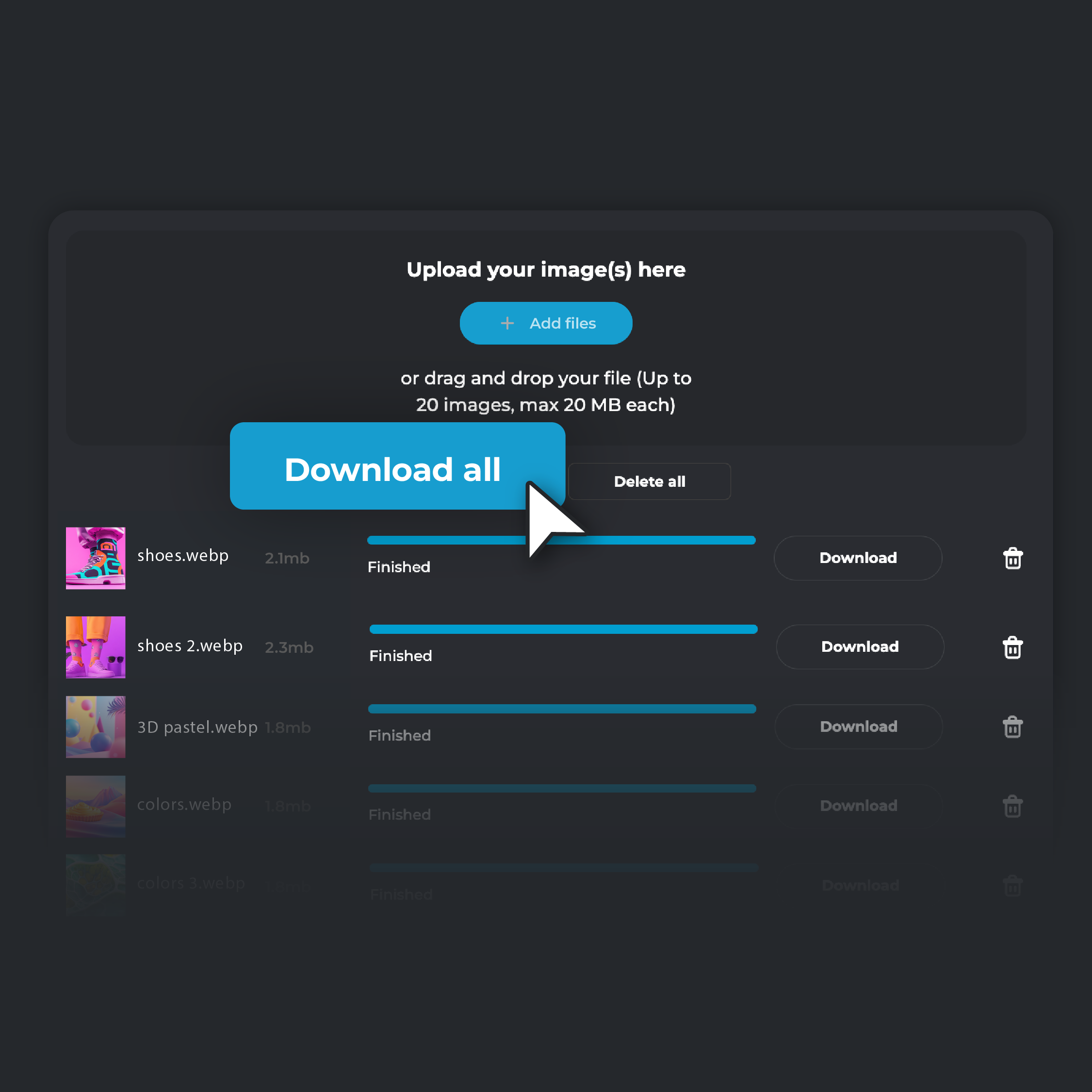
Convert and Download
Click 'Convert.' When the conversion is complete, select 'Download' to save the converted image to your device. If you are converting multiple files, click on ‘Download all’. Your converted files will be automatically zipped in a single folder and stored on your device.
Easily Convert PDFs For Web Design
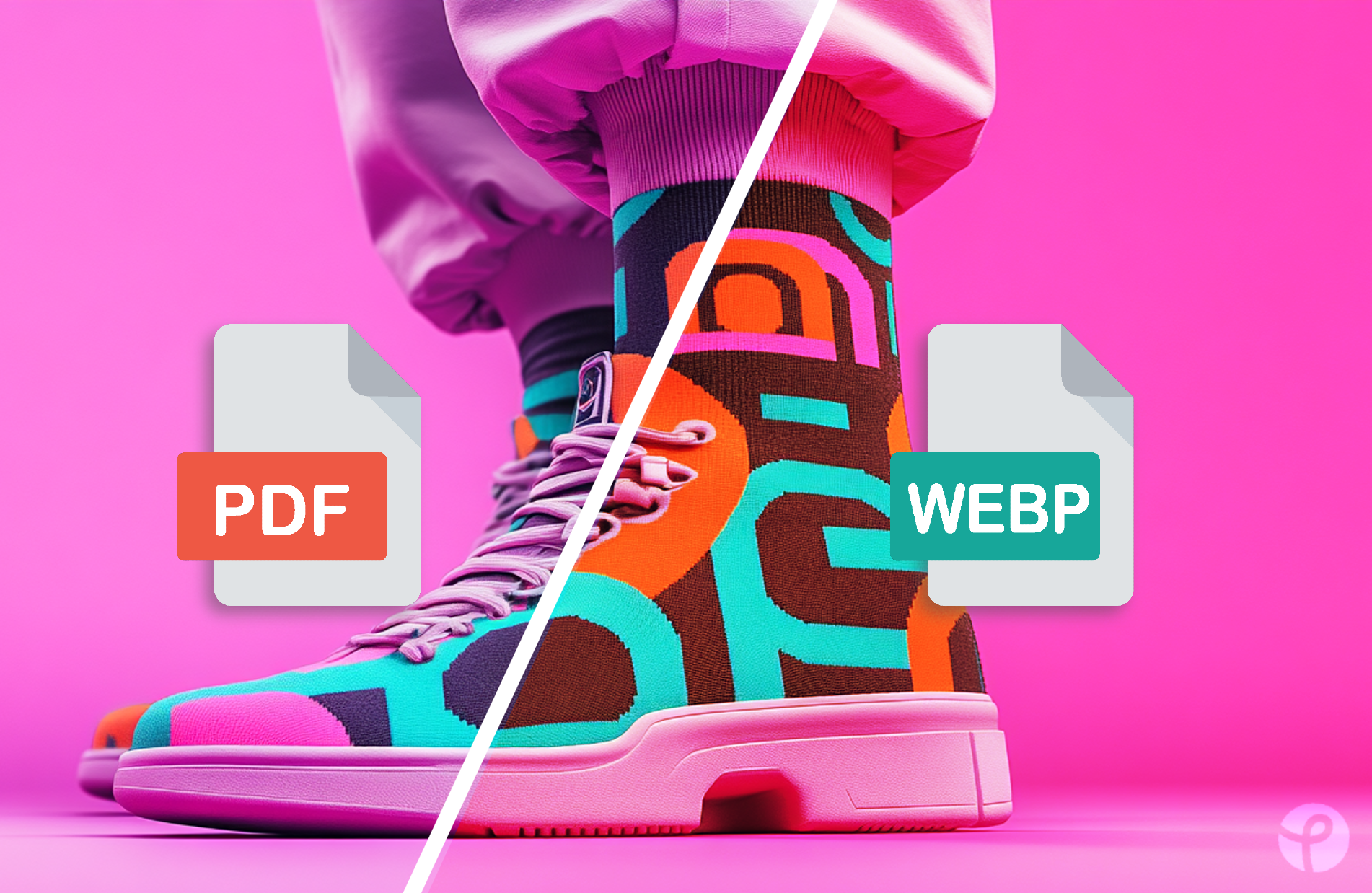
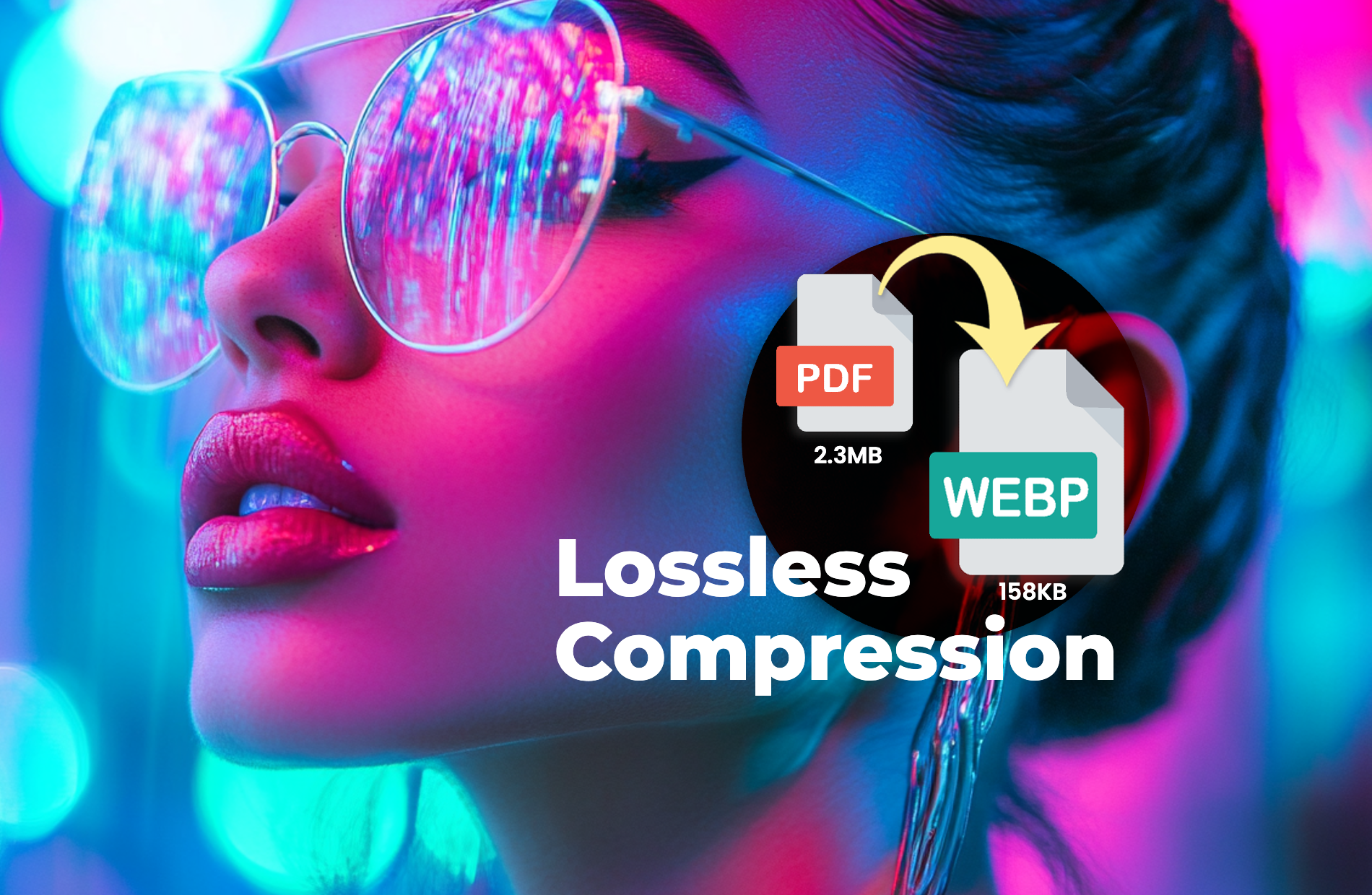
Boost your website’s performance by converting PDFs to WEBP. WEBP’s advanced compression technology significantly reduces file sizes while maintaining image quality. This speeds up your web pages, providing a smoother user experience and improving SEO performance. Faster loading times help keep your audience engaged and enhance your site’s search engine rankings.
Save Storage With Efficient Compression
Optimize your server storage by converting PDFs to WEBP. With much smaller file sizes, WEBP allows you to store more content while saving valuable space on your server or content management system. This increased efficiency not only enhances your website’s loading speed but also helps reduce hosting costs, making WEBP a cost-effective solution for long-term file management.
Revamp E-Commerce Store With High-Quality Visuals
Improve your e-commerce store by converting PDF catalogs and brochures into WEBP images. Transforming your PDF catalogs and brochures into WEBP ensures that your visuals are sharp, clear, and quick to load. By replacing PDFs with WEBP images, your online store provides customers with a smoother browsing experience, increasing engagement and boosting potential sales.

Batch Convert Multiple PDFs With A Single Click
Converting multiple PDFs individually can be tedious and time-consuming. By using batch conversion to WEBP, you streamline the process by converting several PDFs at once. This feature enables marketing teams to convert large quantities of PDF materials in one go, freeing up time to focus on more critical tasks. This is an ideal solution for marketers and web developers looking to optimize their documents efficiently.
Do you have a Question?
What is a WEBP file?
A WEBP file is an image format that offers superior compression while maintaining high quality. It reduces file sizes significantly, making it perfect for web use, where fast loading times are essential.
What’s the difference between PDF and WEBP?
The main difference is that PDF is a document format used for text and images, while WEBP is an image format optimized for smaller file sizes and faster loading without compromising quality
Why should I use WEBP over PDF for images?
Using WEBP for images extracted from PDFs can improve website performance by reducing image file sizes, resulting in faster page load times and a better user experience. It’s a modern format supported by most browsers.
Is it free to convert PDF to WEBP using Pixlr?
Yes, converting PDFs to WEBP using Pixlr is completely free. You can easily convert your files online at no cost.
Can I convert large PDF files to WEBP?
Yes, Pixlr can handle PDF files that are up to 20MB each, so you don’t need to worry about file size limitations.