Free AI Photo Editor & Image Generator
Edit, Generate, and Design Online for Free
Pixlr gives you a powerful AI photo editor, AI image generator, AI video maker, face swap, collage maker, and 20+ editing tools — 100% free, right in your browser. Powered by Flux, Kling, Recraft, Veo, and more.
 Open AI Photo EditorEdit, enhance and transform photos
 AI Image GeneratorCreate images from text prompts
Powered by the Best AI Models
Generate stunning images and videos with world-class AI models from leading providers.
Flux · Flux Pro · Kling AI · Recraft V4 · Google Veo · Qwen · Stable Diffusion · SDXL · Seedance · Seedream · Grok Imagine · PixVerse · LTX Video · Vidu · ImagineArt · Wan AI · ElevenLabs · ACE-Step · MiniMax
AI Tools & Quick Actions
Jump straight into Pixlr’s most popular AI-powered photo editing and generative tools.
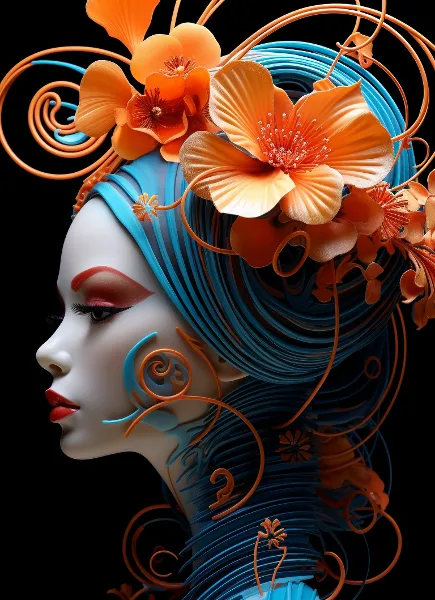 AI Image GeneratorCreate images from text prompts
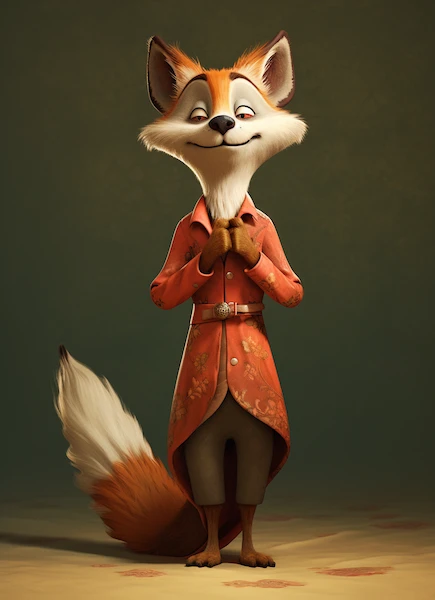 AI Video GeneratorGenerate videos from text or images
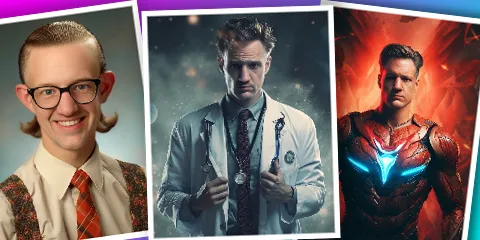 AI Face SwapSwap faces in any photo instantly
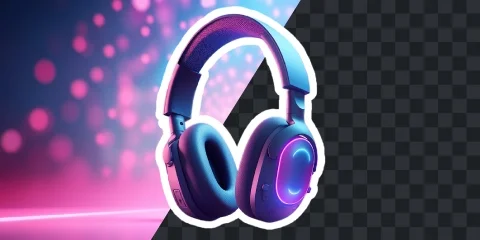 AI Remove BackgroundOne-click background removal
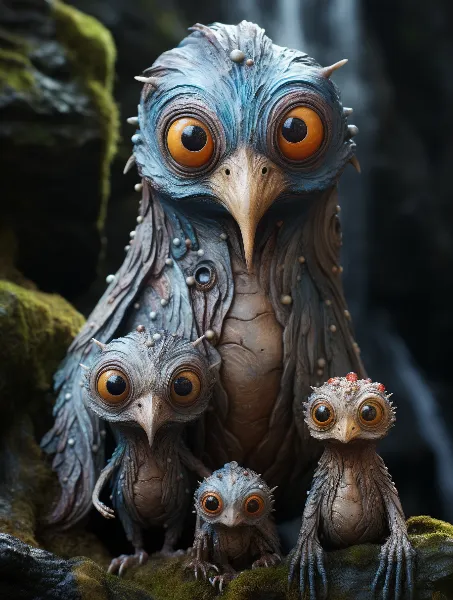 Photo Collage MakerCombine photos into layouts
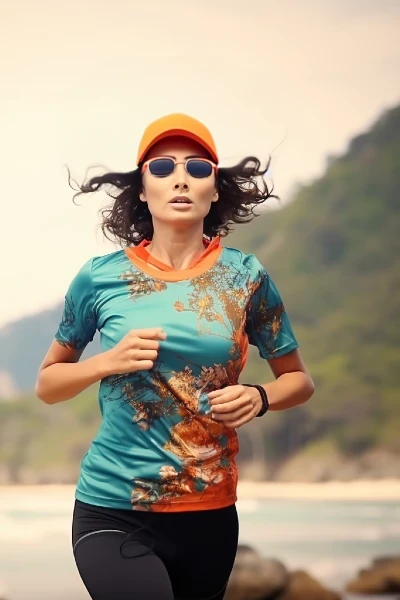 AI Generative FillFill or replace any area with AI
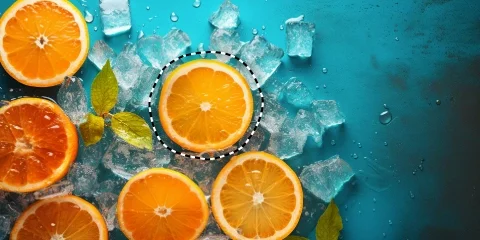 AI Remove ObjectErase unwanted objects from photos
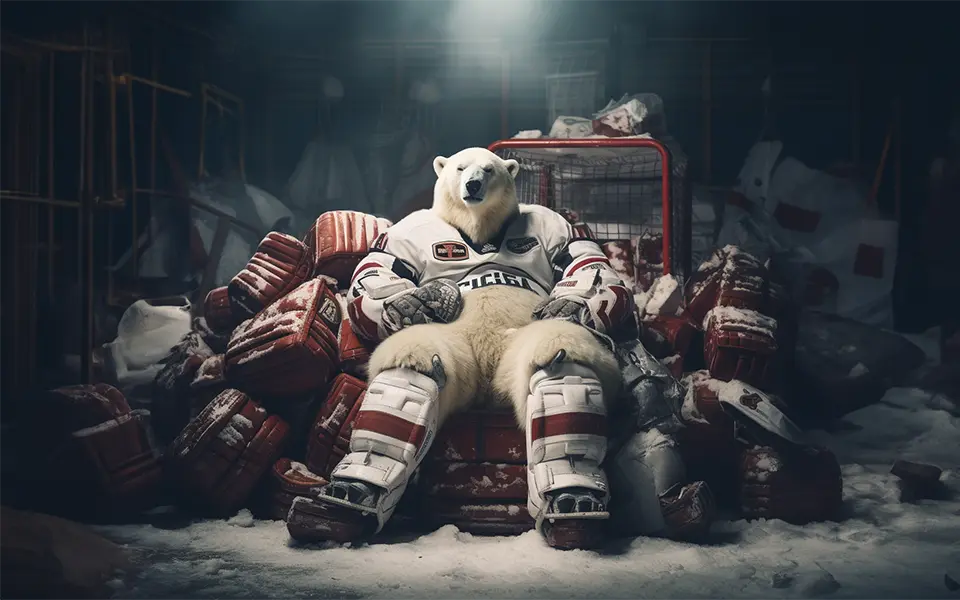 Generative ExpandExtend images beyond the frame
Everything AI, One Platform
From photo editing to video generation and audio — Pixlr brings the best AI models together so you can create, transform, and enhance any media in seconds.

One-click AI background removal with clean subject isolation.

Draw around unwanted objects and watch them vanish instantly.

Select an area and describe what to generate — add, replace, or reimagine anything.

Extend image boundaries in any direction with coherent AI outpainting.

Move, resize, and rotate objects freely — AI fills the gap seamlessly.

Edit images with natural language — describe the change and AI applies it.

AI upscaling that preserves detail, up to 25 megapixels.

Reduce grain and background noise for cleaner, sharper images.

Generate high-quality images from text prompts — powered by Flux, Recraft, and more.

Transform existing images with text-guided editing and style control.

Swap faces with AI precision — become anyone in seconds.

Create custom stickers from text prompts with transparent backgrounds.

Decompose an image into separate layers using AI segmentation.

Arrange photos in professionally designed grid layouts instantly.

Generate video clips from text descriptions — powered by Kling, Veo, and more.
Animate still images with realistic motion while preserving subject identity.
Swap faces in video with frame-consistent AI precision.

Convert text into natural-sounding speech with configurable voice and tone.
Transcribe spoken audio to text with high accuracy.
Generate music tracks from text descriptions with control over genre and mood.
Join millions of creators!
Unlock the full Pixlr Suite
Get ad-free editing, thousands of AI credits, access to all image, video and audio models, private mode, priority generation queue, and a huge library of fonts, templates and elements. Plans start at just $1.99/month. Pixlr is free for Education.
See Plans & PricingDo you have a Question?
What is Pixlr
Pixlr is a suite of user-friendly online photo editors, design tools and AI tools for browser, mobile and desktop. Now with modern AI tools like AI image generator, AI generative fill, AI remove background, AI remove object and AI image expand. As a versatile photo editing platform, Pixlr offers a wide range of tools and features accessible through a web browser. It caters to both beginners and experienced photo editors, making it an ideal choice for enhancing and manipulating images. Whether you need basic adjustments or advanced image enhancements, Pixlr provides a convenient and efficient solution without the need for downloads or installations. For those seeking to improve their visual content, Pixlr is an invaluable resource, especially for social media, blogging, or quick image touch-ups. Additionally, it is worth noting that Pixlr incorporates AI image generation, further enhancing its capabilities as a comprehensive photo editing platform. With its free features and AI-driven enhancements, Pixlr is a top choice for both photo editing and AI image generation needs.
Is it free to use Pixlr?
You can enjoy Pixlr’s free version, which offers a robust set of features that many users find satisfying without requiring an account or any charges. However, for those seeking additional content, advanced features, AI-powered tools, and an ad-free editing experience, we provide premium and plus options to cater to your specific needs.
Is it safe to use Pixlr?
Pixlr’s dedication to security and privacy, coupled with our established track record of over 15 years online, guarantees users a secure and confident experience when editing photos and images. You can freely harness the full spectrum of our editing, design, and AI-powered tools while enjoying peace of mind regarding your online safety.
What AI tools do Pixlr offer?
Pixlr offers a comprehensive suite of AI tools powered by leading models like Flux, Kling, Recraft, Veo, and Qwen. Our tools include: AI Image Generator (text-to-image), AI Video Generator (text/image-to-video), AI Face Swap, AI Generative Fill, AI Generative Expand, AI Background Removal, AI Object Removal, AI Super Scale (upscaling), AI Super Sharp, AI Denoise, AI Generative Transform, and AI Instruct Editor.
Does Pixlr offers a subscription plan?
Pixlr offers a range of paid plans, including Plus and Premium options. For larger corporations, an Enterprise plan is available, catering to users across the entire domain. Gift cards are currently unavailable for purchase. If you already have a Pixlr gift card, you can still redeem it as usual.
Pixlr also extends its offerings to education with both free and paid plans tailored to educational needs. To learn more about our subscription plans, visit the Pricing page.
Whats the difference between Photoshop and Pixlr?
Pixlr is a free online photo editor similar to Photoshop. With a diverse range of photo editing tools, Pixlr allows you to swiftly edit and improve your photos. Whether you need to fine-tune brightness and contrast, enhance portraits, add text and overlays, or craft impressive collages, Pixlr has you covered. Moreover, Pixlr boasts a user-friendly interface, making it suitable for both beginners and professionals, and it requires less learning compared to Photoshop.
Is Pixlr suitable for beginners?
Absolutely! Pixlr is crafted with a user-friendly interface, making it ideal for beginners while still offering advanced features for more experienced users. The learning curve is minimal, allowing users to start editing their photos with confidence. Jump in to Pixlr Express and let AI assist you in you photo editing work!
Can I use Pixlr on different devices?
Pixlr is accessible across various platforms, including web browsers, iOS, and Android devices. This ensures you can edit your photos seamlessly, whether you're using a computer, tablet, or smartphone.
What features does Pixlr offer for photo editing?
Pixlr boasts an array of features, including but not limited to: adjusting brightness and contrast, adding text and overlays, applying filters and effects, retouching portraits, and creating captivating collages. Its intuitive interface makes these tools easily accessible to users of all skill levels.
How does Pixlr compare to traditional desktop editors like Photoshop?
Pixlr is designed to offer a comparable editing experience to desktop software like Photoshop but with the added convenience of being an online tool. It's an excellent choice for those who want powerful editing capabilities without the learning curve associated with more complex programs.
Can I use Pixlr for professional photo editing?
Yes, Pixlr is a versatile tool suitable for both casual users and professionals. Pixlr Editor offers additional features catering to the needs of professional photographers and designers.
How can I get started with Pixlr?
To begin your photo editing journey with Pixlr, simply visit the website or download the app, sign up for a free account, and start exploring the vast array of editing tools at your fingertips. Whether you're a hobbyist or a professional, Pixlr is here to elevate your photo editing experience.
What AI models does Pixlr use?
Pixlr integrates world-class AI models including Flux, Flux Pro, Kling AI, Recraft V4, Google Veo, Qwen, Stable Diffusion, SDXL, Seedance, Seedream, Grok Imagine, PixVerse, LTX Video, Vidu, ImagineArt, Wan AI, ElevenLabs, and more. We continuously add the latest models to give you the best results for image generation, video creation, and audio synthesis.
Can I generate AI videos with Pixlr?
Yes! Pixlr's AI Video Generator lets you create videos from text prompts or images using models like Kling AI, Google Veo, Seedance, PixVerse, and LTX Video. Generate short clips in various aspect ratios and resolutions — perfect for social media, marketing, and creative projects.
Is Pixlr a free Photoshop alternative?
Absolutely! Pixlr is widely regarded as the best free online Photoshop alternative. It offers professional photo editing tools including layers, masks, filters, effects, retouching, and now AI-powered features like generative fill, background removal, and image generation — all accessible from your browser without any download or installation.