Free AI Video Generator
The best free video AI generator — turn text into video or bring photos to life. Powered by Google Veo, Seedance, and Kling AI models. Generate HD videos from text prompts or images in seconds. Perfect for ads, social media, tutorials, and product showcases.

Mature content is automatically deleted after 30 days.

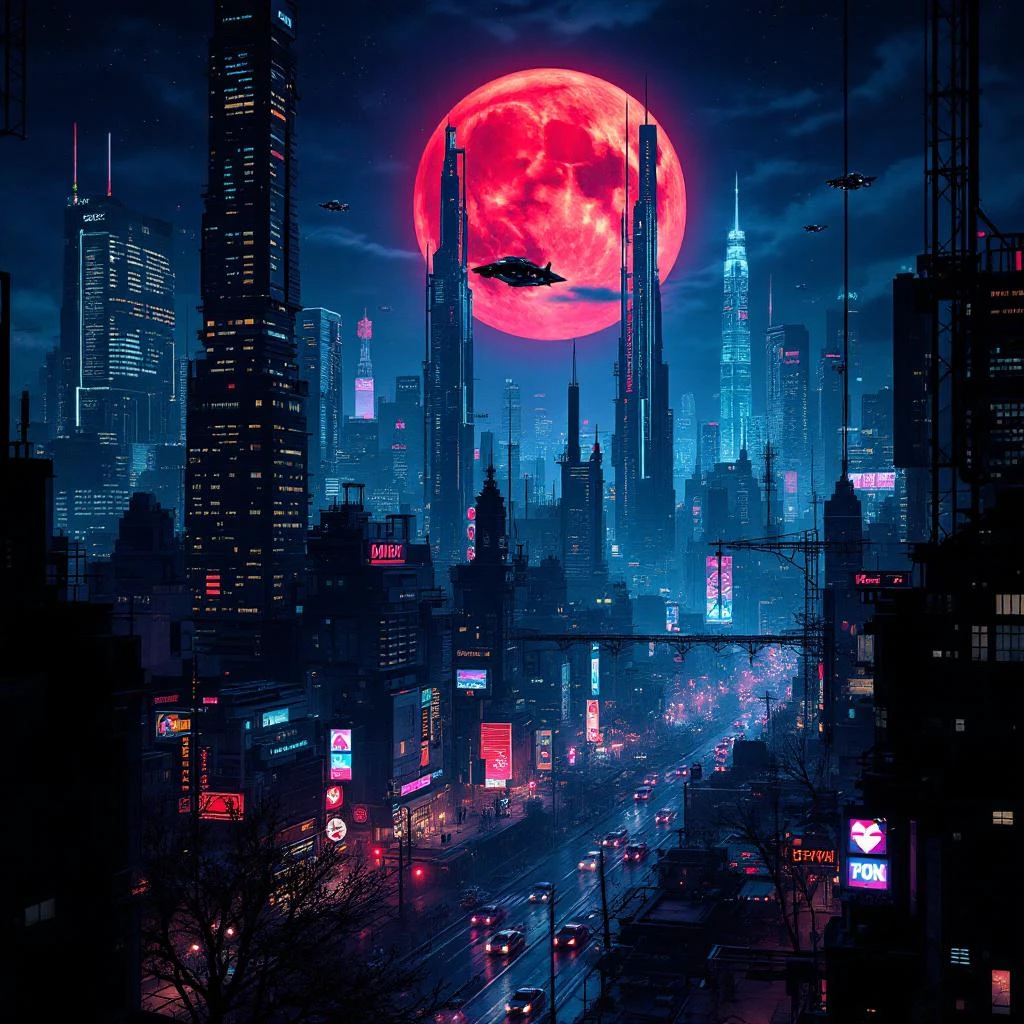
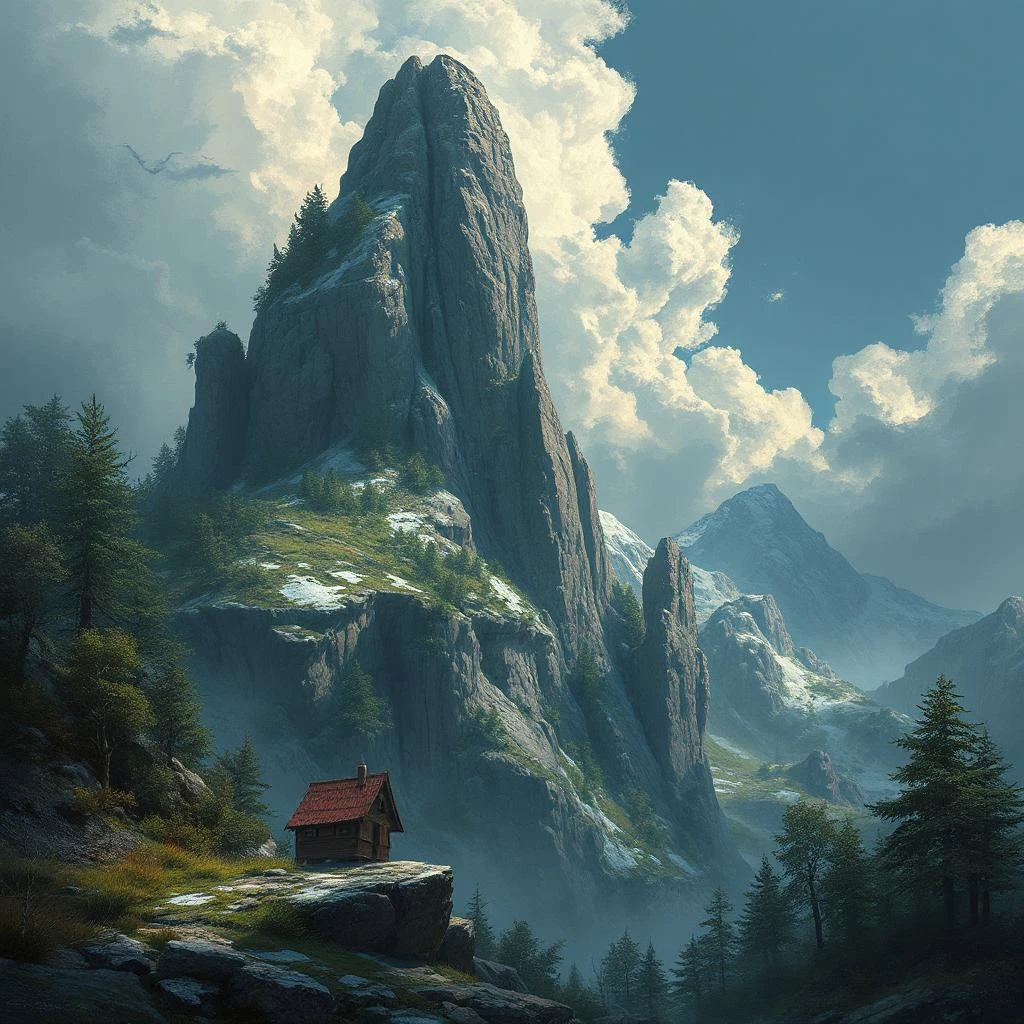
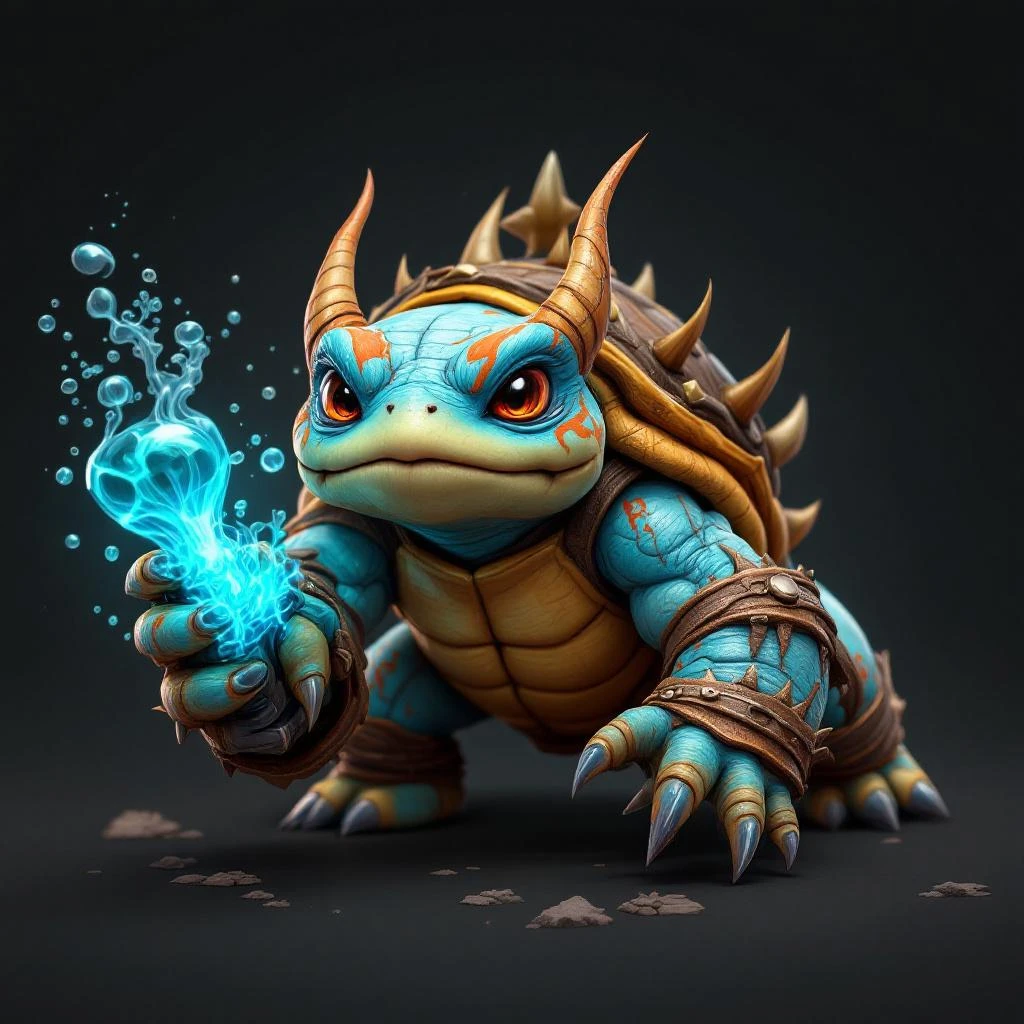
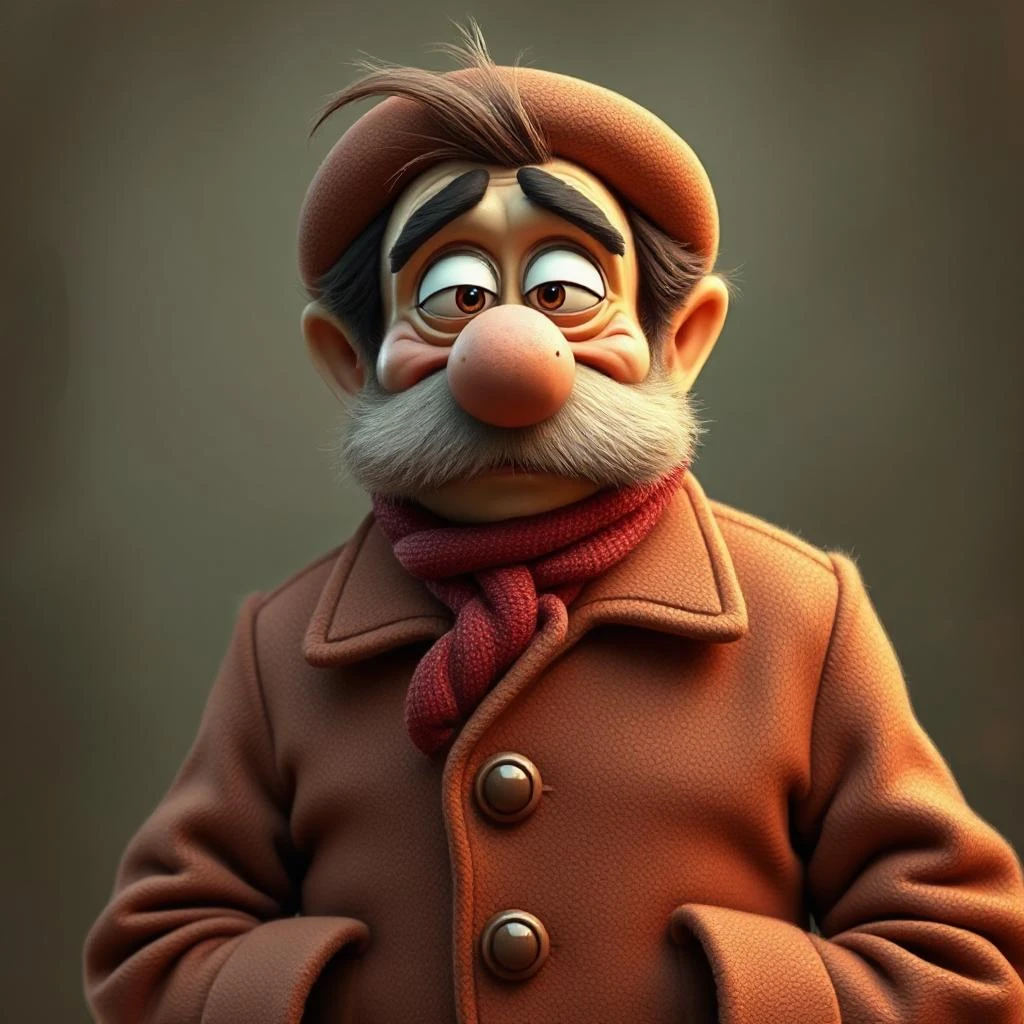
Generate AI Videos From Text or Images
Pixlr’s AI Video Generator creates HD video clips from text prompts or images. Describe a scene in words and the AI builds the visuals, or upload a photo and watch it come to life with realistic motion. Powered by Google Veo, Kling, and Seedance models, you get cinematic quality without cameras, actors, or editing software.
Text to Video — Describe It, Generate It
Type a description of any scene and the AI generates a video from your words. The more detail you provide — subject, setting, mood, camera angle — the better the result. Perfect for creating social media clips, product concept videos, or creative content when you don't have footage to work with.
Image to Video — Animate Any Photo
Upload a photo and the AI adds realistic motion — faces smile, landscapes pan, products rotate. Add an optional text prompt to guide the animation, like ‘slow zoom in’ or ‘the person turns and waves’. Ideal for turning product photos, portraits, or event shots into eye-catching video content for Instagram, TikTok, and YouTube.
Choose the Right AI Model for Your Video
Pick from three AI model tiers depending on your needs. Fast (Seedance Lite) generates videos quickly at lower cost — great for iterations and previews. Pro (Kling V2) delivers smooth, high-quality motion ideal for most use cases. Ultra (Google Veo) produces the most cinematic, photorealistic results for hero content and professional projects.
HD Export, No Watermarks
Every generated video exports as a clean HD MP4 file with no watermarks. Choose between landscape (16:9) for YouTube and widescreen, or portrait (9:16) for TikTok, Instagram Reels, and Stories. Your videos are ready to post, embed, or use in presentations the moment they’re generated.
How to Generate AI Videos
Switch between Image to Video or Text to Video mode. For text, write a detailed description of the scene. For images, upload a photo and optionally add a motion prompt. Select your AI model (Fast, Pro, or Ultra), choose an aspect ratio, and click Generate. Your video is ready to download in under a minute.
AI Video for Ads, Social Media, and Product Showcases
Generate videos for any platform or purpose. Create product demo clips from a photo, TikTok-ready vertical videos from a text prompt, or animated social media posts that stand out in feeds. Pixlr's AI video maker handles the heavy lifting — no filming, no editing timeline, no complex software needed.
Powered by Google Veo, Kling, and Seedance
Pixlr gives you access to cutting-edge AI video models from leading providers. Google Veo delivers photorealistic cinematic output, Kling V2 from Kuaishou excels at smooth motion and face animation, and Seedance Lite from ByteDance offers fast generation at lower cost. Switch between models freely to find the best fit for each project.
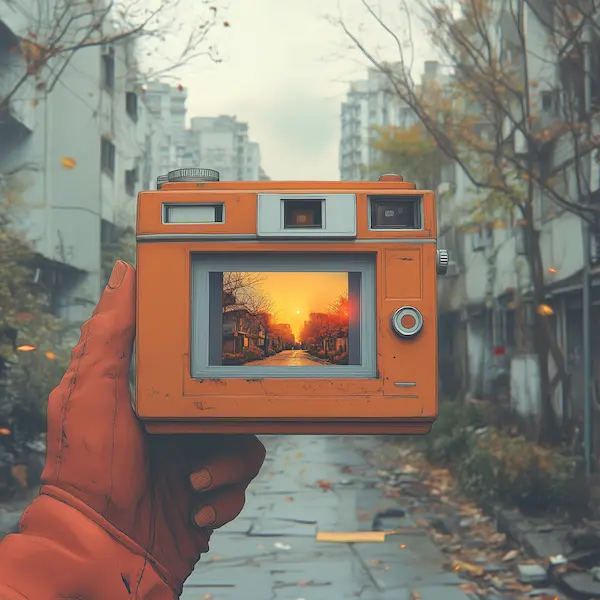
How to Generate AI Videos in 4 Easy Steps
- Choose Image to Video or Text to Video mode at the top of the tool.
- Write a detailed text prompt describing your scene, or upload a photo to animate.
- Pick an AI model — Fast, Pro, or Ultra — and select your aspect ratio.
- Click Generate and your HD video will be ready to download in under a minute.
videoGenFeedHTitle
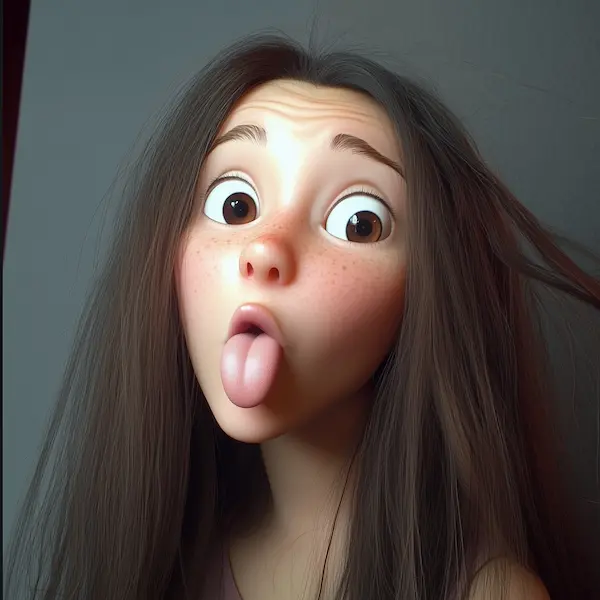
Promotional Clips: Create Scroll-Stopping TikTok Ads
Quickly turn product descriptions into promotional clips that grab attention on TikTok, Instagram, and other social platforms by enhancing them with B-roll footage. Utilize dynamic camera movements and shot types to create engaging video content that captivates your audience.
Product Demos: Turn Specs into Explainer Videos
Easily convert technical specifications and complex features into animated product demo videos by adding distinct scenes to highlight each aspect. Utilize AI-generated video to transform these technical details into engaging content that captures attention and enhances understanding. Create engaging visual explainers that highlight your product’s benefits clearly and simply, helping customers understand, trust, and choose your brand faster and more confidently.

Social Media Teasers: Auto-Generate Launch Clips
AI-generated social media teaser videos can be designed to promote new product launches, campaigns, and events. Simply input a detailed description and click generate to create platform-optimized clips for TikTok, Instagram, and Facebook that build buzz, excite audiences, and maximize your reach across all major social media channels.
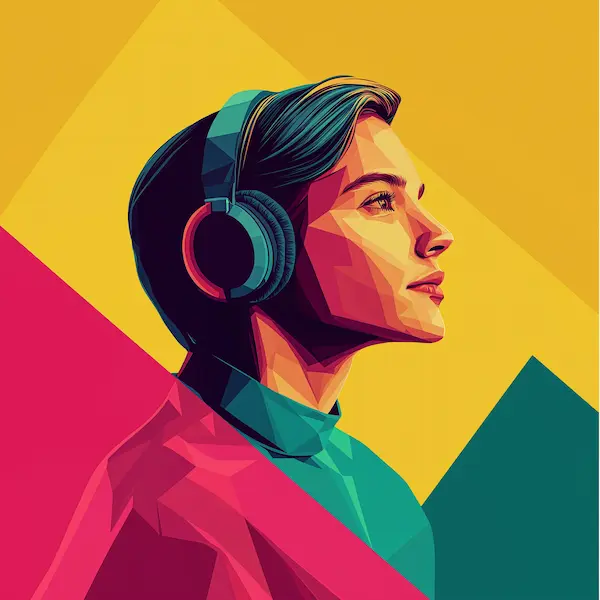
Onboarding Videos: Transform HR Docs into Training
Write HR documents, policies, and manuals into dynamic onboarding videos that new employees actually enjoy. Enhance these videos with AI-generated visuals by leveraging existing content from the internet, while ensuring adherence to copyright laws and institutional guidelines. Make your onboarding process faster, more engaging, and more effective by turning dry text into clear, memorable video content with guided instructions and visuals.
Instructional Guides: Create Step-by-Step Videos
Transform text-based tutorials into visual instructional guide videos with AI voiceovers to create engaging ai videos. High video quality is essential for producing clear and effective guides, ensuring each step is shown clearly to make learning faster and easier. Ideal for businesses, educators, and creators who want to deliver simple, easy-to-follow video guides for products, software, or processes.
Do you have a Question?
What is Pixlr's AI Video Generator?
Pixlr's AI Video Generator turns text prompts or images into short HD video clips using AI models like Google Veo, Kling, and Seedance. You describe a scene or upload a photo, pick a model and aspect ratio, and the AI generates the video for you.
Is the AI Video Generator free to use?
Yes. You can generate videos on a free account and there are no watermarks on any exports. Sign up to get started.
What AI models can I choose from?
You can choose between Fast (Seedance Lite), Pro (Kling V2), and Ultra (Google Veo) models. Fast is quickest, Pro offers a good balance, and Ultra delivers the highest quality and most realistic motion.
Can I generate video from both text and images?
Yes. Switch between Image to Video and Text to Video modes at the top of the tool. Image to Video animates a photo you upload, while Text to Video creates a video entirely from your text description.
How long does it take to generate a video?
Most videos generate in under 60 seconds, depending on the model. The Fast model is quickest, while Ultra may take slightly longer for higher quality output.
What format and resolution are the videos?
All videos export as HD MP4 files. You can choose aspect ratios including 16:9 (landscape) and 9:16 (portrait/Stories).