Free PDF To PNG Converter
PIXLR’s Free PDF to PNG Converter lets you easily transform your PDFs into high-quality PNG images in seconds. Whether for design, presentations, or sharing online, this tool preserves every detail while ensuring smooth, lossless conversion

Popular Conversions
Here we collected the most common file conversions
- JPG to PNG
- JPG to WebP
- JPG to PDF
- PNG to JPG
- PNG to WebP
- PNG to PDF
- WebP to JPG
- WebP to PNG
- WebP to PDF
- PDF to JPG
- PDF to PNG
- PDF to WebP
Why Pixlr PDF To PNG Converter

Free and Accessible
Use it for free, no downloads needed.
Cloud-Based Tool
Convert images directly from browsers.

Easy-To-Use
Simple interface, works with a few clicks.
How To Convert PDF To PNG
Step 1
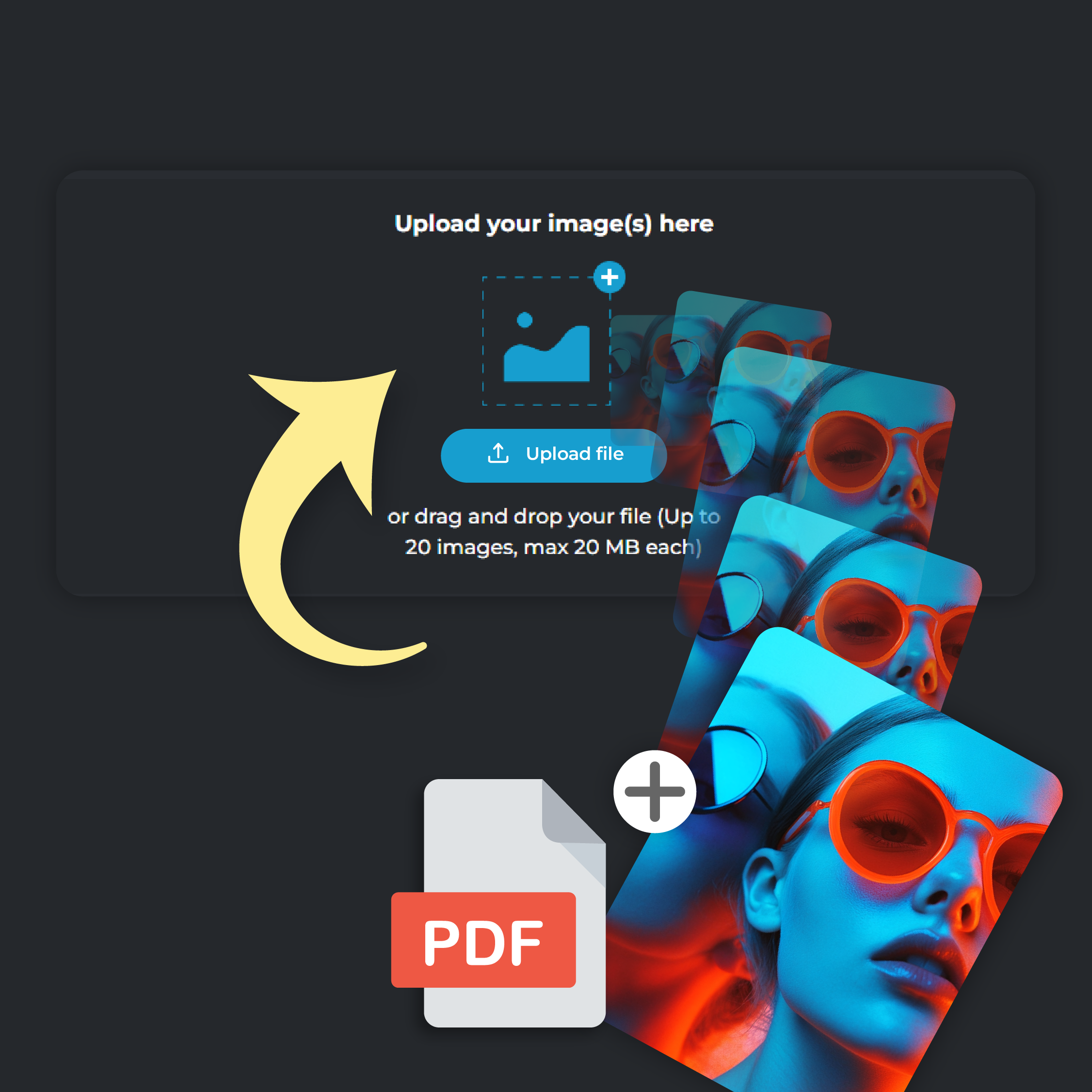
Upload Your PDF File
Click on ‘Add File’ to upload your PDF file. You can upload up to 20 files at a time, each file size capped at 20 MB.
Step 2
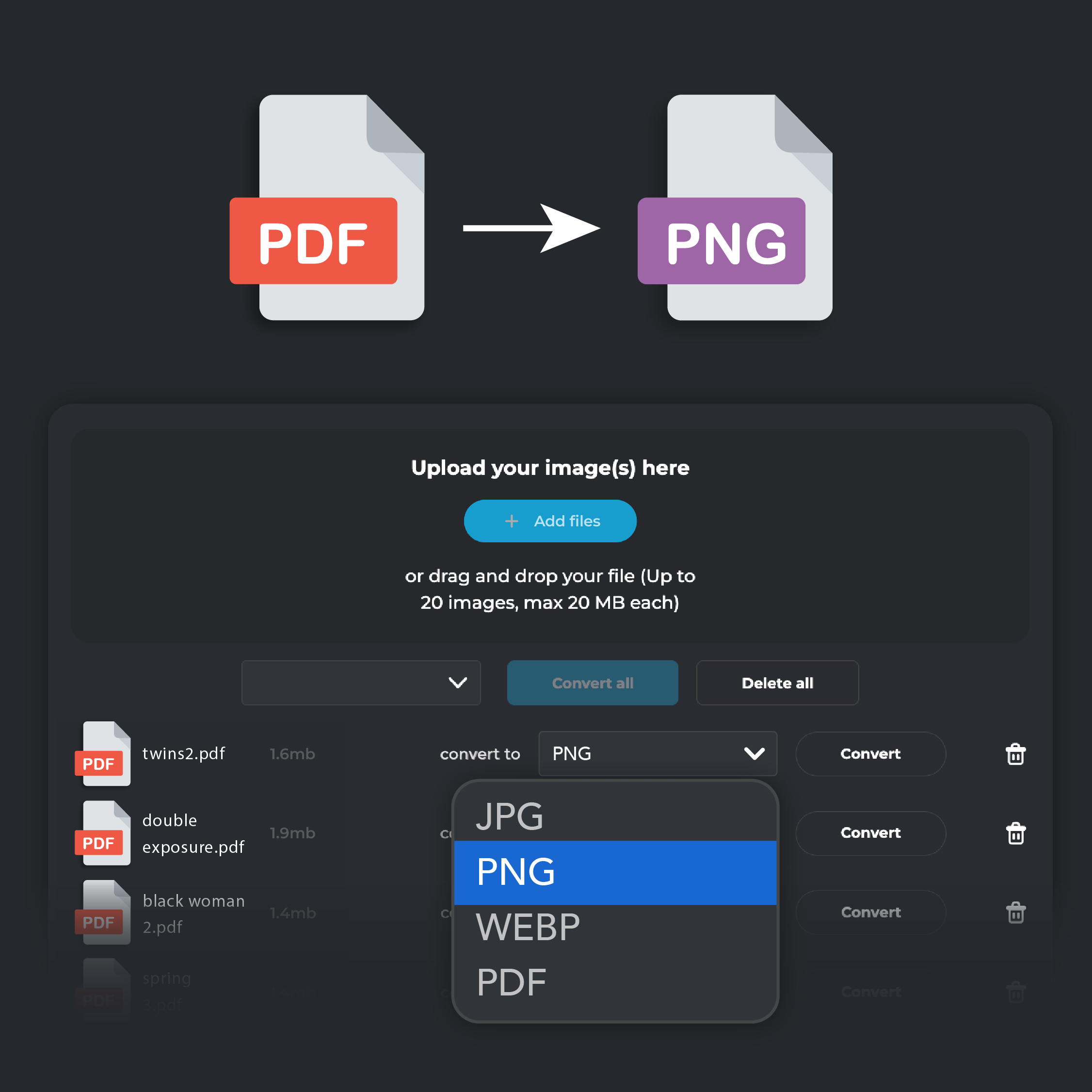
Select PNG Output
From the ‘Convert To’ drop down menu, select PNG format.
Step 3
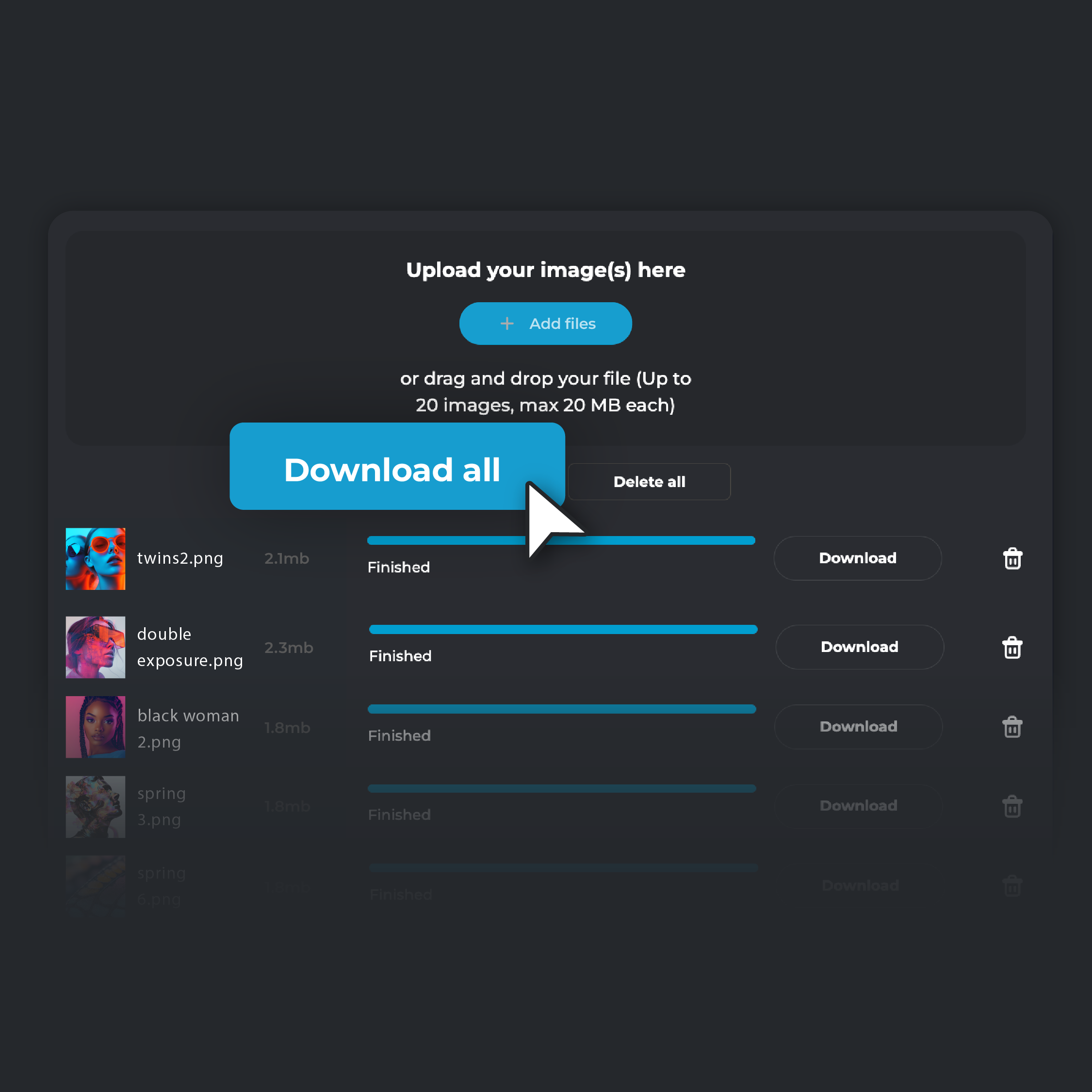
Convert and Download
Hit ‘Convert.’ Once the process is finished, click ‘Download’ to save the converted file on your device. If you are converting multiple files, click on ‘Download all’. Your converted files will be automatically zipped in a single folder and stored on your device.
Convert PDFs To PNG Without Losing Any Quality
Convert your PDFs to PNG format and keep every detail intact with lossless conversion. PNG ensures the original quality of your images is preserved, making it the best choice for projects where precision matters. Whether you’re a designer, photographer, or artist working on logos, illustrations, or high-resolution artwork, PNG maintains your image sharpness and clarity. Even after multiple edits and saves, your visuals will always look their best.
Batch Convert PDFs To PNG Quickly And Easily
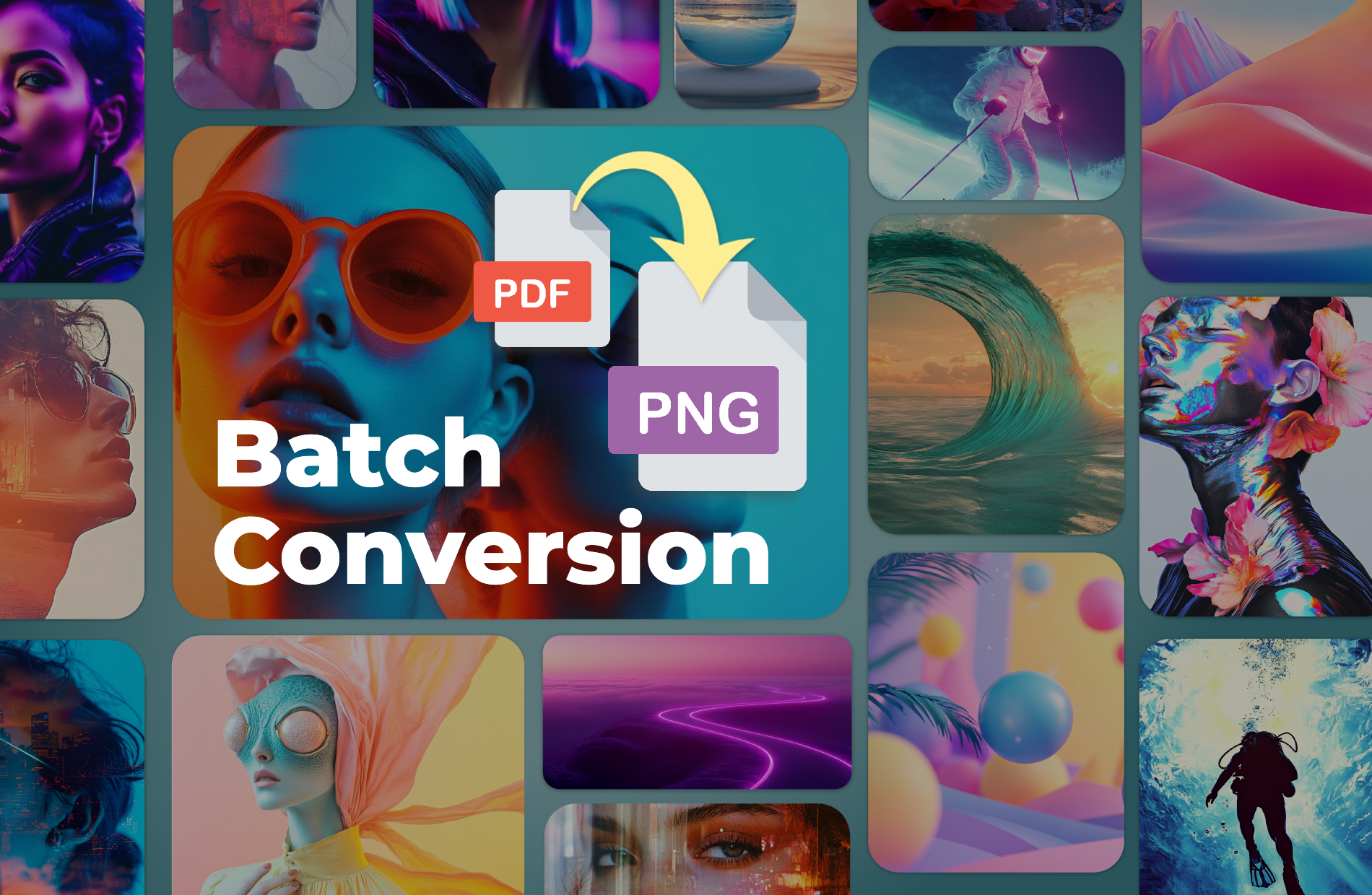
Need to handle multiple files? Pixlr’s batch conversion feature makes it easy to convert several PDF files into PNG format in one smooth process. This tool saves you time while ensuring each PNG keeps the quality and detail of the original PDF. Whether you're working on marketing materials, documents, or design projects, batch conversion speeds up your workflow without sacrificing image quality
Fine-Tune Your PNG Images With PIXLR Express
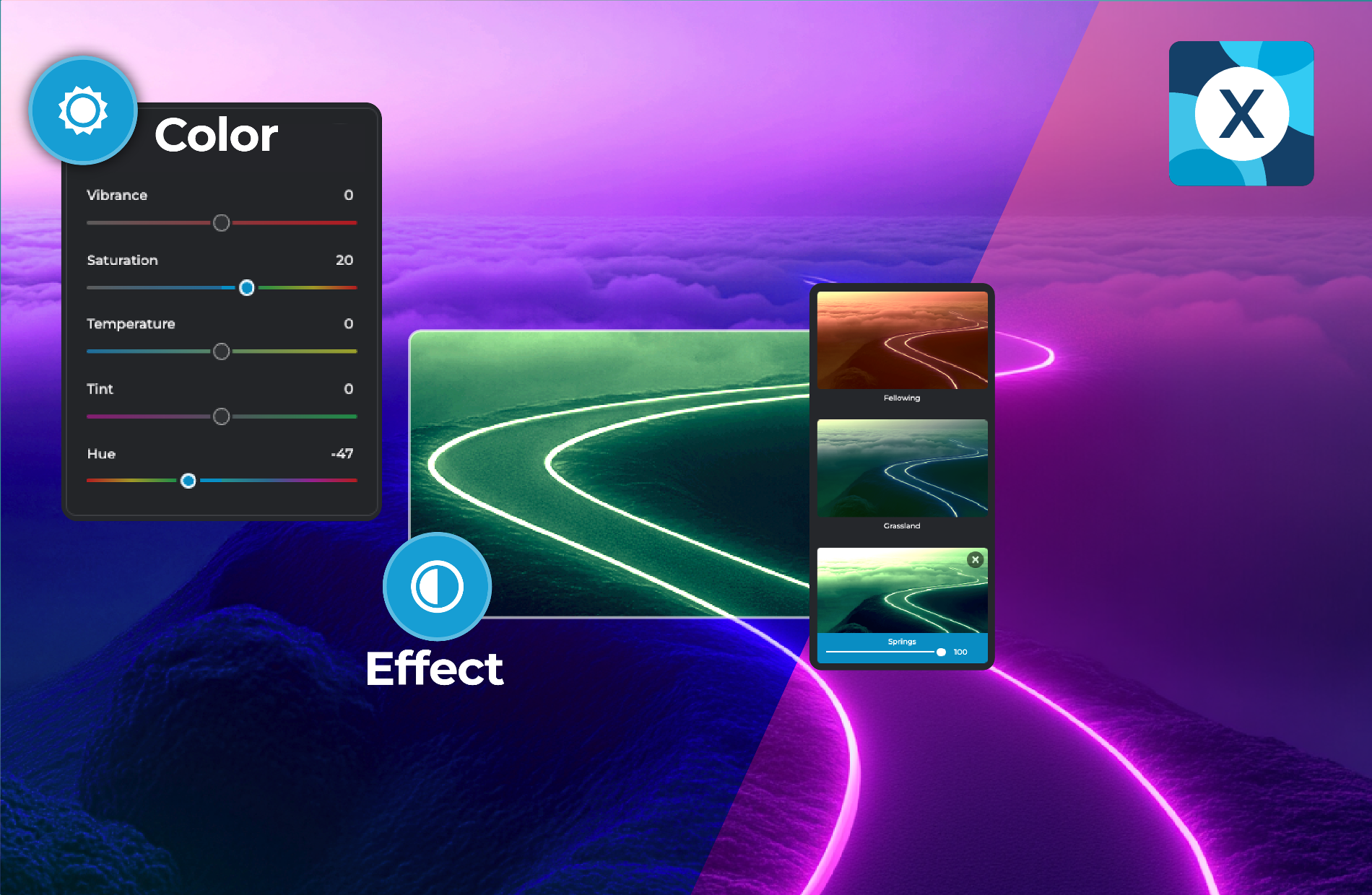
Once you’ve converted your PDFs to PNG, you can enhance them even further with PIXLR Express. Adjust color, lighting, and sharpness to perfect your images. Add creative filters, overlays, and effects for a personalized touch. With PIXLR’s advanced AI tools, like AI Remove Background, you can create transparent PNGs. This allows designers to layer the png files on different backgrounds, making PNG format an excellent choice for utility assets.
Achieve Universal Image Support With PNG Format
Converting your PDFs to PNG guarantees compatibility across all browsers and platforms. While some formats might have issues on older browsers, PNG works seamlessly everywhere, making it a reliable choice for web designers and developers. With PNG, your images will display correctly on all devices, ensuring your content looks great for every visitor, no matter their browser or platform.
Do you have a Question?
Is image quality preserved when converting PDF to PNG?
Yes, PIXLR ensures that your image quality is maintained during conversion. PNG is a lossless format, so your image will retain all its original details from the PDF.
Can I convert multiple PDF files to PNG at once?
Yes, PIXLR offers a batch conversion option, allowing you to convert multiple PDF files to PNG in one seamless process.
Why should I convert PDF to PNG for transparent backgrounds?
PNG supports alpha transparency, making it ideal for images that require transparent backgrounds. Converting PDF to PNG in PIXLR ensures that any transparency in your design is preserved.
Can I convert PDF to PNG on my mobile device?
Yes, PIXLR's converter is cloud-based, so you can convert PDFs to PNG directly from your mobile browser without needing to install any software.
Is the PDF to PNG converter free on PIXLR?
Yes, PIXLR offers PDF to PNG conversion completely free. You can convert as many PDF files as you need without any cost.
Is there a file size limit when converting PDF to PNG?
Yes. Each file can be up to 20MB, and you can convert up to 20 images at once.