Online PDF To JPG Converter
Easily convert your PDF files to JPG with Pixlr’s online converter, perfect for creating editable images or sharing content across any platform. Simplify your workflow and make your PDFs more accessible.

Popular Conversions
Here we collected the most common file conversions
- JPG to PNG
- JPG to WebP
- JPG to PDF
- PNG to JPG
- PNG to WebP
- PNG to PDF
- WebP to JPG
- WebP to PNG
- WebP to PDF
- PDF to JPG
- PDF to PNG
- PDF to WebP
Why Pixlr PDF To JPG Converter

Cloud-Based Tool
Convert images anywhere, directly from your browser

No Watermarks
Your images get converted with no added watermarks

Secure Image Processing
Keep your images safe with secure conversion
How To Convert PDF To JPG
Step 1
Upload Your PDF File
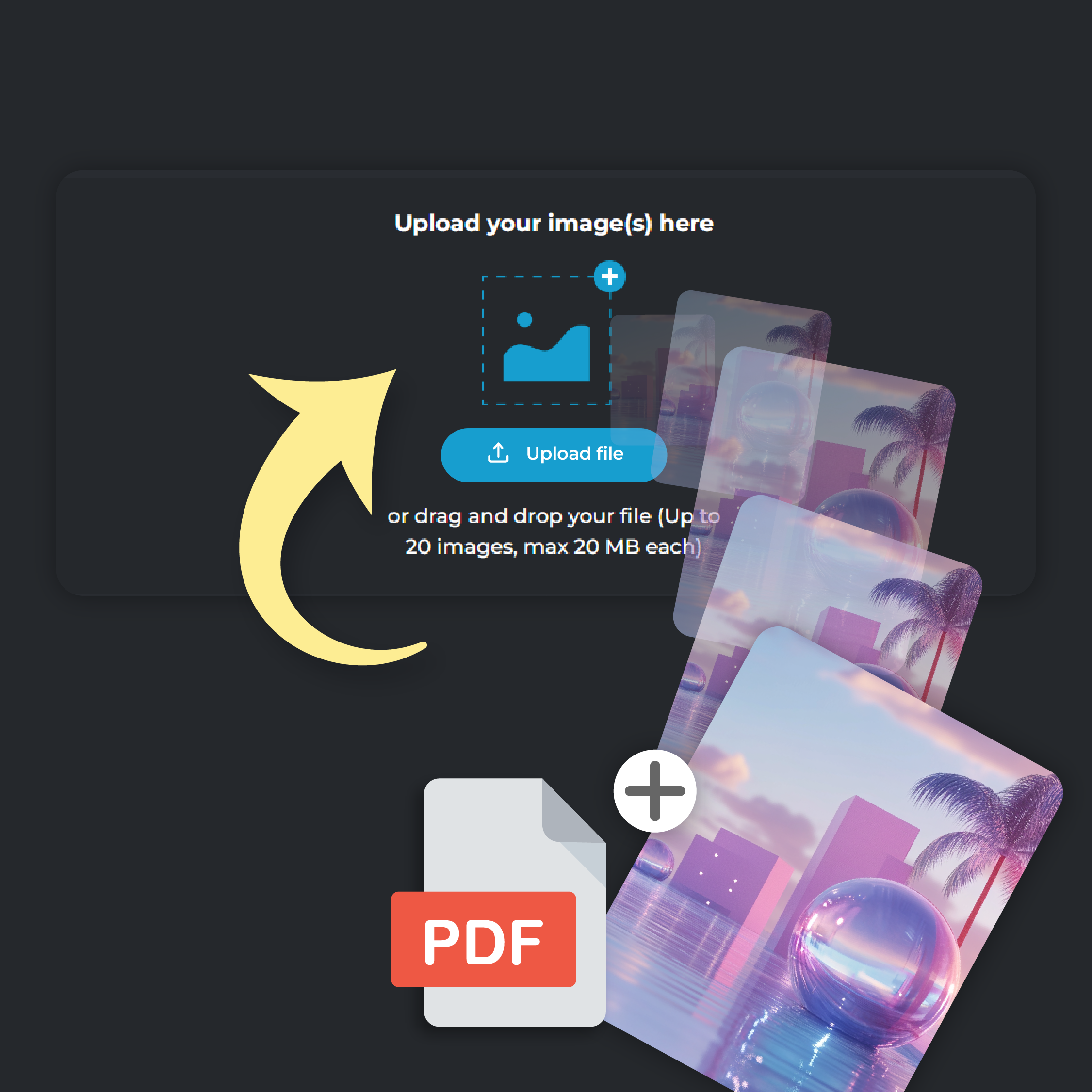
Click on ‘Add File’ to upload your PDF file. You can upload up to 20 files at a time, each file size capped at 20 MB
Step 2
Select JPG Output
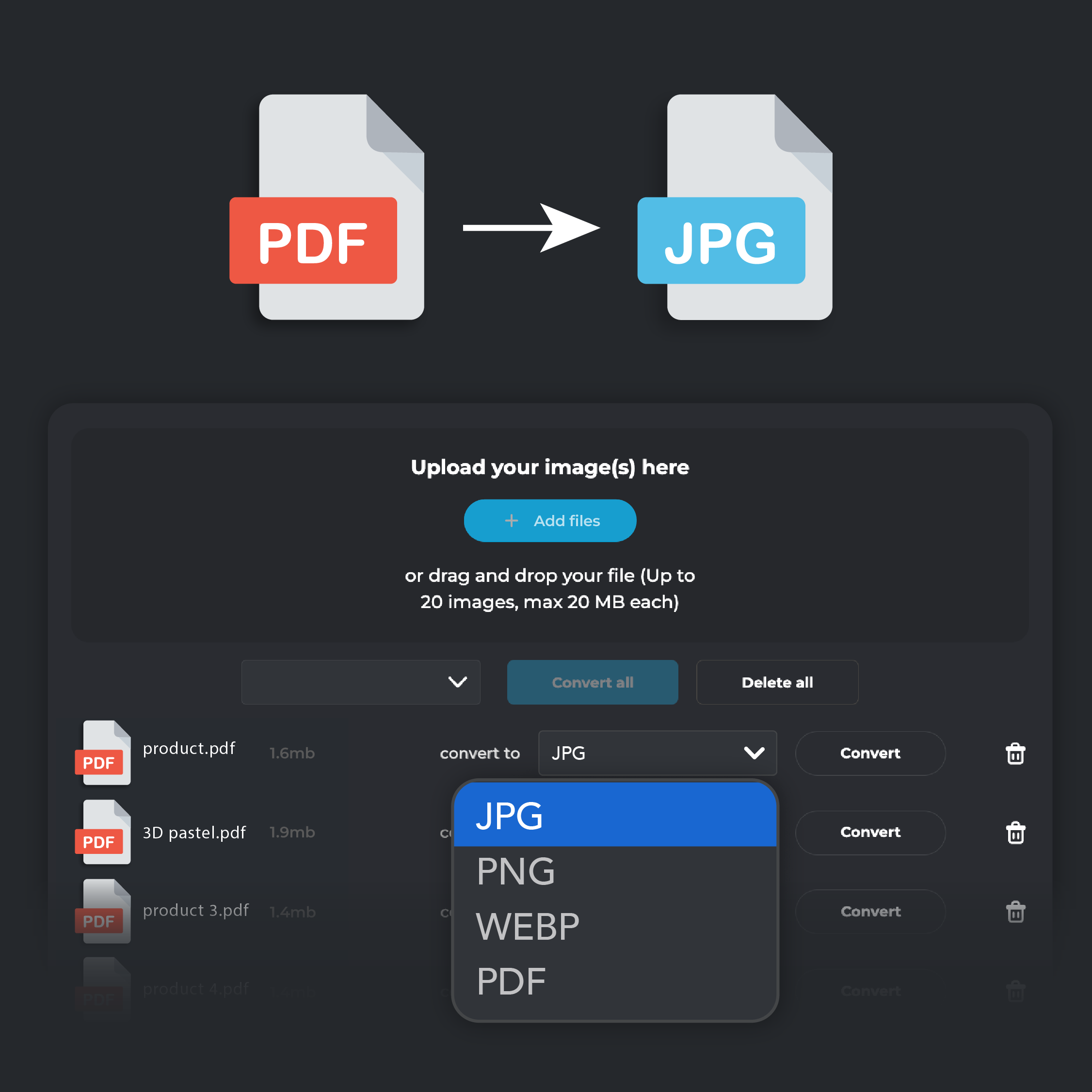
From the ‘Convert To’ drop down menu, select JPG format.
Step 3
Convert and Download
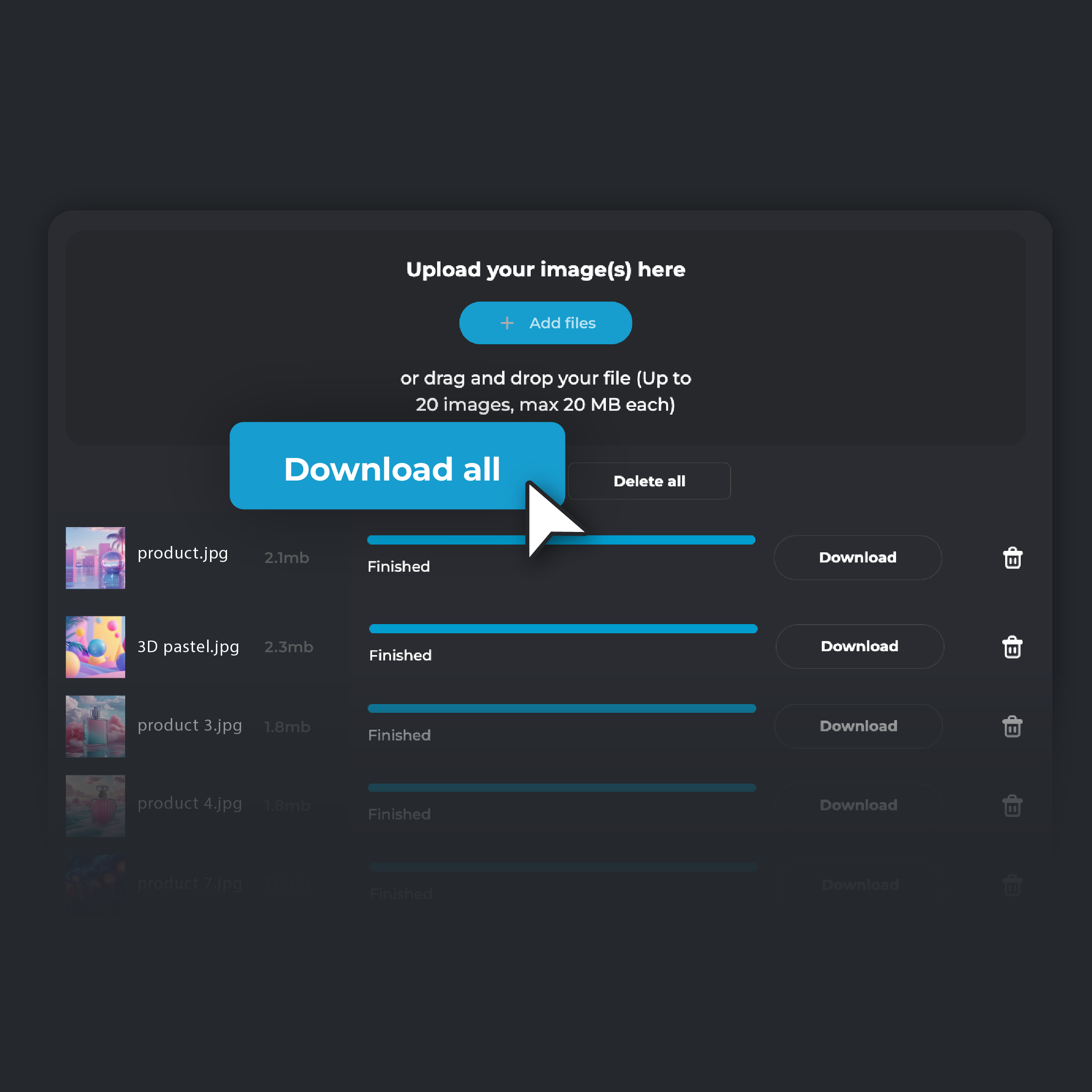
Click 'Convert.' When the conversion is complete, select 'Download' to save the converted image to your device. If you are converting multiple files, click on ‘Download all’. Your converted files will be automatically zipped in a single folder and stored on your device.
Unlock Greater Editing Flexibility
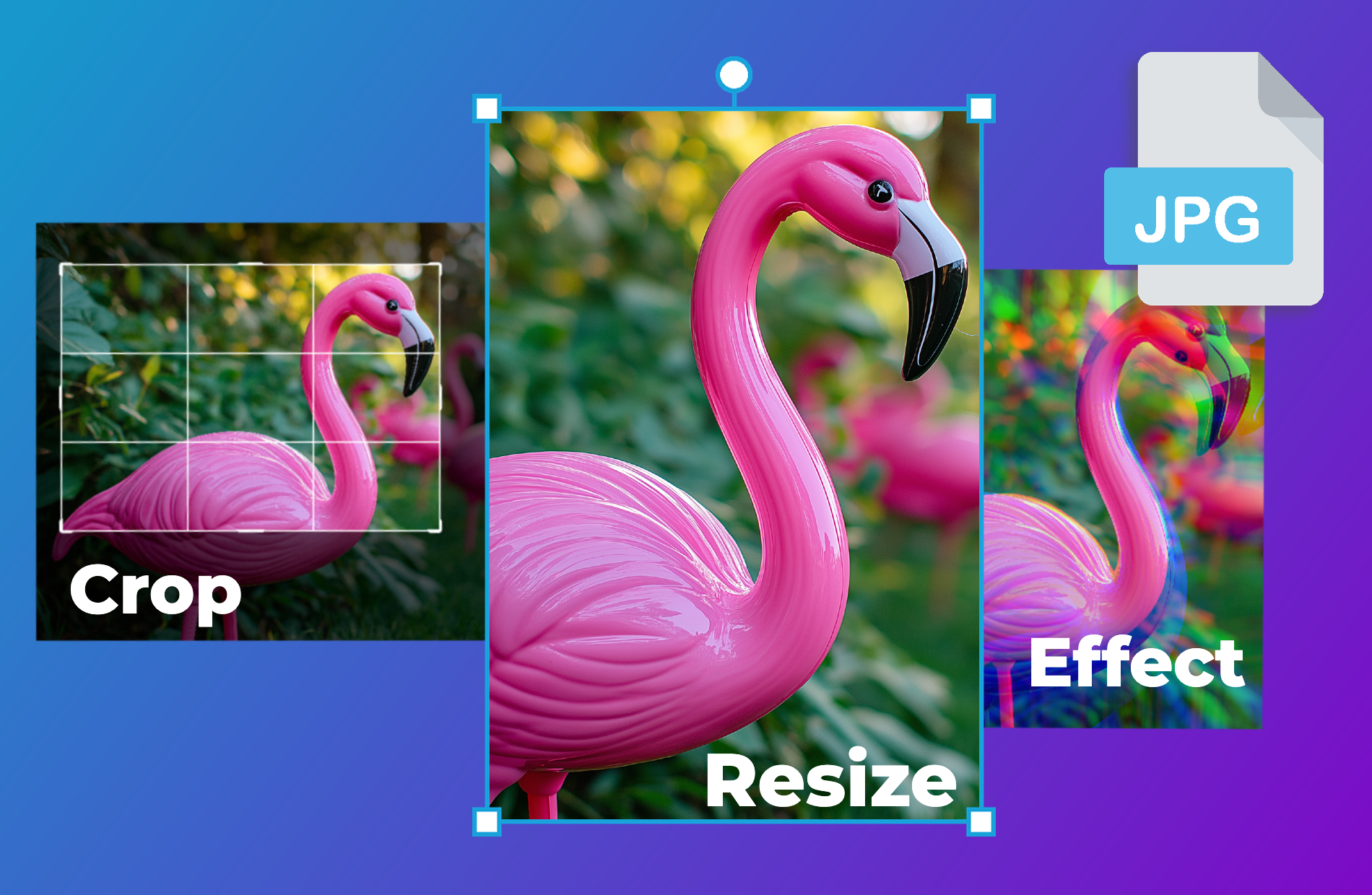
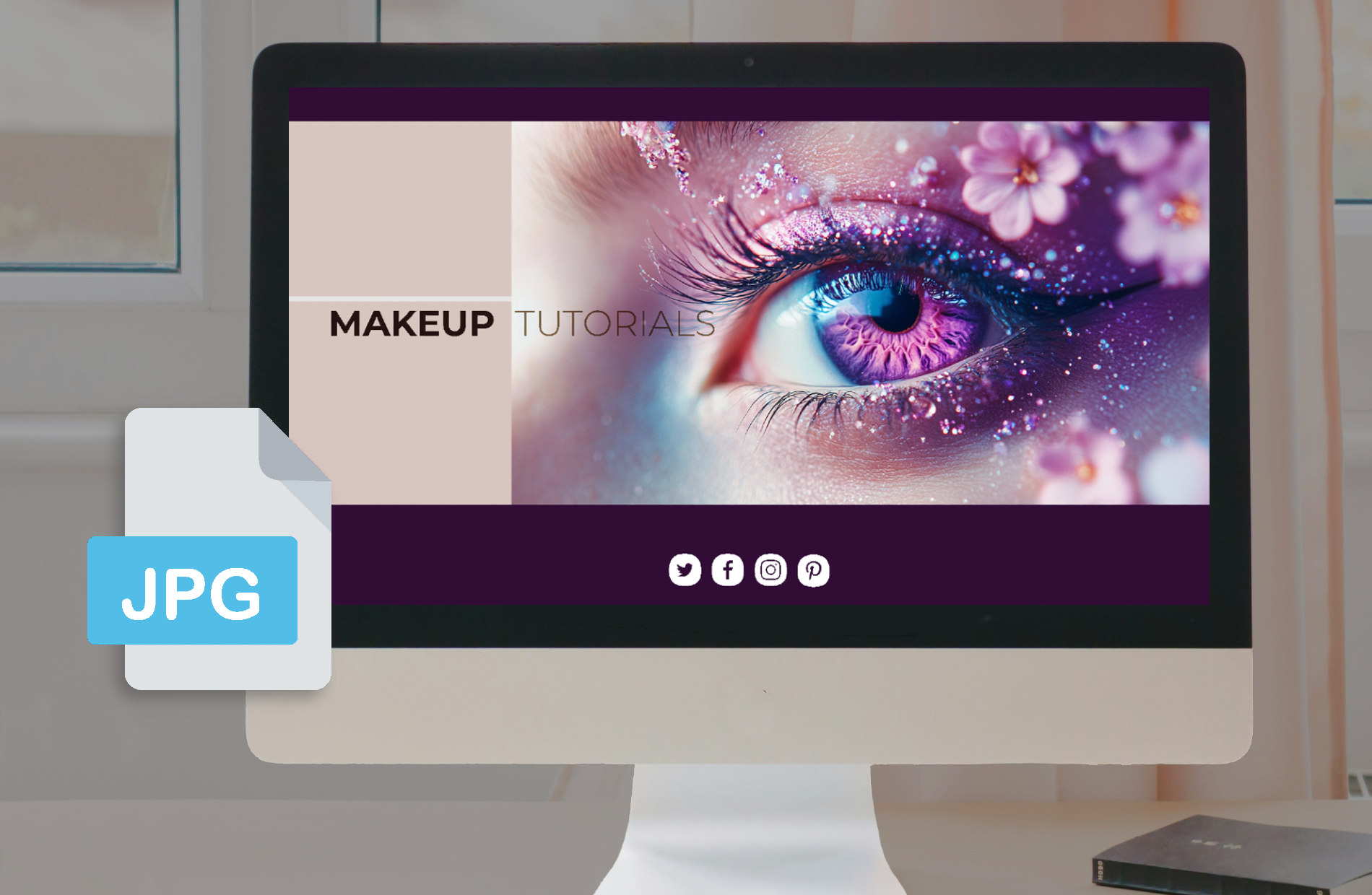
Convert PDFs to JPG and gain more control over editing. JPG files work with most photo editing tools, unlike PDFs that require specialized software. You can easily crop, resize, and add effects to your images without hassle. This flexibility speeds up your creative process and ensures your visuals fit perfectly with your project goals. Whether adjusting images for presentations or designing graphics for campaigns, JPG gives you the freedom to make quick edits.
Make Your Content Web-Ready
Convert PDFs to JPG to optimize your content for the web. JPG files load faster than PDFs, which improves your website’s performance and keeps visitors engaged. By choosing JPG, you ensure that your images appear quickly and smoothly, providing a better browsing experience for your audience. Your web pages will run more efficiently, and your visuals will look sharp without causing delays or slowdowns.
Make Your Files More Accessible
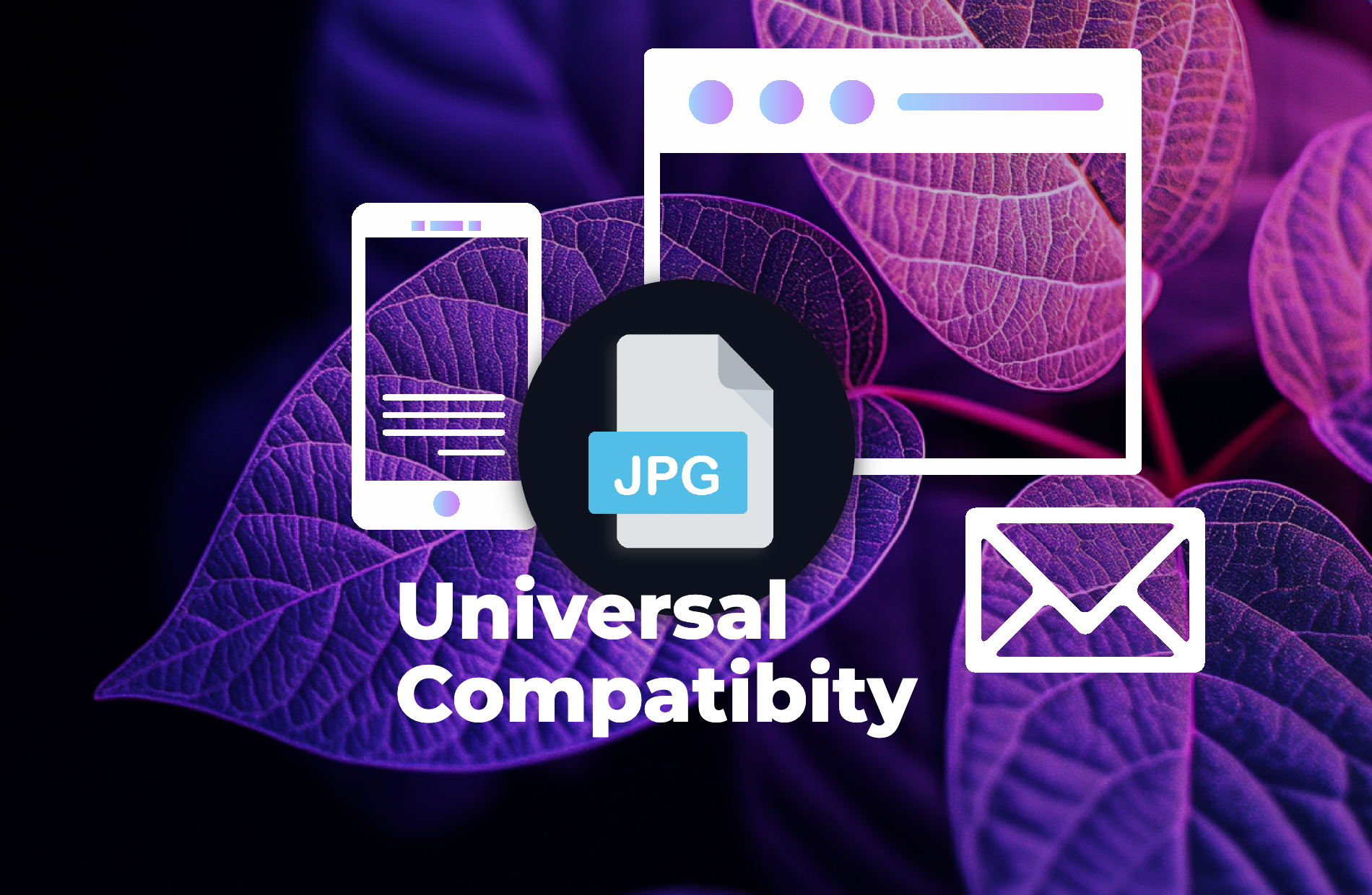
Convert PDFs to JPG and make your files accessible on any device or platform. JPG is a universally supported format, allowing anyone to open and view your content without requiring special software. Share your images easily through email, messaging apps, or websites, and rest assured that your audience will have no trouble accessing your visuals. JPG simplifies the process and ensures that your content is always available, regardless of the device being used.
Create Eye-Catching Visuals With JPG Images
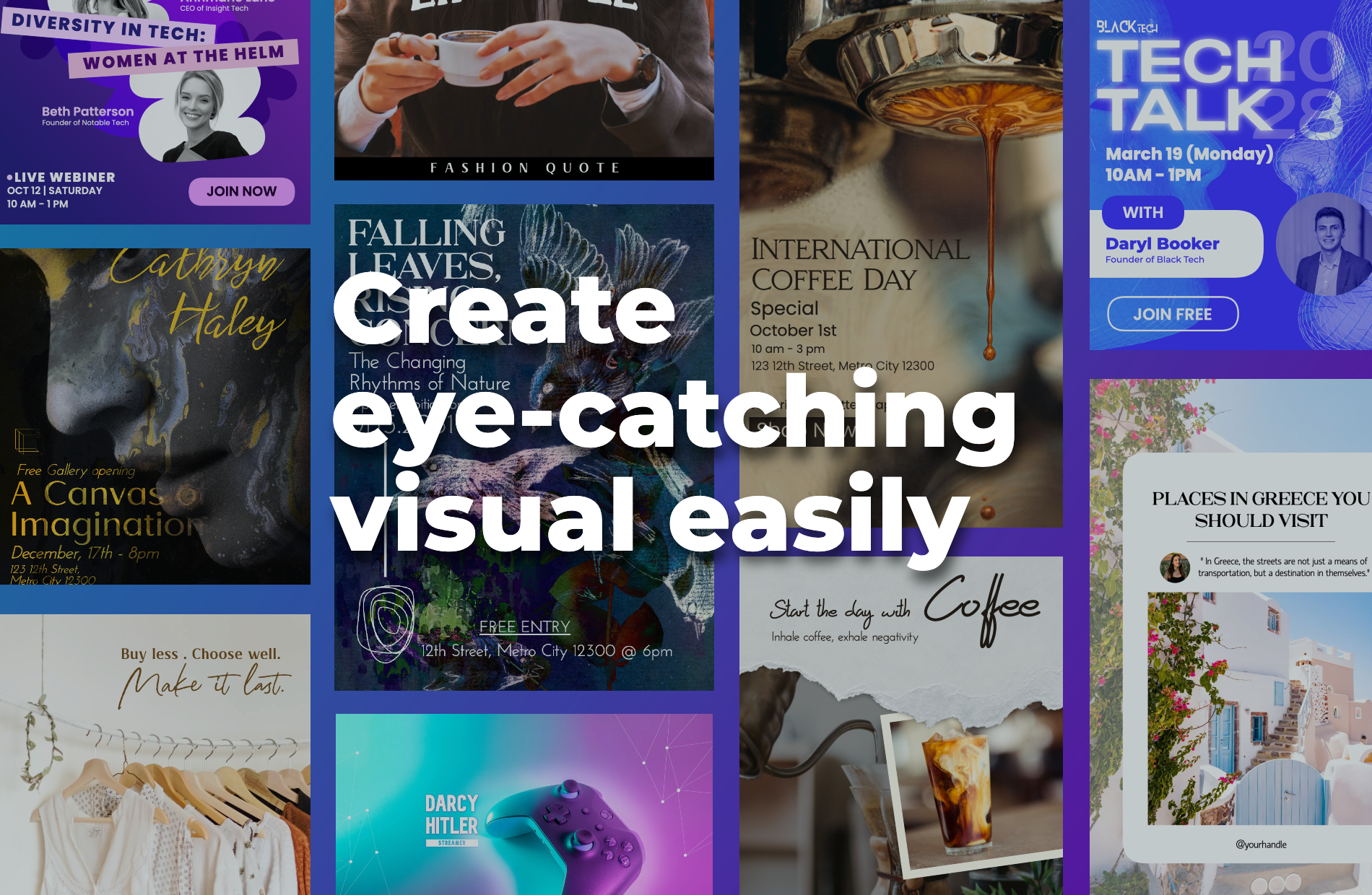
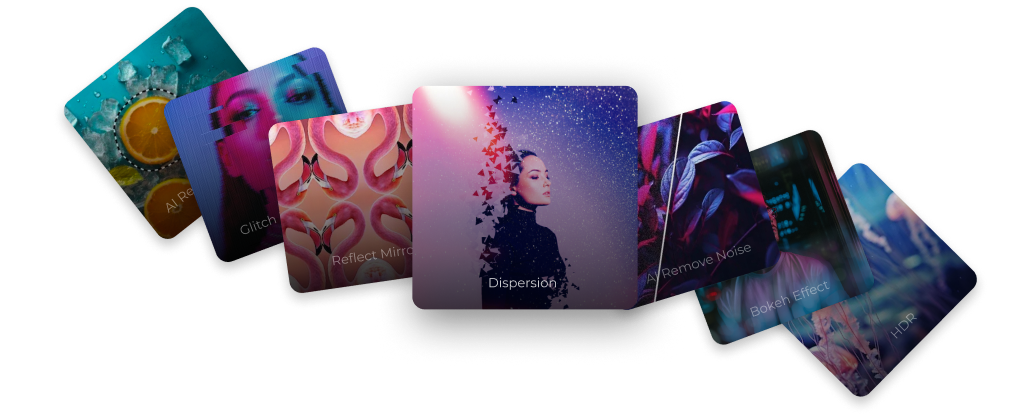
Use PIXLR Designer to turn your JPG images into stunning visuals. Explore the wide range of templates to create collages, flyers, and social media graphics that stand out. Design marketing materials, customize invitations, or create eye-catching posts with ease. JPG files give you the flexibility to craft visually engaging content across all platforms, ensuring your images look great and make an impact wherever they’re seen.
Do you have a Question?
What’s the difference between PDF and JPG?
PDF is a versatile document format that preserves text, images, and layout, making it ideal for sharing documents across different platforms. JPG, on the other hand, is an image format that uses lossy compression, making it a better choice for images that need to be easily shared, edited, or embedded into web pages due to its smaller file size.
Is it free to convert PDF to JPG using PIXLR?
Yes, PIXLR’s PDF to JPG converter is completely free to use. You can convert documents to images without any charges or software installations.
Why should I use JPG over PDF?
While PDFs are great for preserving document layouts, JPG files are more accessible and easier to share across platforms. Converting PDF to JPG ensures that your content can be viewed and used on any device without needing special software.
Are my files secure during the conversion process?
Yes, your files are secure. PIXLR’s conversion tool does not store your files on its servers. All conversions happen directly in your browser. For a more detailed understanding, visit Pixlr’s Privacy Policy