Free WEBP To PDF Converter
Easily convert your WebP images to PDF with PIXLR’s free online tool. Perfect for organizing images into shareable, print-ready documents, this converter simplifies the process in just a few clicks

Popular Conversions
Here we collected the most common file conversions
- JPG to PNG
- JPG to WebP
- JPG to PDF
- PNG to JPG
- PNG to WebP
- PNG to PDF
- WebP to JPG
- WebP to PNG
- WebP to PDF
- PDF to JPG
- PDF to PNG
- PDF to WebP
Perks Of Pixlr WEBP To PDF Converter

No Watermarks
Get clean, professional PDFs without added watermarks for a polished look

User-Friendly Interface
Simple interface makes image conversion easy for any user

Fast Conversion
Convert your images quickly and easily in just a few seconds
How To Convert WEBP To PDF Online
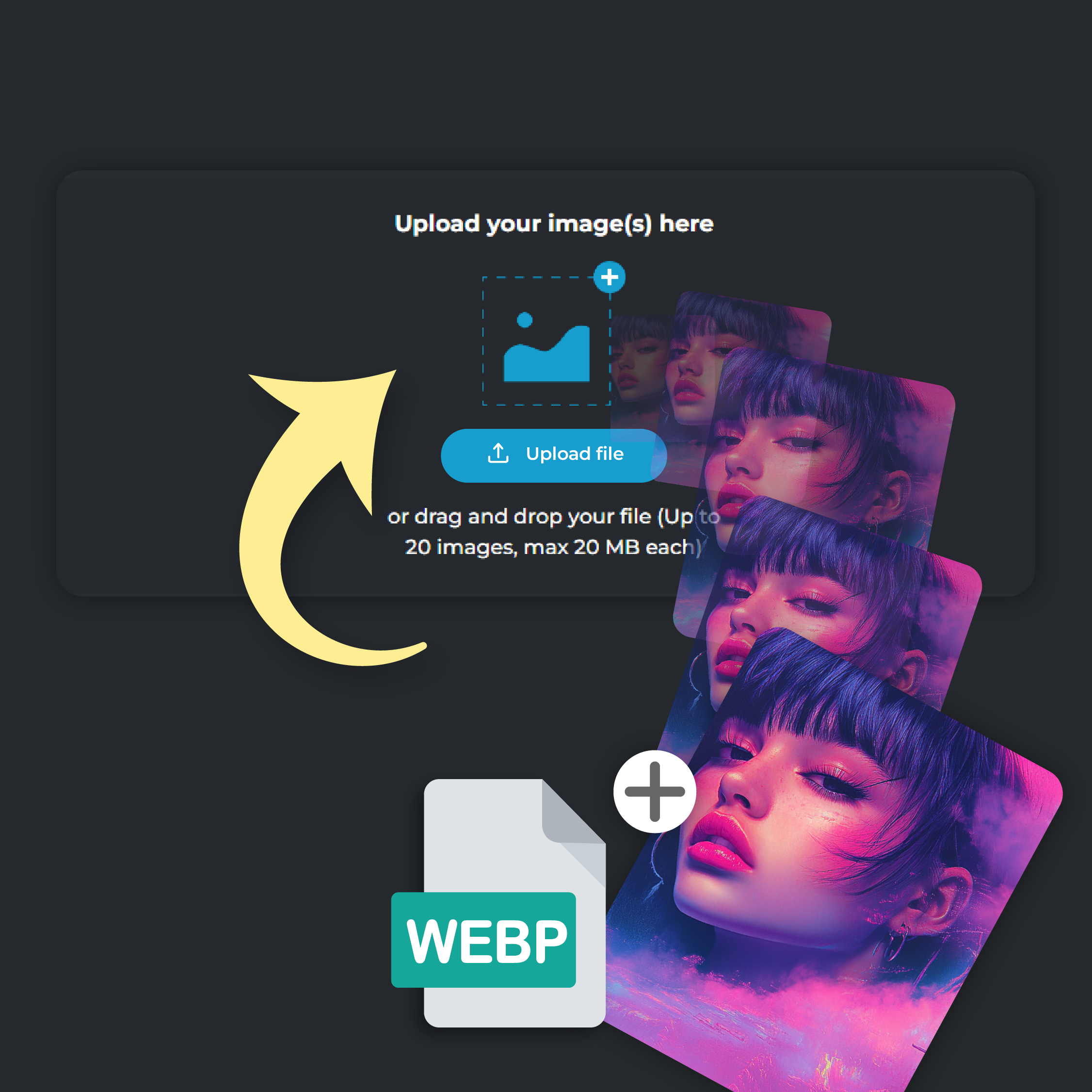
Step 1
Upload Your Photo
Click on ‘Add File’ to upload your WEBP image. You can upload up to 20 files at a time, each file size capped at 20 MB
Step 2
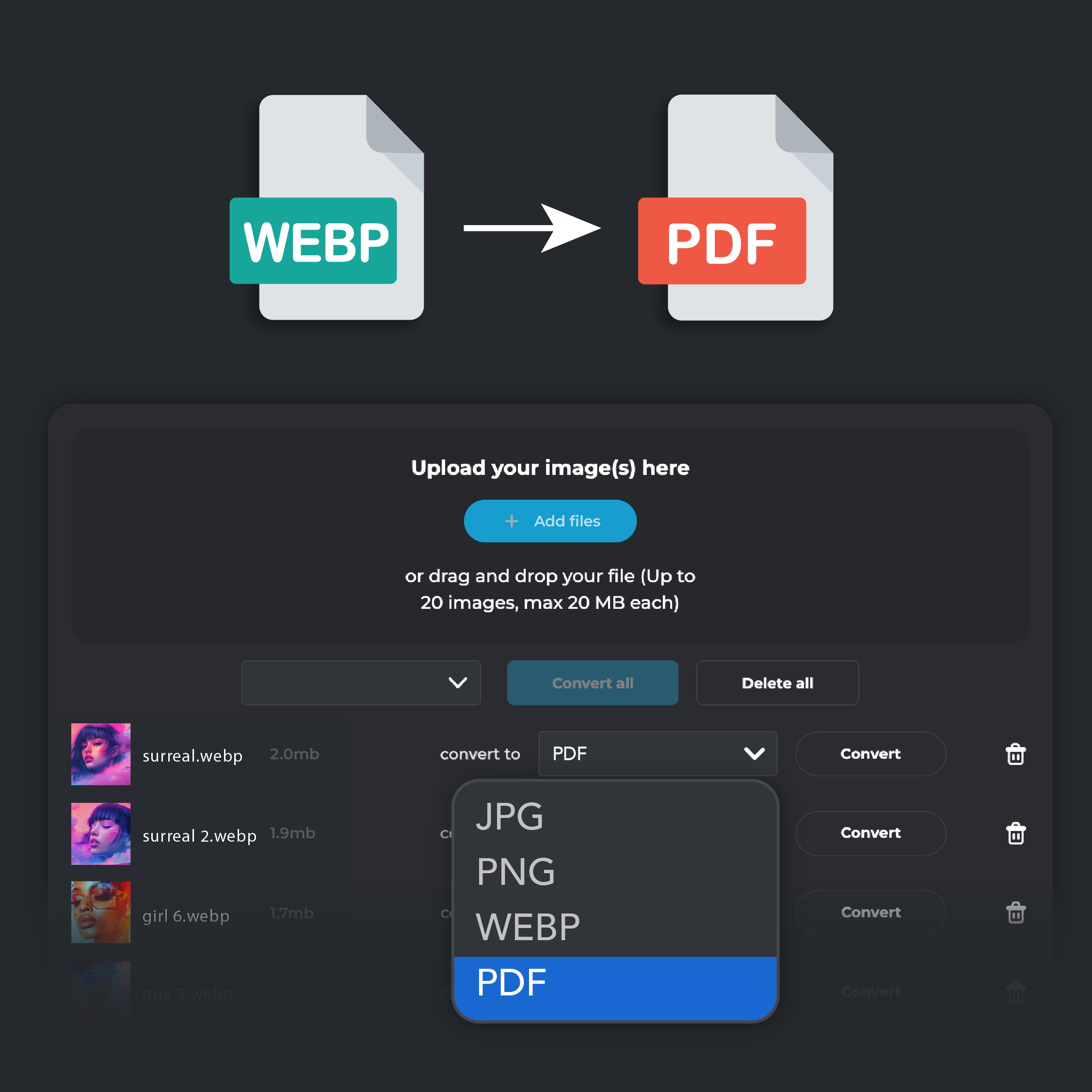
Select PDF Output
In the ‘Convert To’ drop-down menu, select PDF as your desired format
Step 3
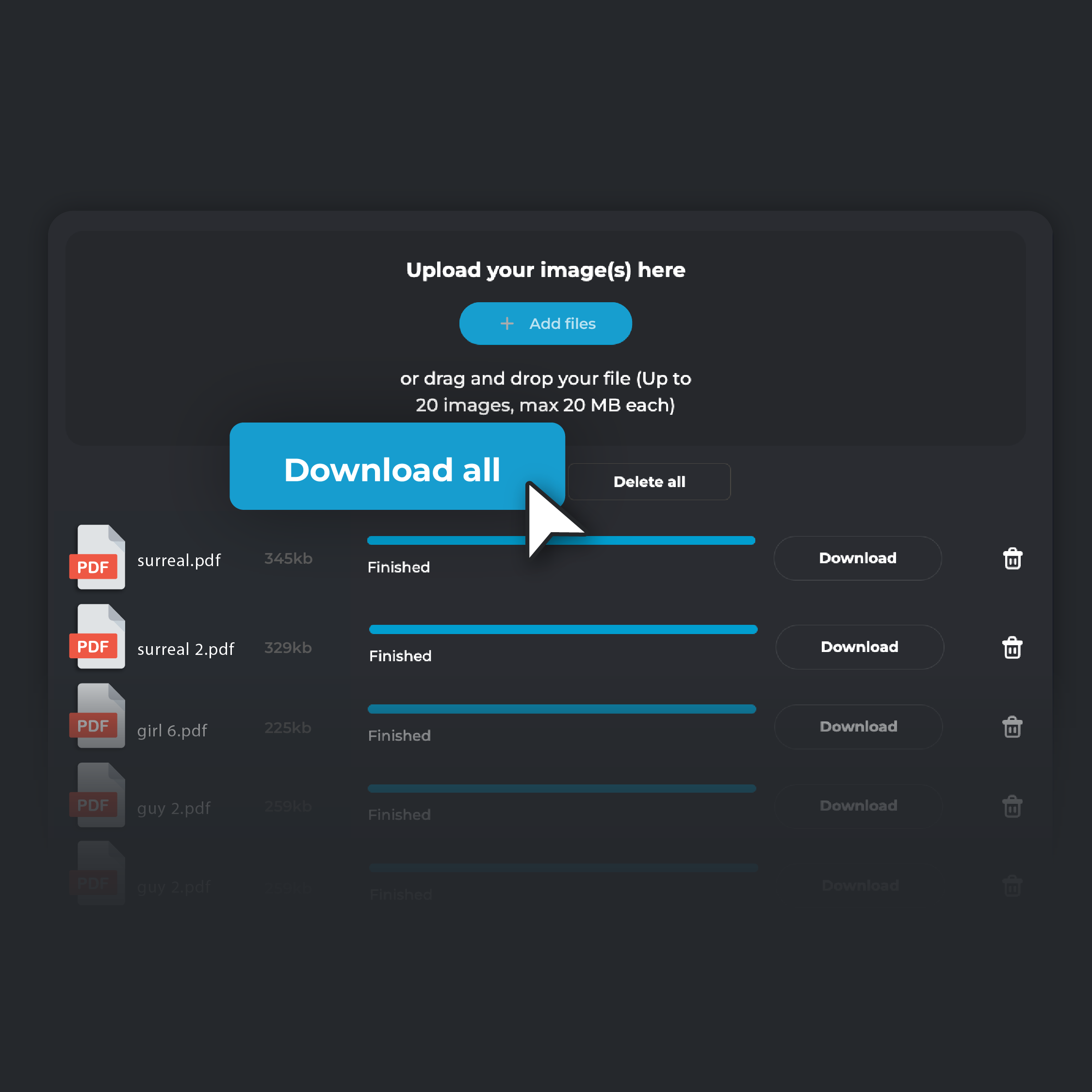
Convert and Download
Hit ‘Convert.’ Once the conversion is complete, click ‘Download’ to save the PDF file to your device. If you are converting multiple files, click on ‘Download all’. Your converted files will be automatically zipped in a single folder and stored on your device
Preserve Image Quality in PDF Format
PIXLR’s WebP to PDF converter keeps your images in top quality during conversion. This feature is essential for projects that rely on detailed graphics or high-resolution images. You won’t lose any clarity, so your visuals will look just as sharp in PDF format as they did in WebP. As a result, your PDF maintains a professional and clean appearance. When converting a WebP image of a product for a client proposal, you can count on the PDF to maintain every detail of the original image without any quality loss.
Universal Compatibility with PDF Format
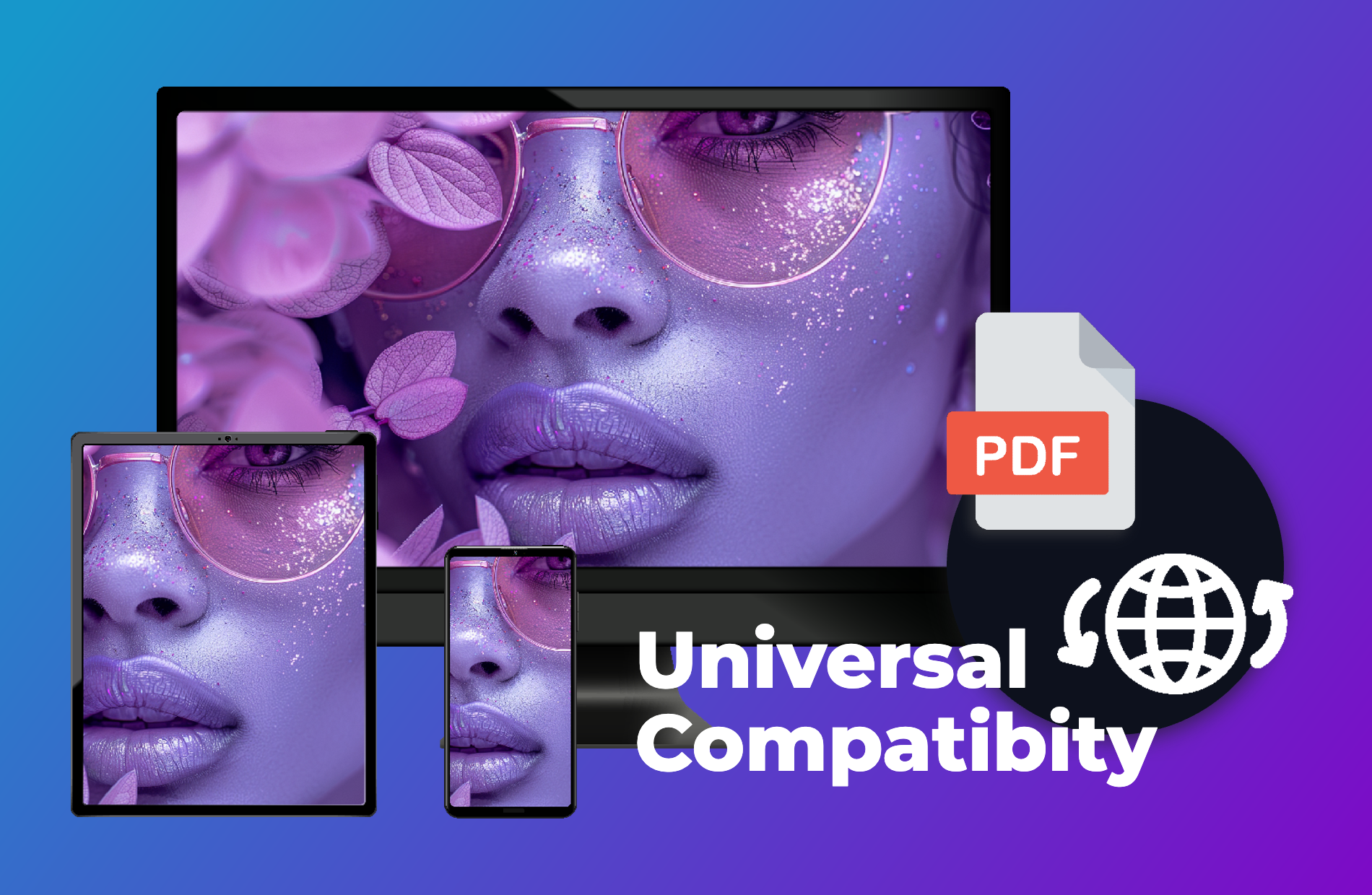
Converting WebP to PDF with PIXLR ensures that your files are compatible across all devices and platforms. PDF is universally accepted, making it the easiest format to share with others without worrying about whether they can open it. This makes collaboration smoother, especially when working with clients or colleagues who may not have specialized software for WebP images. If you’re sending project files to a client, converting them to PDF guarantees they can open and view the images without any additional steps or software
Transform Your WebP Files into Print-Ready PDFs
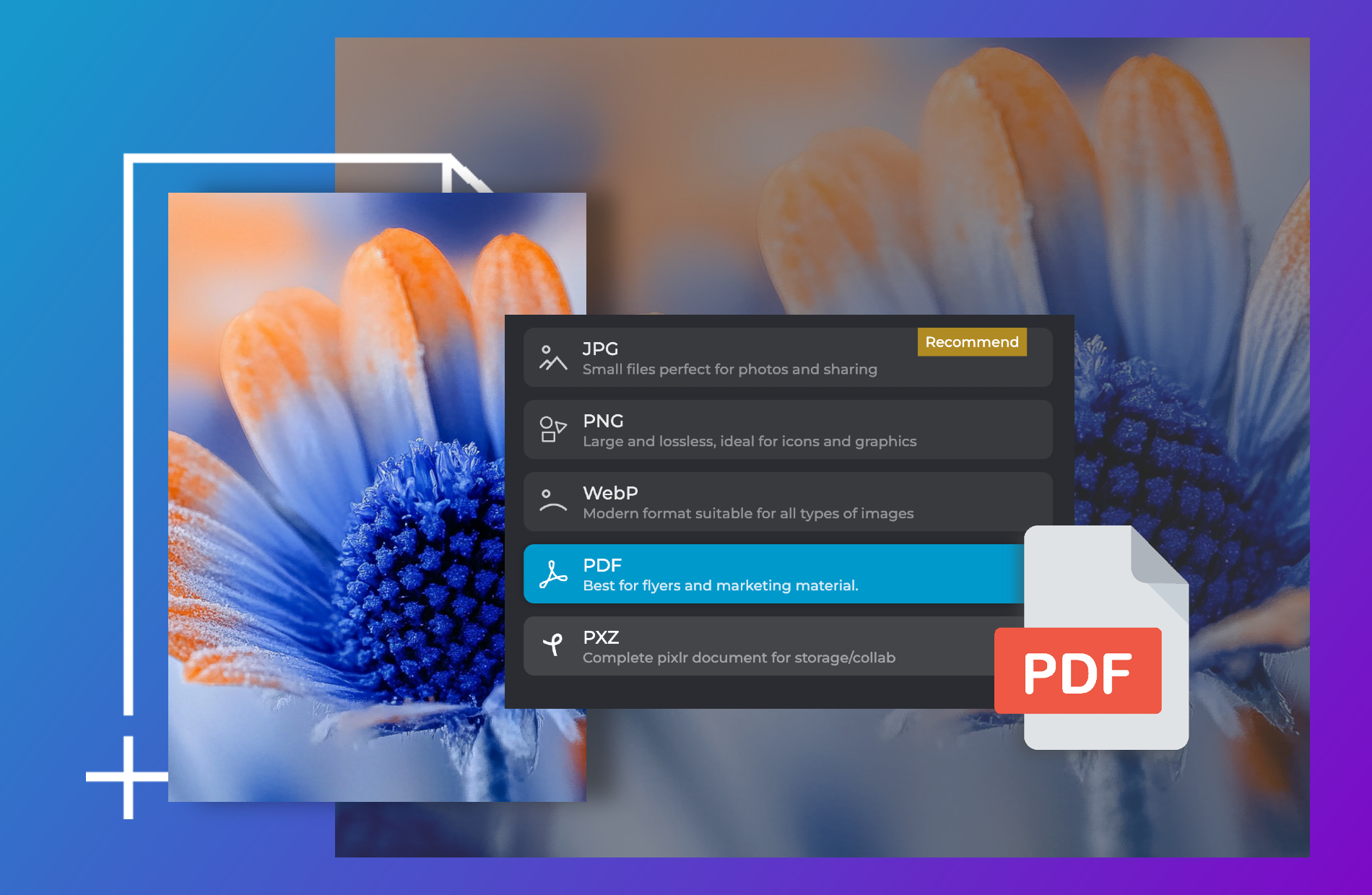
Get your WebP images print-ready with PIXLR’s WebP to PDF converter! PDF format is ideal for high-quality print projects, ensuring that your images remain sharp and vibrant in print. This is important when you need your final printed material, such as brochures or posters, to look as good on paper as it does on screen. The best part? Converting a WebP image to PDF before sending it to a print shop ensures that the printed result meets professional standards and delivers the best possible detailing and clarity of the design.
Secure and Reliable Conversion Process
PIXLR guarantees a secure and reliable WebP to PDF conversion process. The tool uses encryption to protect your files during upload and conversion, ensuring that your data stays private and safe. PIXLR also does not store your files after the conversion is complete, giving you full control over your documents. This security feature is crucial when working with sensitive images or confidential documents. If you’re converting images for a confidential project, you can ensure they are automatically deleted after processing
Do you have a Question?
What's the difference between WEBP and PDF?
WebP is an image format developed by Google, designed for efficient compression of images for the web. On the other hand, PDF (Portable Document Format) is a document format developed by Adobe, meant to preserve the formatting of documents across devices
Are there any file size limits for conversion?
Yes. Each file can be up to 20MB, and you can convert up to 20 images at once
Will the converted PDF maintain the original image quality?
Yes, Pixlr ensures that your converted PDFs retain the original quality of your WebP images. All details, colors, and sharpness are preserved in the final PDF output
Is the WEBP to PDF conversion free?
Yes, Pixlr offers WebP to PDF conversion completely free of charge. You can convert as many files as you need without any costs or hidden fees.
Can I use Pixlr's WEBP to PDF converter on any device?
Yes, Pixlr’s converter is accessible on any device with a browser, whether you're using a desktop, tablet, or smartphone.
How long does it take to convert WEBP to PDF?
The conversion process is fast, usually taking just a few seconds depending on the number of images, their sizes, and your internet speed.
Is my data secure when using Pixlr’s WEBP to PDF converter?
Yes, your data is secure. PIXLR uses encrypted connections to handle your files, and once the conversion is complete, your files are not stored on the server. For more information, check Pixlr’s Privacy Policy