Free Online Photo Collage Maker
Create stunning picture collages, image collages, and photo grids with Pixlr's free online collage maker. Drag and drop your photos into professionally designed layouts, customize borders and spacing, and download your collage in seconds.
Add your photos and our AI will suggest the best collage layouts

How To Create Photo Collages With Pixlr Photo Collage Maker
-
Upload Your Photos
At the top of the Collage Maker, click ‘Select Photos,’ and upload one or more photos.
-
Select The Template
The tool suggests templates based on your photo numbers; choose from a simple grid, creative shapes, or unique combinations.
-
Adjust The Settings
Drag and drop photos to arrange the cells, adjust spacing, borders, and corners.
-
Download Your Collage
Click ‘Save Collage’ to download your collage in PNG format.
Types of Collages You Can Create
Photo Grid
Arrange your photos in a clean grid layout — perfect for Instagram posts, mood boards, and simple photo collections.
Picture Collage
Combine your favorite pictures into a single image with creative shapes and arrangements that tell your story.
Collage Photo Frame
Add beautiful borders and frames around each photo in your collage for a polished, gallery-ready look.
Image Collage
Merge multiple images into one stunning composition — ideal for portfolios, product showcases, and visual storytelling.
Instagram Carousel Collage
Create multi-slide collages optimized for Instagram carousels and stories in 1:1 or 9:16 aspect ratios.
Endless Customization Options
Mix up your favorite photos in one beautiful collage with Pixlr's Free Photo Collage Maker. The AI smartly suggests various templates, making it easy to find the one that best fits your needs. Whether you're capturing the essence of a family gathering, a thrilling travel adventure, or your pet’s cutest moments, Pixlr has got you covered. Simply upload your photos and let the tool create a stunning collage for you. Choose from different aspect ratios to perfectly match your platform, be it Instagram, photo books, or blog banners. With the simple drag-and-drop functionality, you can reposition photos effortlessly. Customize every detail, ensuring your collage looks professional and personalized.
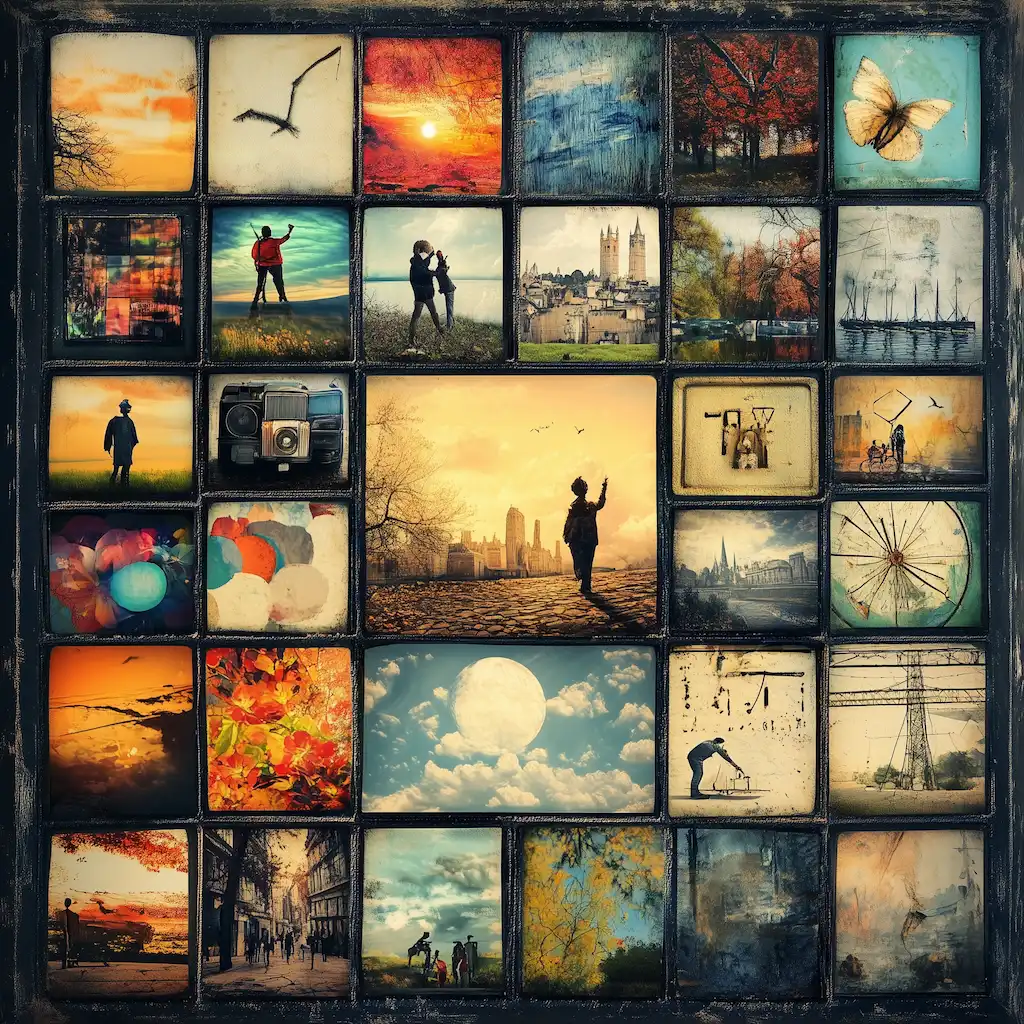
Smart AI Layout Suggestions
Finding the perfect template for your collage can be challenging, but Pixlr’s smart AI is here to help. After uploading your photos, the tool automatically suggests the best layouts based on the number of images. You get a preview of your first collage, with additional template options displayed below. Simply slide through the suggestions until you find the one that perfectly arranges your photos. This intelligent feature saves you time and enhances creativity, ensuring your collage looks exactly as you envisioned. Let Pixlr’s AI transform your collection of photos into a cohesive, stunning collage with just a few clicks.
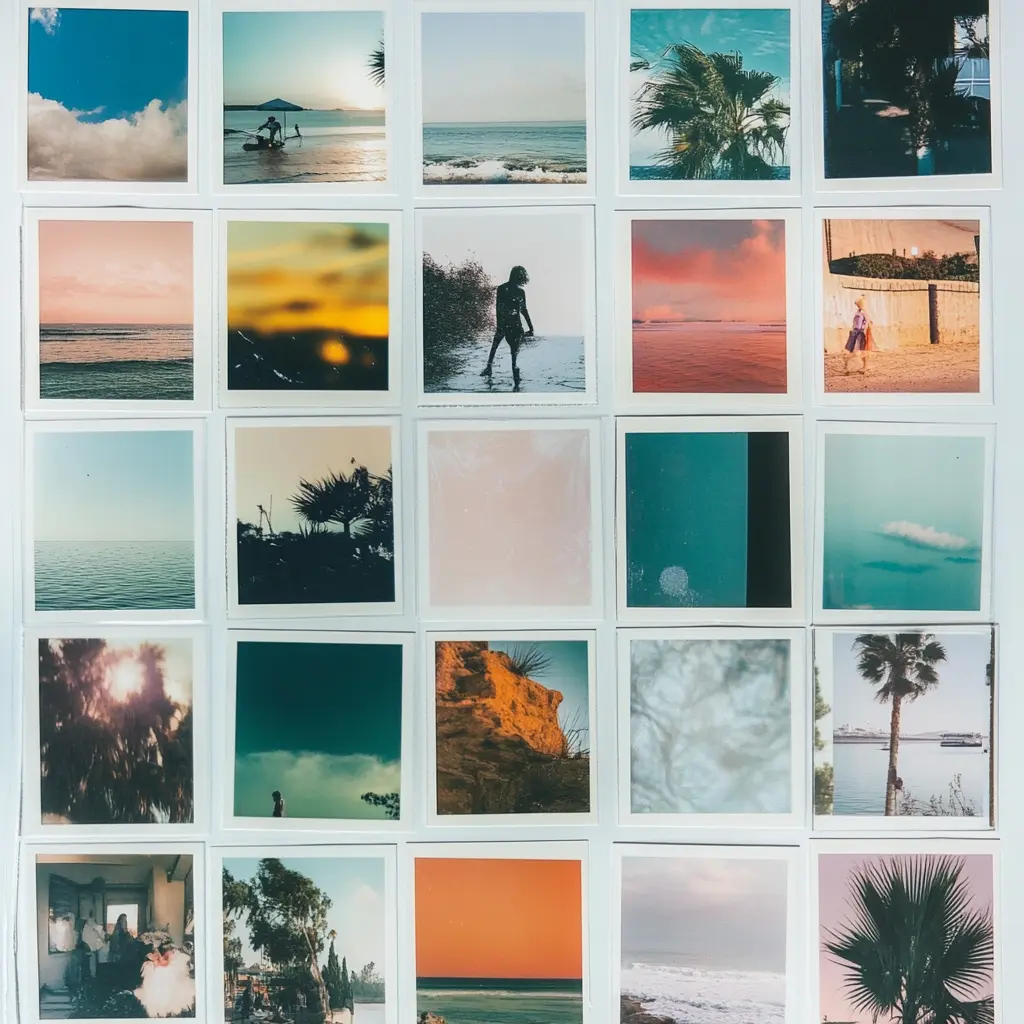
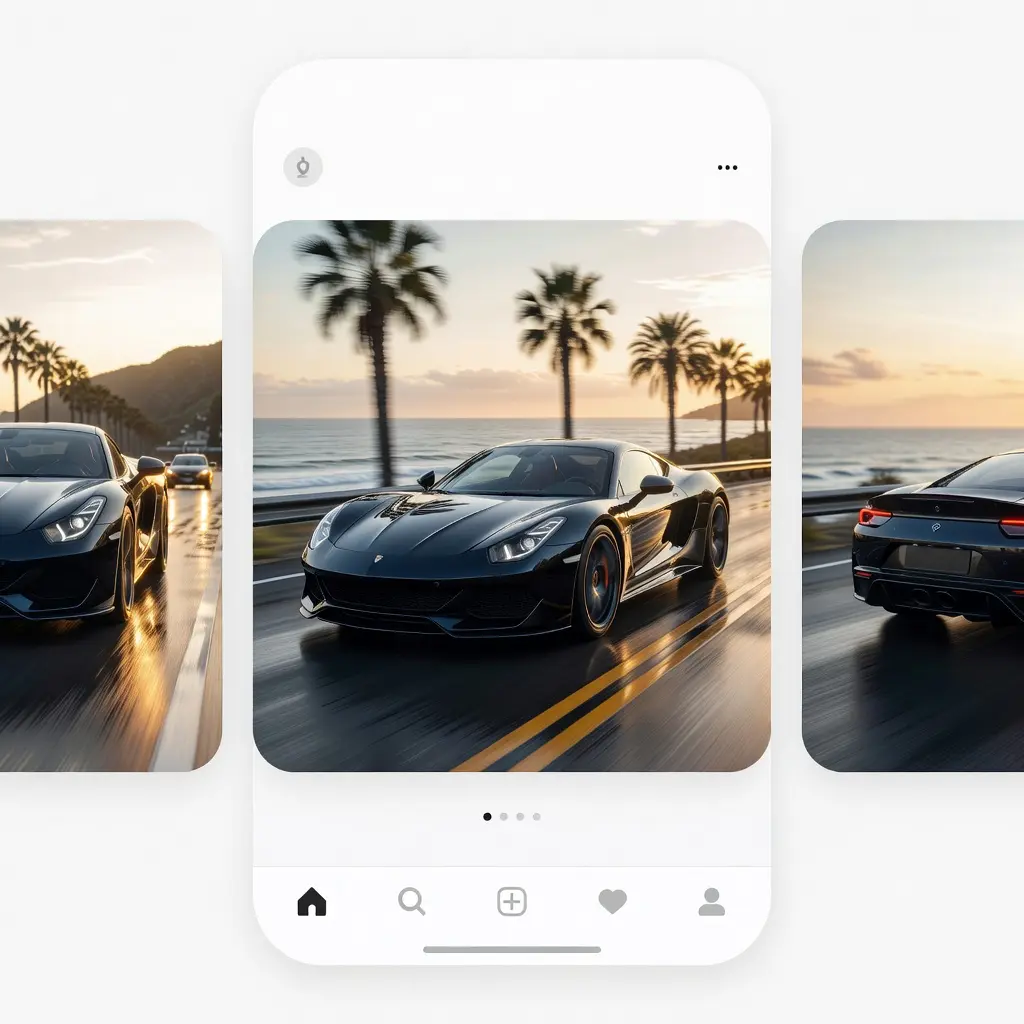
Create Instagram Carousel Collages
Turn your photos into scroll-stopping Instagram carousels with Pixlr's free collage maker. Switch to Carousel mode to split your collage across multiple slides, each perfectly sized for Instagram. Add or remove slides, drag and drop photos between them, and preview every frame before you save. Whether you're building a swipeable product showcase, a travel highlight reel, or a multi-slide story, the carousel collage maker handles the formatting so you can focus on the content. Download each slide individually or as a set, ready to post.
Create Collages Whenever, Wherever
Say goodbye to the days of being stuck at your desktop for collage creation. With Pixlr’s Free Photo Collage Maker, you can access your project from any device, anywhere. Even if you are at home, in the office, or traveling, you can create stunning collages whenever inspiration hits. Capture and share your memories on the go with ease. Pixlr Editor Mobile App brings this convenience to your fingertips, allowing you to create and edit wherever you are. Perfect for both personal and professional use, Pixlr ensures you have the flexibility to design beautiful collages anytime, anywhere.
Customize Collage With Stickers, Texts, And More
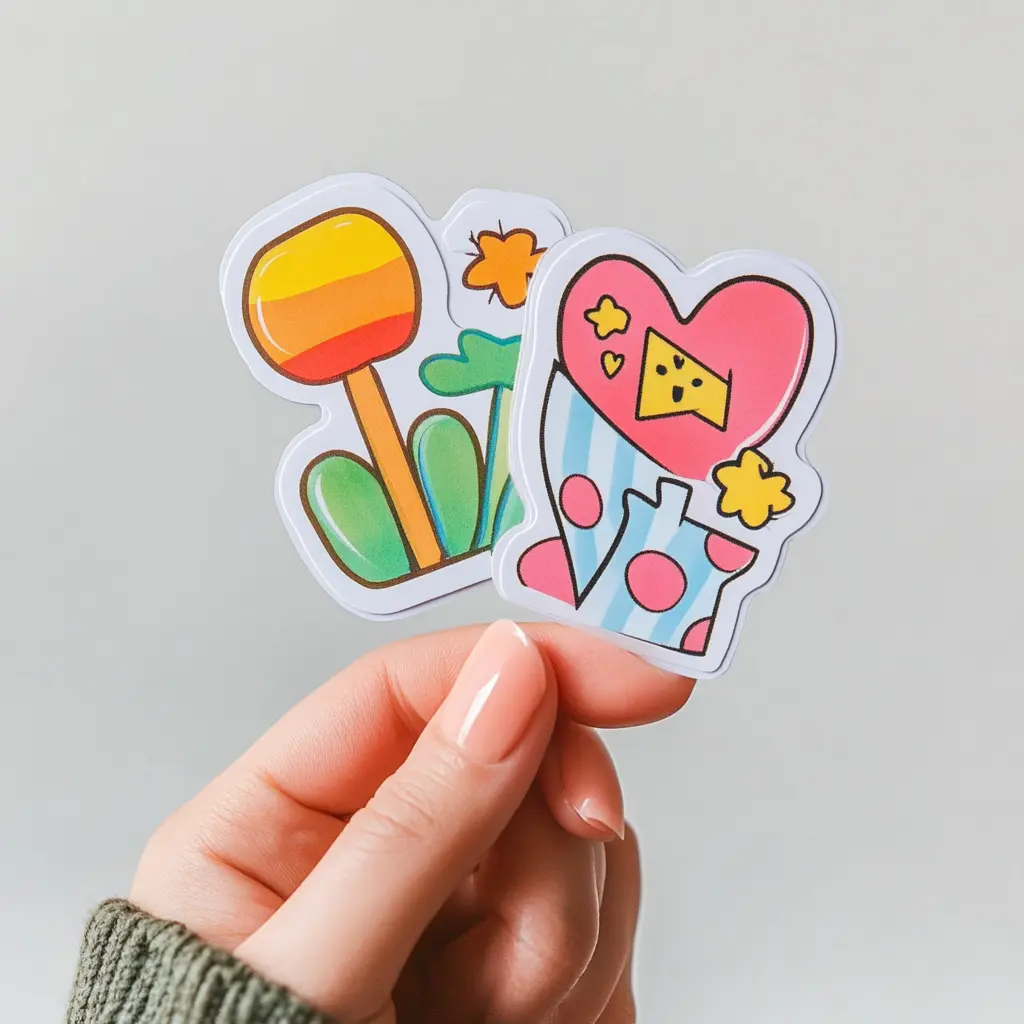
Take your collages to the next level with Pixlr Express. After creating your collage, export it to Pixlr Express to add stickers, text, and other creative elements. Choose from a wide variety of stickers to add a fun and personal touch to your images. Add text to convey messages or captions, adjusting fonts, sizes, and colors to match your design. These additional customization options allow you to create truly unique and engaging collages that stand out. Whether for social media posts, personal albums, or marketing materials, Pixlr provides the tools to make your collages memorable.
Beautiful Collage Ideas To Kickstart Creativity
Pixlr’s Free Photo Collage Maker opens a world of creative possibilities. Create personal photo albums that beautifully compile your favorite moments from special events, family gatherings, or everyday life. Create unique gifts by combining meaningful photos into one beautiful collage for special occasions. Document your travel adventures with stunning visual stories, or develop professional portfolios that highlight your creative projects. For e-commerce, craft high-quality product ads that stand out and attract customers. Design engaging social media posts that capture your audience’s attention and boost your online presence. Whether it's event-themed collages, professional collages, or personalized ones, Pixlr helps you bring your ideas to life.
Do you have a Question?
What is a Photo Collage?
A photo collage is a collection of images that are put together to make a single photo. The traditional art involved cutting photos into pleasing shapes or trimming out specific images for placement, but digital photo manipulation opens many new possibilities, including blending images to make a seamlessly realistic picture. Our Auto collage maker speeds this process up and suggests tons of variants that you simply click and select.
Is Pixlr's Collage Maker free?
Yes, Pixlr's Collage Maker is completely free to use, offering a wide range of features without any cost.
How do I create a visual story with the free online collage maker?
Crafting your personalized photo collage allows you to showcase cherished moments in a new way. Whether you aim to add flair to vintage photos or weave a narrative with visuals, the free online photo collage maker empowers you to create unique collages effortlessly. Utilize the complimentary photo collage maker to swiftly and seamlessly fashion stunning collages, enjoying the process of layering your preferred images within a cohesive design. Embrace the photo collage maker online, available for free.
How do I make a picture collage online?
Making a picture collage online is simple with Pixlr. Upload your pictures, choose from AI-suggested layouts, drag and drop to rearrange, customize borders and spacing, then download your finished picture collage as a PNG — all for free, no signup required.
How do I make a standout photo collage?
For a photo collage that stands the test of time and leaves a lasting impression, take into account your unique style preferences and the intended display location. Embrace creativity in the layout while ensuring a well-balanced design by incorporating ample white space around images or text. Consider adhering to a specific theme, such as a summer vacation or a pet gallery, to enhance the cohesion and aesthetic appeal of your photo collage.
Can I add frames to my photo collage?
Yes! Pixlr's collage photo frame feature lets you customize borders around each image. Adjust the spacing between photos, pick a border color, and choose from square or rounded corners to create a polished, framed look for your collage.
Can I edit the images in my photo collage?
Yes, you can edit the images in your photo collage. After creating your collage, you can use Pixlr Express to add stickers, text, and other creative elements to enhance your collage.
What is the best free online collage creator?
Pixlr's free online collage creator stands out with AI-powered layout suggestions, drag-and-drop simplicity, customizable borders and corners, Instagram carousel support, and instant PNG downloads — all without requiring an account or payment.
How do I organize the photos in my collage?
Select photos to add to your Photo Collage and then you can move the photo inside the grid or simply drag and drop the photo into other collage cells.
How many photos can I add to a collage?
You can add multiple photos to your collage and the AI will automatically suggest the best layouts based on the number of images. Whether you have 2 photos or 10+, Pixlr's collage maker will find the right arrangement for you.
Can I create an Instagram collage with the free Collage Maker?
Yes! Pixlr's collage maker has a dedicated Carousel mode built for Instagram. Toggle between Single and Carousel at the top of the tool, then add or remove slides as needed. Single collages work best at 1:1 for Instagram posts, while carousel slides are auto-sized for swipeable multi-image posts. For Stories, switch to 9:16 aspect ratio. You can drag and drop photos between slides, preview each frame, and download them all ready to upload.
 Add Image