Free JPG To PDF Converter
Effortlessly transform your JPG images into sharp, professional PDFs at no cost. Enjoy unlimited conversions with no watermarks

Popular Conversions
Here we collected the most common file conversions
- JPG to PNG
- JPG to WebP
- JPG to PDF
- PNG to JPG
- PNG to WebP
- PNG to PDF
- WebP to JPG
- WebP to PNG
- WebP to PDF
- PDF to JPG
- PDF to PNG
- PDF to WebP
Perks Of Pixlr JPG To PDF Converter

High-Quality Output
Your images stay sharp, making a professional PDF

Batch Conversion
Convert multiple JPGs to PDFs in one go, saving time

Free and Accessible
Use it for free, with no downloads needed, anytime
How To Convert JPG To PDF Online
Step 1
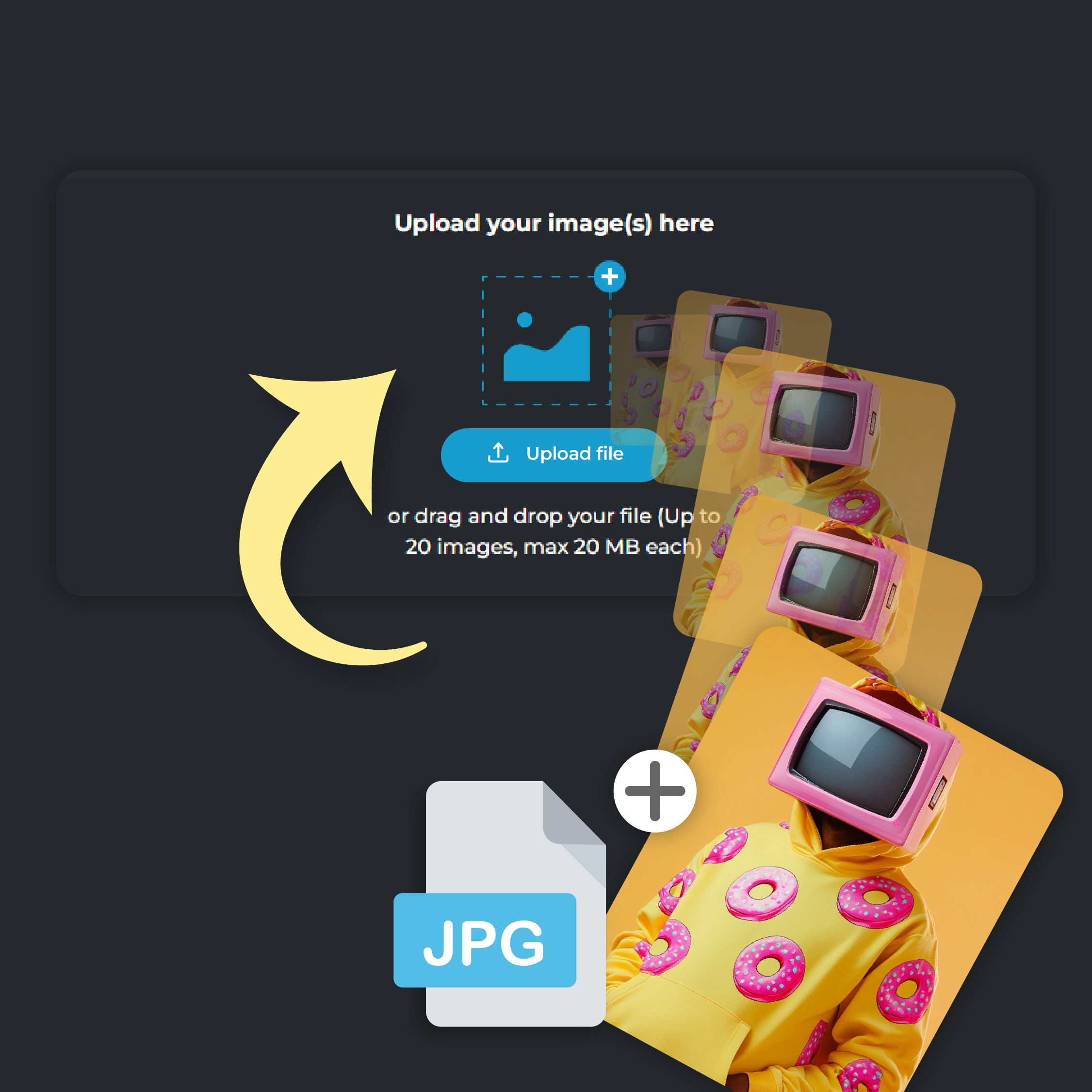
Upload Your Photo
Click on ‘Add File’ to upload your JPG image. You can upload up to 20 files at a time, each file size capped at 20 MB
Step 2
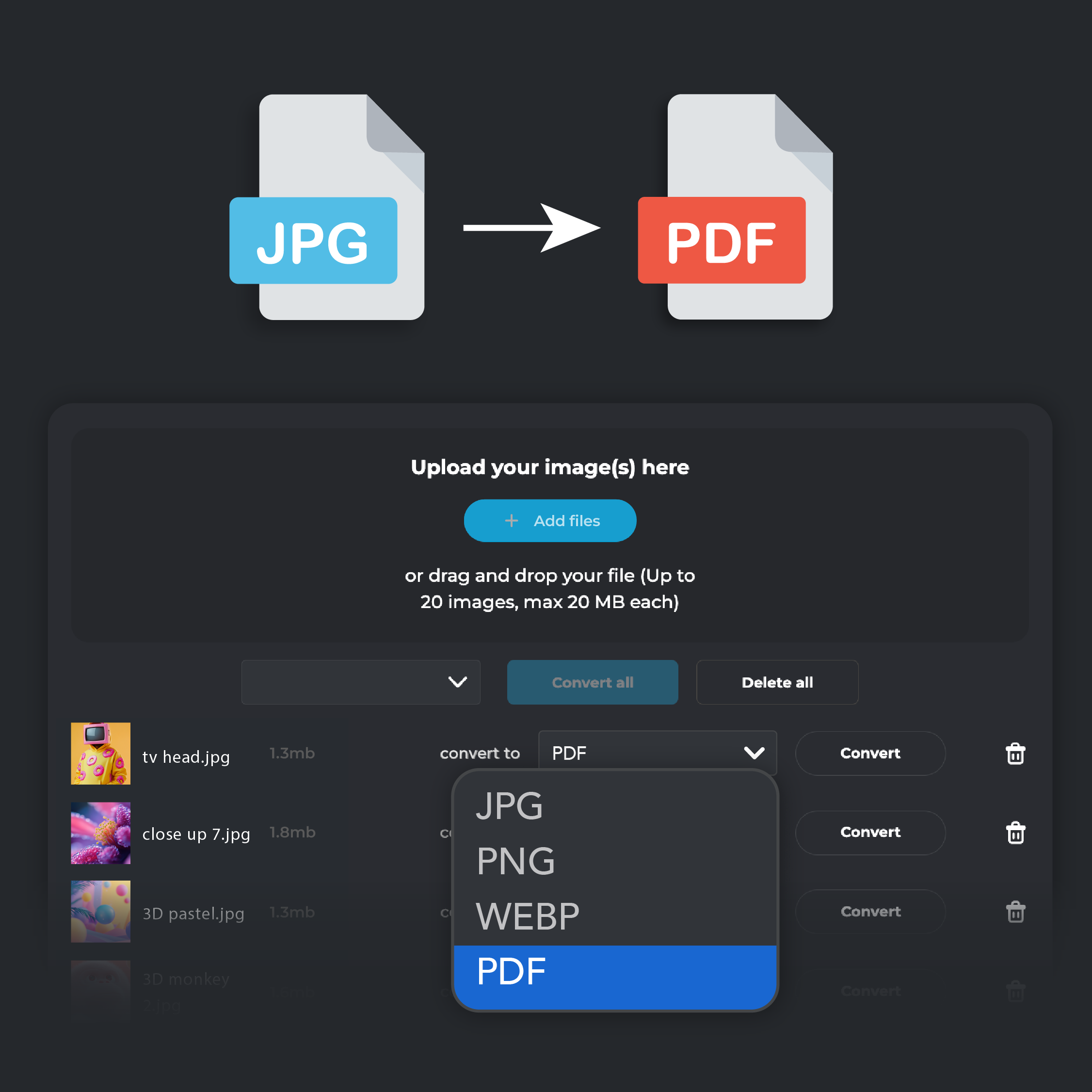
Select PDF Output
In the ‘Convert To’ drop-down menu, select PDF as your desired format.
Step 3
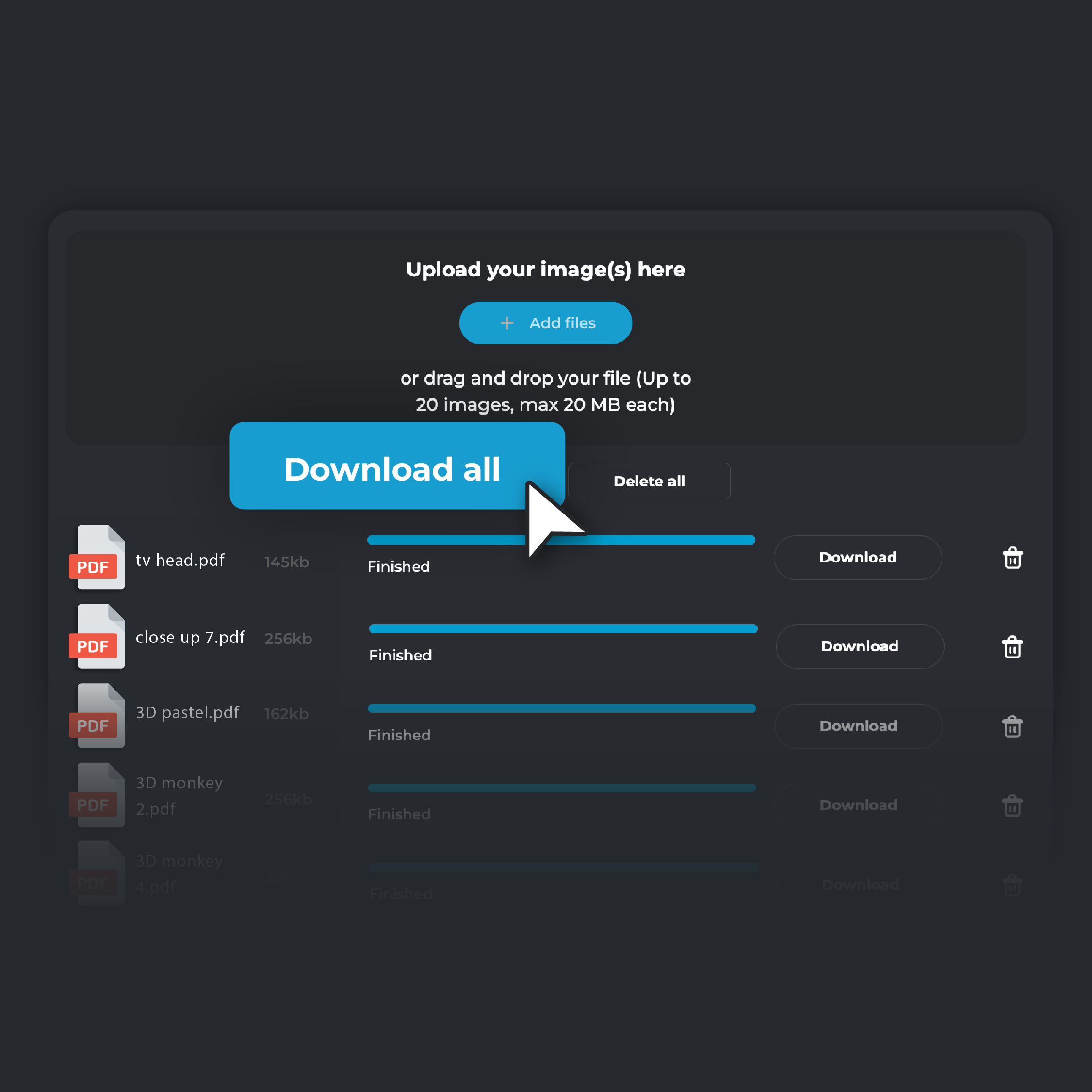
Convert and Download
Click ‘Convert.’ Once the conversion is complete, click on ‘Download’ to save the PDF file to your device. If you are converting multiple files, click on ‘Download all’. Your converted files will be automatically zipped in a single folder and stored on your device.
Access And Share Your Images Anywhere
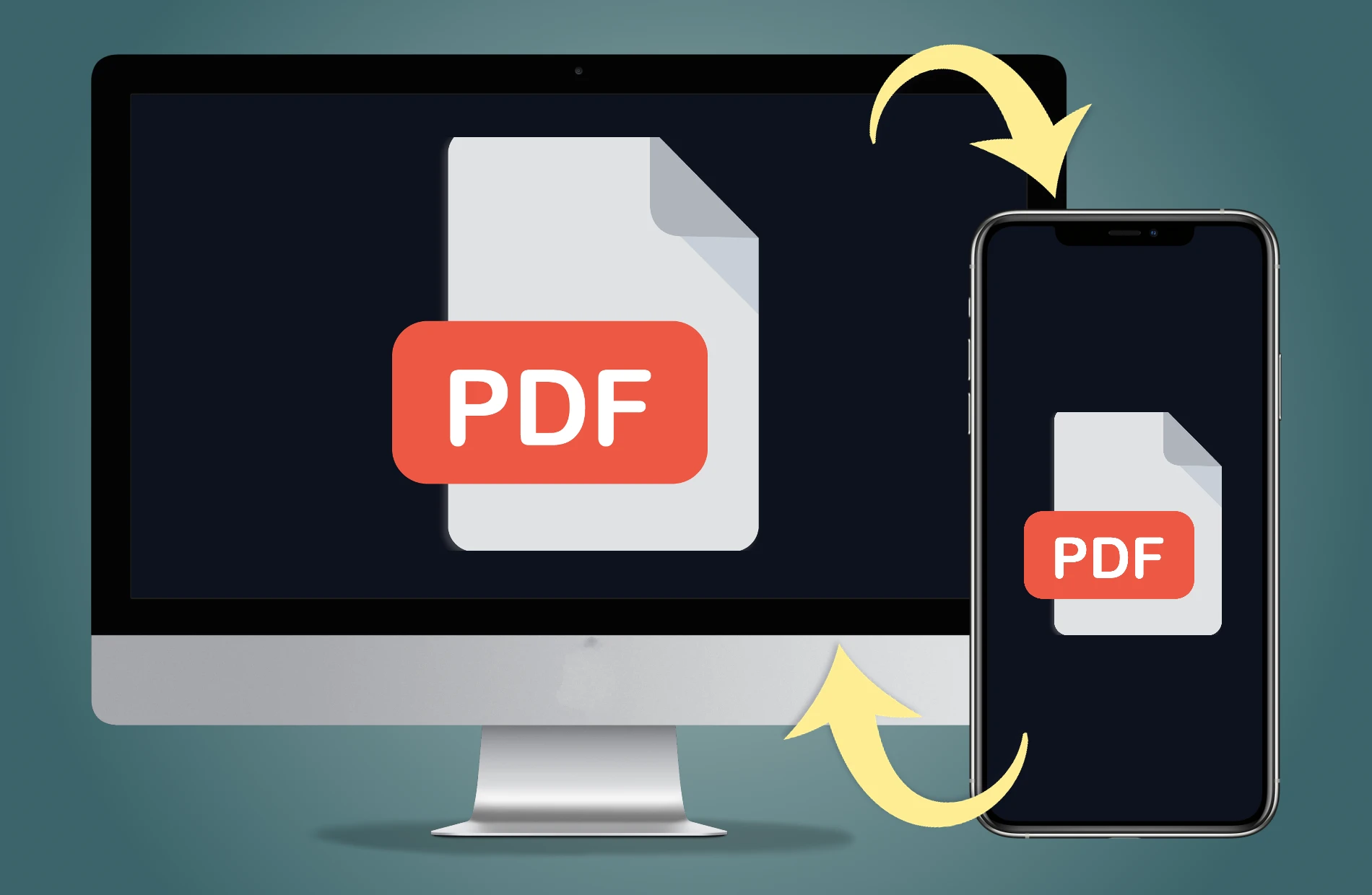
Make your images more accessible and easier to share by converting them to PDF. PDFs work across all devices and operating systems, ensuring your images can be viewed seamlessly by anyone, anywhere. Plus, with their smaller file sizes, sharing via email or other platforms becomes a breeze, making collaboration smoother and more efficient.
Save Up Necessary Storage Space
Keep your photo collection organized and free up storage space by converting your JPG files to PDF. Our converter compresses your images into smaller, more manageable file sizes while preserving their quality. With less storage needed, you can avoid the hassle of purchasing extra space and keep all your cherished memories in one place.
Preserve The Original Image Quality
Ensure that your images stay as vibrant and detailed as ever when you convert them from JPG to PDF. Our tool preserves every detail, so your photos look just as good in PDF format as they did originally. This is perfect for creating high-quality portfolios, presentations, or keepsakes without any loss of visual integrity.
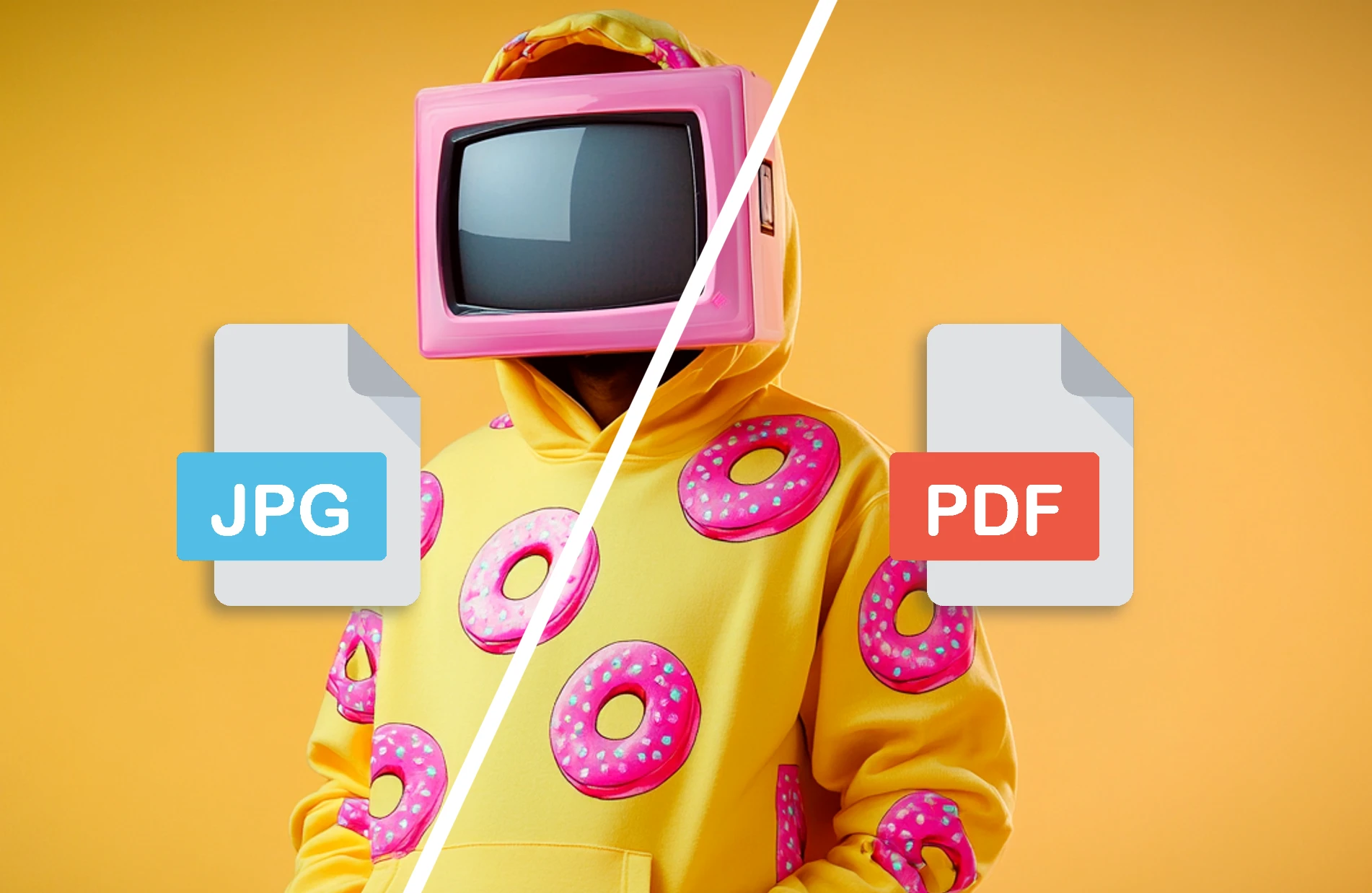
Create Professional-Looking PDFs
Convert your JPG images into sleek, professional PDFs that are perfect for presentations, reports, or portfolios. With Pixlr's jpg to pdf converter, you can transform images into professional-grade PDF files, ensuring they’re displayed with clarity and professionalism. Whether for business or personal projects, this feature helps you present your visuals in a refined and organized format, ready to impress.
Do you have a Question?
What's the difference between JPG and PDF?
JPG (or JPEG) is an image format best suited for photos and images, offering good compression and quality balance. PDF, on the other hand, is a document format that can contain text, images, and other elements
Is there a file size limit when converting JPG to PDF?
Yes. Each file can be up to 20MB, and you can convert up to 20 images at once
Will my image quality be preserved after conversion?
Yes, PIXLR’s converter ensures that your images retain their original clarity and detail when converted to PDF. You don’t have to worry about any loss in image quality
Is the JPG to PDF conversion free on PIXLR?
Yes, PIXLR offers this conversion service completely free of charge. You can convert up to 20 JPG files at one go
How long does it take to convert JPG to PDF?
The conversion process is fast and typically takes just a few seconds, depending on the number of images, their sizes, and your internet speed. PIXLR’s converter is optimized for speed, so you can quickly get your PDF files
Is my data secure when using PIXLR’s JPG to PDF converter?
Yes, your data is secure. PIXLR values your privacy and uses secure connections to handle your files. For a more detailed understanding, visit Pixlr’s Privacy Policy page