Free PNG To WEBP Converter
Convert your PNG files to WebP effortlessly for faster websites and better image management. Ideal for developers and designers needing a quick, free solution to optimize visuals.

Popular Conversions
Here we collected the most common file conversions
- JPG to PNG
- JPG to WebP
- JPG to PDF
- PNG to JPG
- PNG to WebP
- PNG to PDF
- WebP to JPG
- WebP to PNG
- WebP to PDF
- PDF to JPG
- PDF to PNG
- PDF to WebP
Why Pixlr PNG To WEBP Converter

Fast Conversion Speed
Convert PNG to WebP in seconds

Batch Processing
Convert up to 20 PNG files at once.

Easy-To-Use
Simple interface, works with a few clicks
How To Convert PNG To WEBP Online
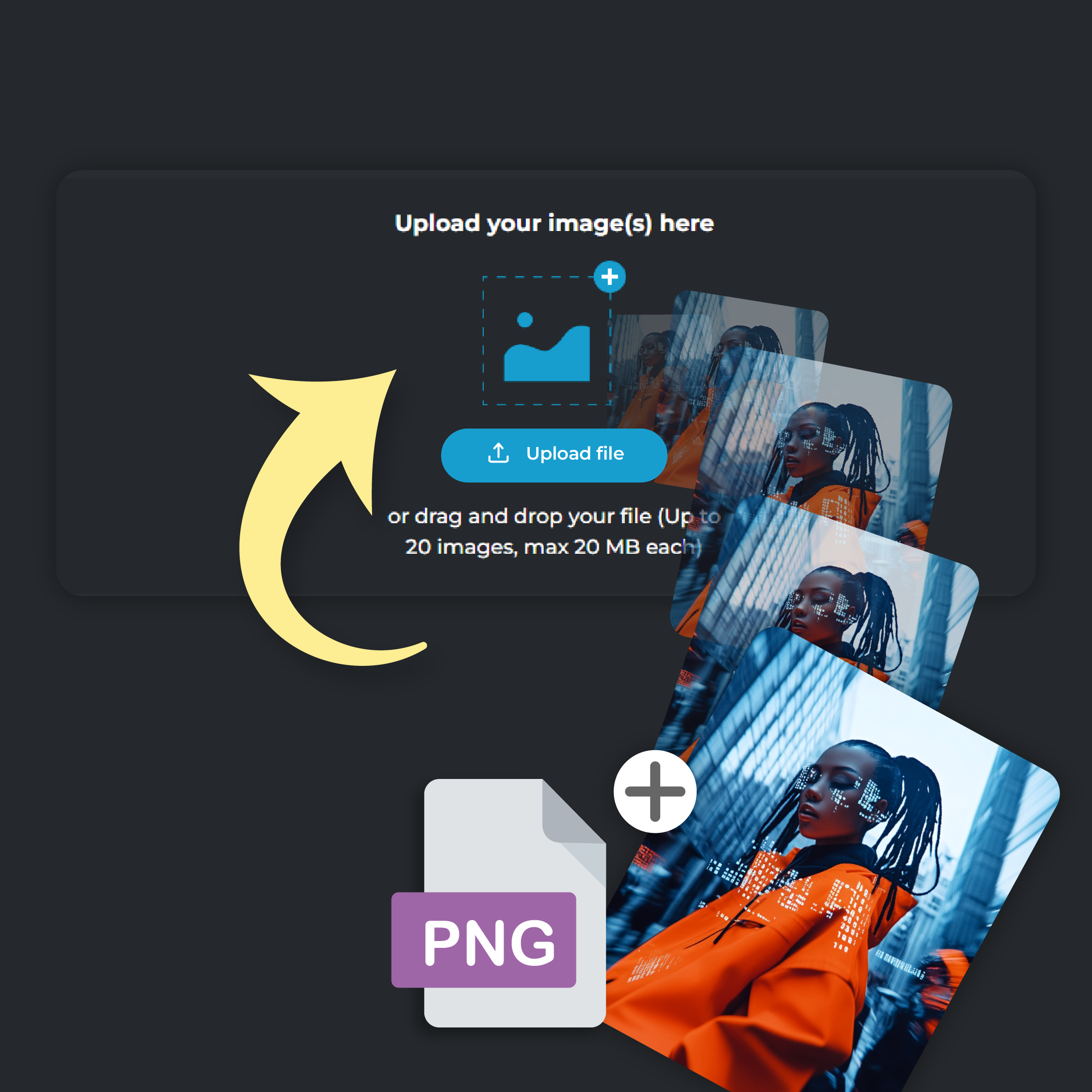
Step 1
Upload Your Photo
Click on ‘Add File’ to upload your PNG picture. You can upload up to 20 files at a time, each file size capped at 20 MB
Step 2
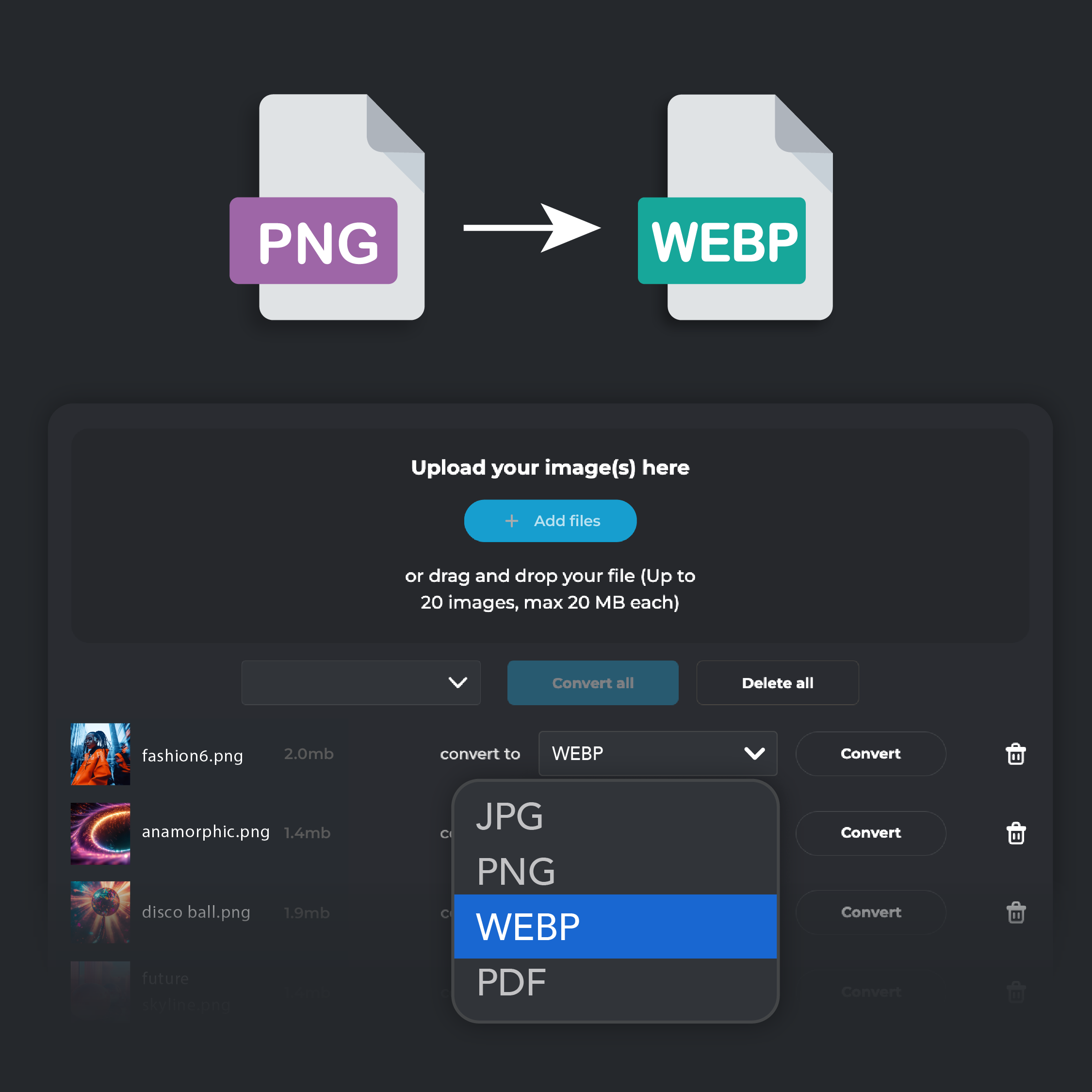
Select WebP Output
From the ‘Convert To’ drop down menu, select WebP format
Step 3
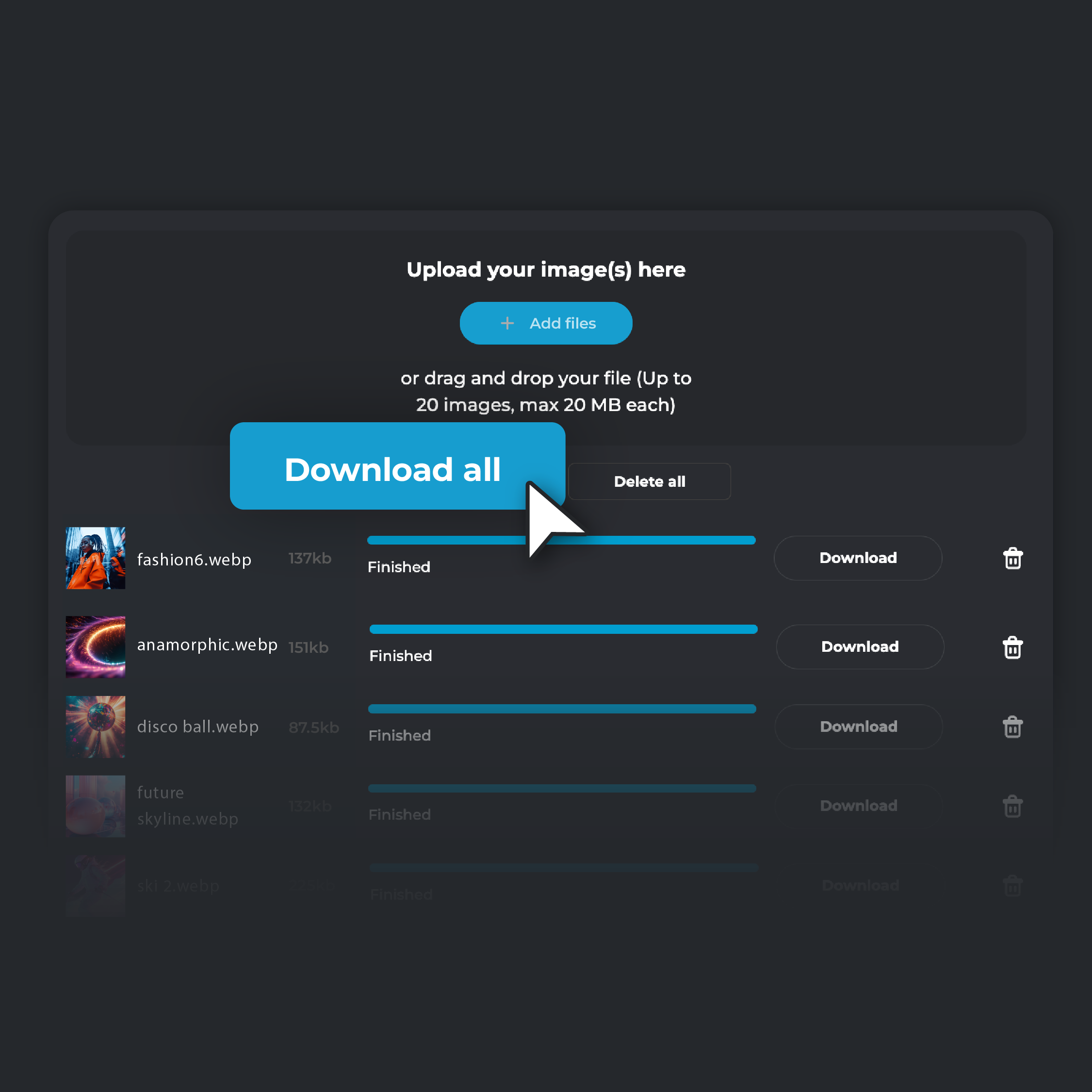
Convert and Download
Click 'Convert.' When the conversion is complete, select 'Download' to save the converted image to your device. If you are converting multiple files, click on ‘Download all’. Your converted files will be automatically zipped in a single folder and stored on your device.
Supercharge Your Website Speed
Boost your website's loading times by converting your PNG images to WebP. WebP’s cutting-edge compression technology significantly reduces file sizes while maintaining image quality. This ensures that your pages load faster, providing a smoother experience for your visitors and enhancing your SEO performance. Faster loading times not only keep your audience engaged but also help your site rank better on search engines

Keep Your Images Crisp and Clear
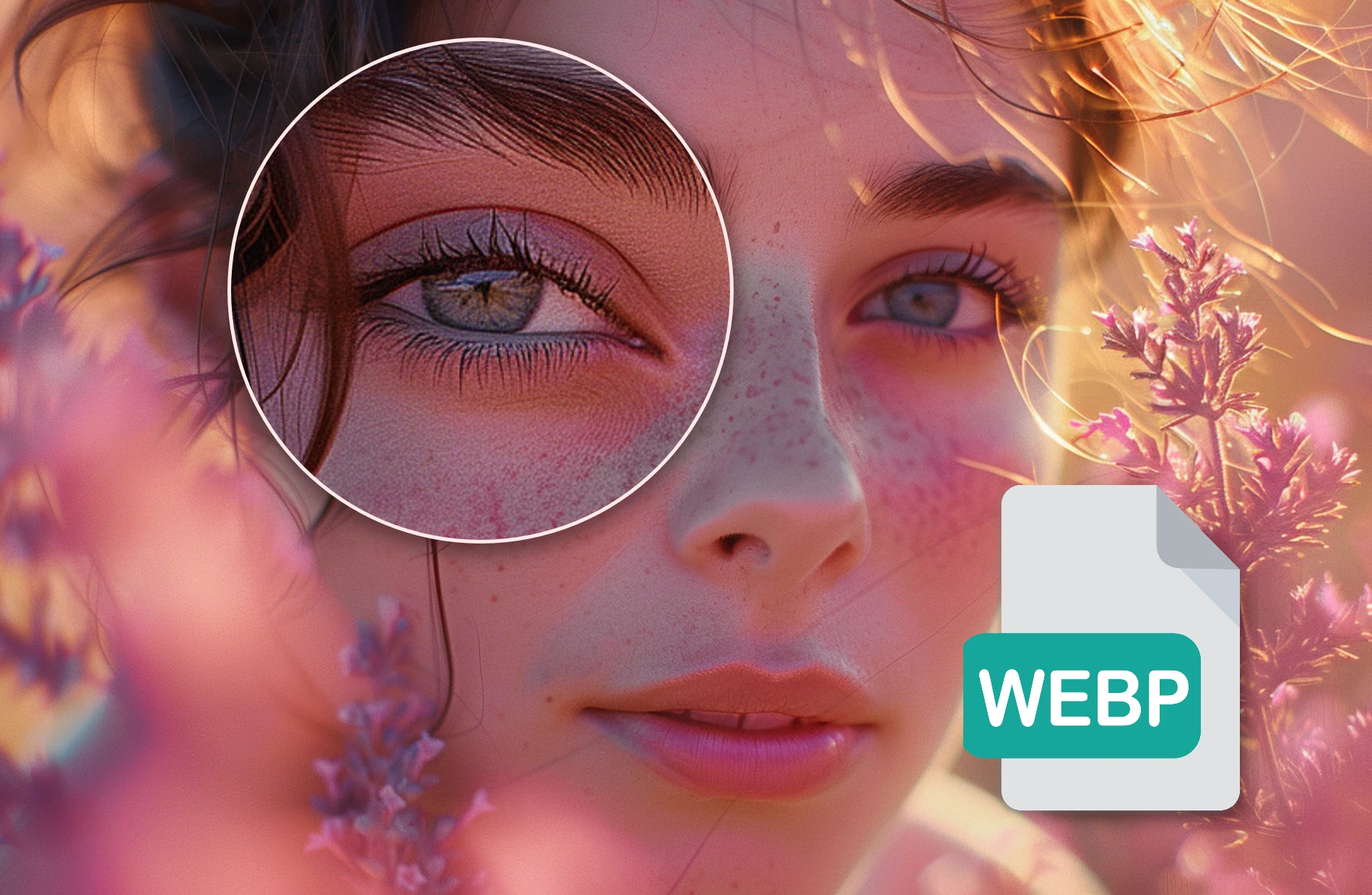
Convert your PNG files to WebP to maintain the clarity and detail of your images while enjoying the benefits of reduced file sizes. WebP’s lossless compression allows you to produce high-quality visuals for your needs without compromising on image quality. This is especially important for websites that showcase high-resolution graphics, as it ensures your images look sharp and professional on any device
Maximize Your Server Storage Space
Optimize your server storage by converting PNG images to WebP. With 25%-34% smaller file sizes than PNG, WebP allows you to store more content and save substantial storage space on your server or content management system. This efficiency not only improves your website’s performance but also helps reduce hosting costs, making WebP an economical choice for long-term image management.
Convert Multiple PNG files In One Go
Streamline your image conversion process by converting multiple PNG files to WebP at once. Pixlr’s batch conversion feature makes it easy to handle large image libraries quickly, saving you time and ensuring consistency across all your web projects. This is an ideal solution for web developers and designers looking to optimize their images quickly and efficiently
Do you have a Question?
What is a WebP file?
A WebP file is an image format that provides superior compression while maintaining high image quality. It's designed to reduce file sizes significantly, making it ideal for web use where speed and efficiency are crucial
What’s the difference between PNG and WebP?
The main difference between PNG and WebP is that WebP offers better compression, resulting in smaller file sizes without compromising image quality
Why should I use WebP over PNG?
Using WebP over PNG can significantly improve your website's performance. WebP reduces image file sizes, leading to faster load times and improved user experience. It’s a modern format supported by most browsers
Is it free to use Pixlr’s PNG to WebP converter?
Yes, converting PNG to WebP using Pixlr is completely free. You can easily convert your images online without any cost
Does WebP support transparency and animation?
Yes, WebP supports both transparency (including partial transparency) and animation, making it a great alternative to PNG for transparent images and GIFs for animations.